
What is an Infinite Canvas AI Art Generator?
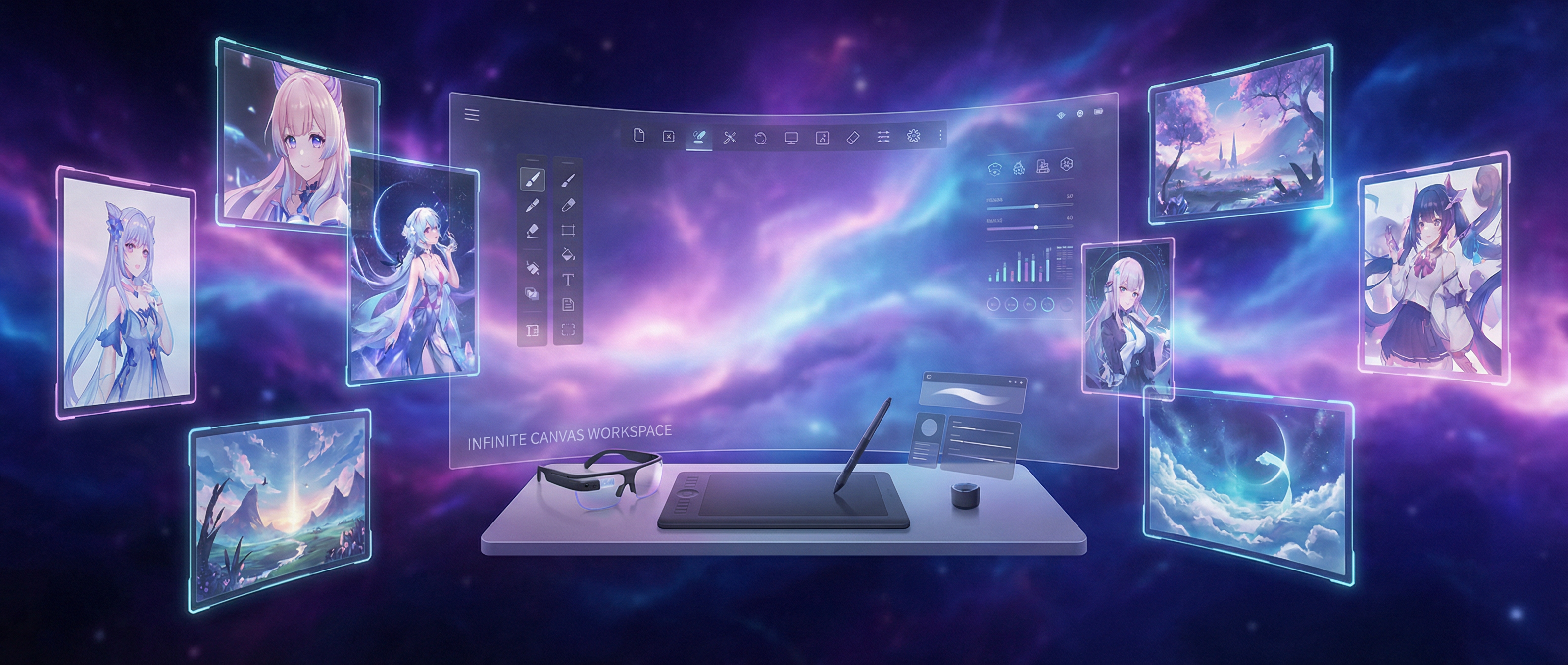
An infinite canvas AI art generator is a revolutionary digital workspace that combines unlimited creative space with powerful AI image generation technology. Unlike traditional AI art generators that create one image at a time, Anifusion's infinite canvas lets you generate, arrange, and iterate on multiple AI-generated artworks simultaneously across a boundless digital space. This AI art generator workflow is perfect for artists, designers, and creators who need to visualize complex projects, build comprehensive mood boards, or develop extensive art collections without spatial constraints.
Whether you're using our anime art generator for character design, creating game environments, building concept art portfolios, or exploring artistic directions, the infinite canvas provides the freedom to generate and organize AI artwork exactly how you envision. Experience a truly limitless AI image generation workflow that matches how creative professionals naturally think and create, with the ability to iterate, compare variations, and build complex visual narratives all in one unified workspace.
How to Use Infinite Canvas AI Art Generator - Step by Step Guide
Start Your Canvas
Create a new infinite canvas workspace and start generating AI art instantly. The canvas automatically expands as you add content, providing unlimited space for your AI image generation projects without any boundaries.
Generate & Place
Use our AI art generator anywhere on the canvas with simple text prompts. Generate anime characters, landscapes, or concept art with click-to-place functionality, building compositions organically exactly where you envision them.
Organize & Layer
Move, resize, and layer your AI-generated images to create complex compositions. Group related artwork from your anime art generator sessions, create thematic collections, or build intricate scenes with multiple elements.
Iterate & Refine
Generate variations, create new versions, and iterate on ideas without losing your previous work. The infinite space allows you to keep all iterations visible for comparison and selection.
Why Choose Infinite Canvas AI Art Generator?
Spatial Organization
Organize your artwork spatially like a real artist's studio. Group related pieces, create mood boards, and arrange compositions naturally.
Iterative Workflow
Keep all iterations and variations visible. Compare different versions side-by-side and evolve ideas without losing previous work.
Creative Freedom
No constraints on size, layout, or organization. Create exactly how you envision without artificial limitations or rigid structures.
Advanced AI Art Generator Features
- Unlimited canvas space in all directions for boundless creativity
- Click-anywhere AI generation for intuitive workflow
- Anime-focused AI models for specialized art styles
- Advanced layering and spatial organization
- Smooth pan and zoom for massive projects
- Real-time collaboration for team workflows
- Version history for all AI generations
- High-resolution exports in multiple formats
Professional AI Art Generator Use Cases
Game Development & Asset Creation
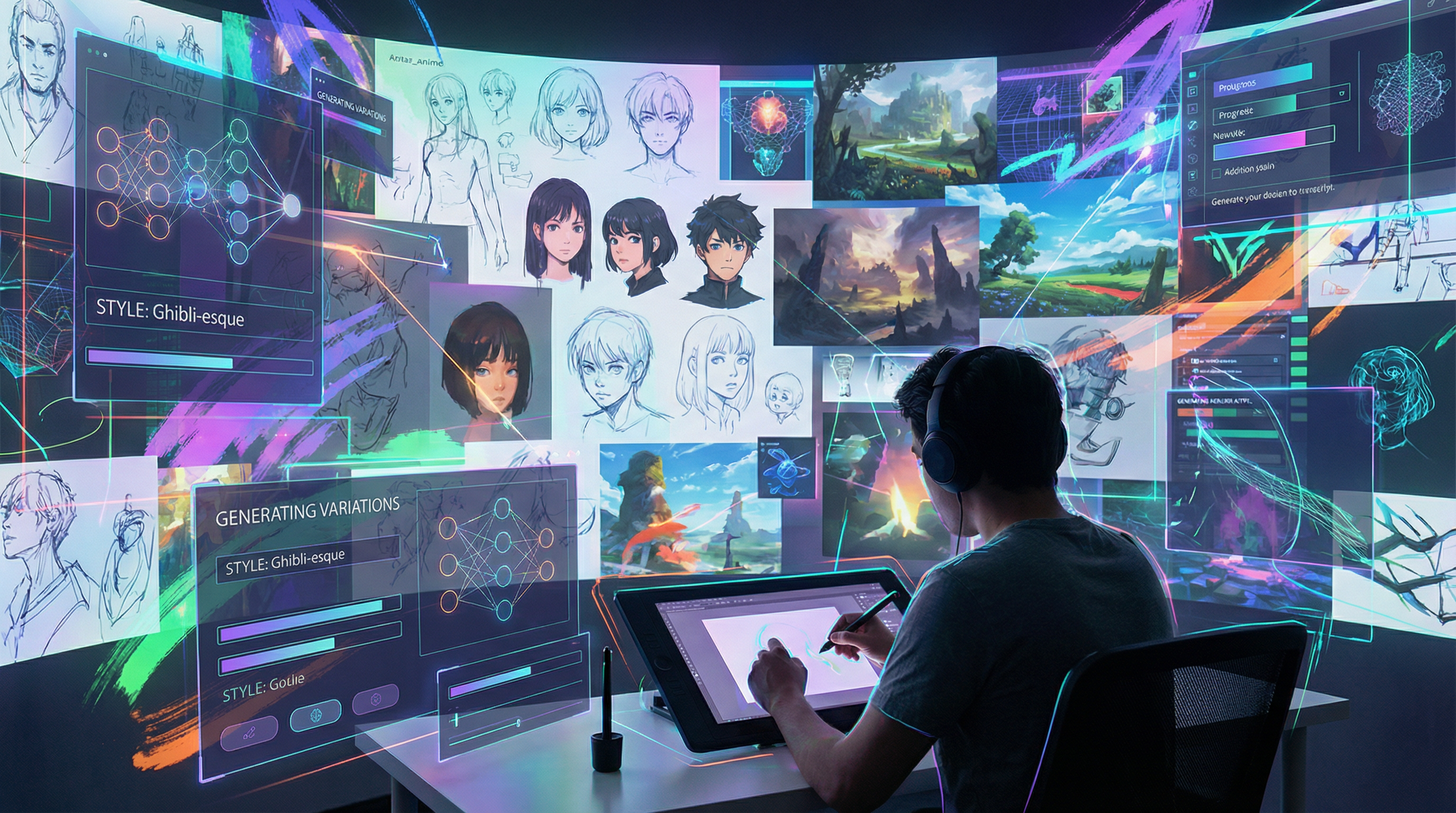
Use our AI art generator to create game environments, character designs, and comprehensive asset collections. Generate and organize concept art by themes, levels, or character types across unlimited canvas space for complete game development pipelines.
Concept Art Portfolios
Build comprehensive concept art portfolios with unlimited space. Create themed sections, show progression of ideas, and present work in a visually appealing spatial arrangement.
AI-Generated Mood Boards
Create expansive AI-generated mood boards for creative projects and campaigns. Use our AI image generation to explore aesthetic directions, gather visual references, and build comprehensive style guides all in one infinite workspace.
World Building
Design entire fictional worlds with maps, environments, characters, and cultures. Build comprehensive visual universes for books, games, films, or creative projects.
Design Exploration
Explore design variations and alternatives without limitations. Keep all options visible, compare approaches, and evolve designs through iterative refinement.
Anime Art Collections
Curate comprehensive anime art generator collections organized by style, character, or theme. Create visual libraries of AI-generated anime artwork for ongoing projects, reference materials, or portfolio presentation.
Tips for Effective Canvas Use
Organization Tips
- • Group related artwork by themes or projects
- • Use spatial relationships to show connections
- • Create clear visual hierarchies with sizing
- • Leave breathing room between major sections
- • Use consistent spacing for professional appearance
Generation Strategy
- • Start with key focal pieces, then add supporting elements
- • Generate variations nearby for easy comparison
- • Use consistent prompting for style cohesion
- • Create dedicated areas for experimentation
- • Build compositions incrementally
Canvas Organization Strategies:
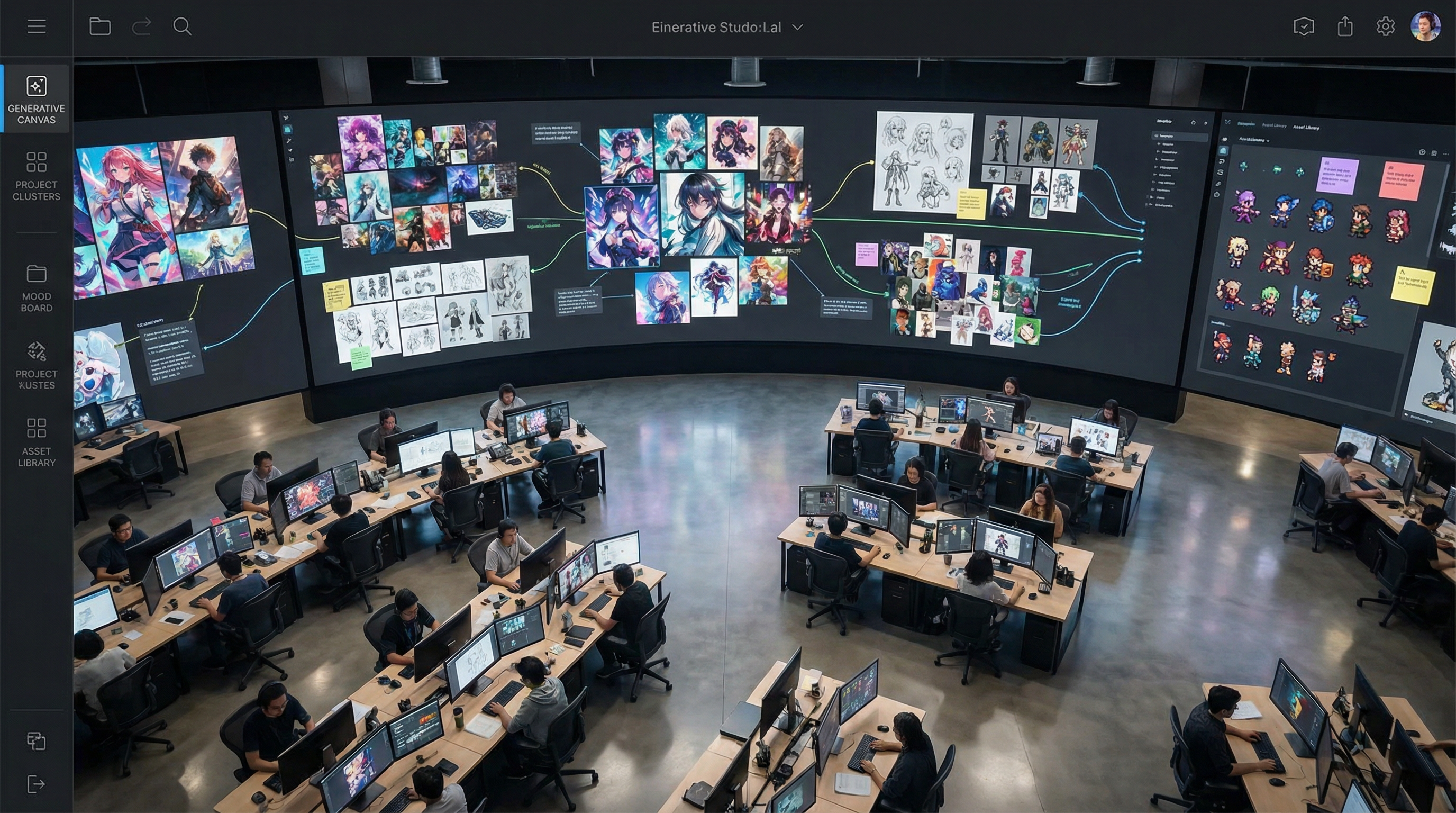
Group artwork by themes, moods, or concepts in distinct areas of the canvas for clear organization.
Arrange iterations and variations in rows or sequences to show creative evolution and refinement.
Use size and positioning to create visual hierarchy, with primary concepts centrally placed.
Frequently Asked Questions About Infinite Canvas AI Art Generator
What is the best AI art generator with unlimited canvas?
Anifusion's infinite canvas AI art generator is the leading platform for unlimited creative space combined with powerful AI image generation. Unlike other AI art generators that limit you to single image creation, our infinite canvas lets you generate, organize, and iterate on hundreds of AI artworks simultaneously across boundless digital space. Perfect for professional artists, game developers, and creative teams who need comprehensive visual development workflows.
How does an infinite canvas AI art generator work?
Our AI art generator combines unlimited workspace with click-to-generate functionality. Simply click anywhere on the canvas, enter your prompt, and AI-generated artwork appears exactly where you want it. The canvas automatically expands in all directions as you add content, allowing you to build complex compositions, compare variations side-by-side, and organize projects spatially like a digital art studio. Works with both general AI image generation and specialized anime art generator models.
Can I use this for anime art generation?
Absolutely! Anifusion specializes in anime art generation with multiple anime-focused AI models. Our infinite canvas is perfect for anime character design, creating character sheets with multiple poses and expressions, building manga panels, developing visual novels, or creating comprehensive anime-style mood boards. Generate unlimited anime artwork and organize it spatially for easy reference and iteration.
Is there a free AI art generator with infinite canvas?
Anifusion offers a free tier that includes access to the infinite canvas workspace with limited AI image generation credits. This lets you experience the full power of unlimited creative space while generating AI art. Free users get daily generation credits to create and organize artwork on the canvas. For thousands of monthly credits and advanced features, premium plans provide the complete professional workflow.
Can I collaborate on AI art projects with teams?
Yes! Share your infinite canvas workspace with team members for real-time collaborative AI art generation. Multiple artists can work simultaneously on the same canvas, perfect for game development teams, creative agencies, and collaborative projects. Everyone can generate artwork, organize content, and iterate together in a unified workspace that keeps all creative assets synchronized.
What file formats can I export from the AI art generator?
Export individual AI-generated images or entire canvas sections in multiple formats including PNG, JPG, and WebP. Choose resolution settings based on your needs - high-resolution for print work, optimized sizes for web, or original quality for further editing. Export single images, selected groups, or composite your entire canvas into comprehensive presentation formats.
How is infinite canvas better than regular AI image generators?
Traditional AI art generators create one image at a time with no spatial organization. Anifusion's infinite canvas revolutionizes the workflow by letting you generate hundreds of images, arrange them spatially, compare variations side-by-side, build mood boards, create comprehensive character sheets, and organize entire projects in visual clusters. It's the difference between creating isolated images versus building complete visual narratives and professional art collections. Perfect for concept artists, game developers, and creative professionals who need to see the big picture while iterating on details.
Start Using the Best Infinite Canvas AI Art Generator Today
Experience unlimited creative freedom with our revolutionary AI art generator. Generate anime art, concept designs, and complete visual projects on a boundless canvas. Join thousands of artists already creating with Anifusion.
Start Generating AI Art FreeExplore More AI Creation Tools
Discover the complete suite of AI-powered creative tools designed to bring your artistic vision to life. From video generation to character design, each tool offers unique capabilities for different creative needs.
AI Video Generator
Transform static images into stunning animated videos with AI-powered motion generation.
Character Reference Generator
Create consistent character designs with multiple angles and expressions for your projects.
Real-time Sketch Art
Turn your sketches into professional artwork instantly with real-time AI enhancement.
AI Model Training
Train custom LoRA models to preserve your unique art style and character designs.
Comic & Manga Creator
Create professional comics and manga with AI-generated panels and layouts.
Learn More About AI Creation
Ready to Start Creating?
Join thousands of artists, designers, and creators who use Anifusion's AI tools to bring their creative visions to life. Start with any tool and discover the power of AI-assisted creativity.