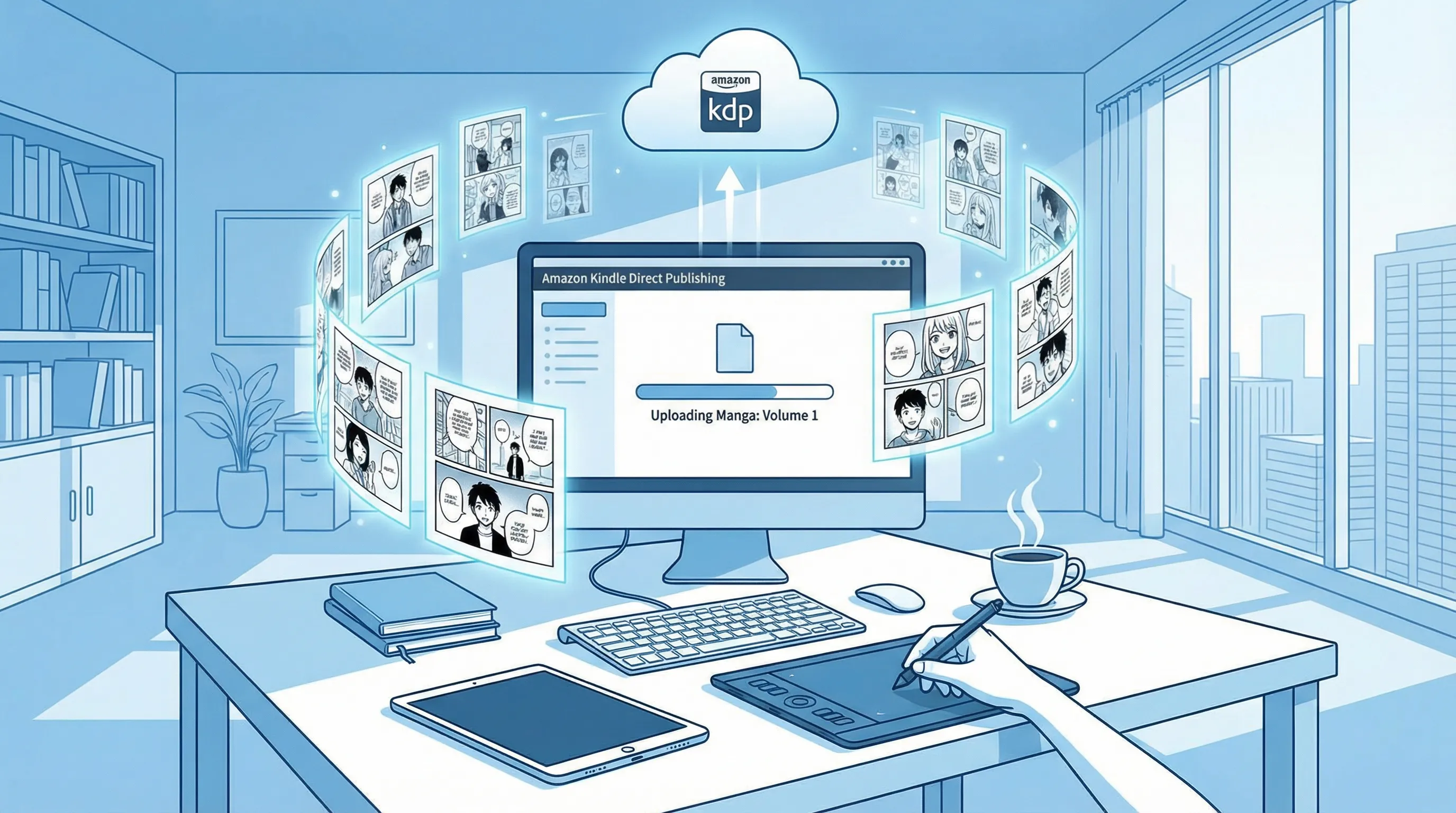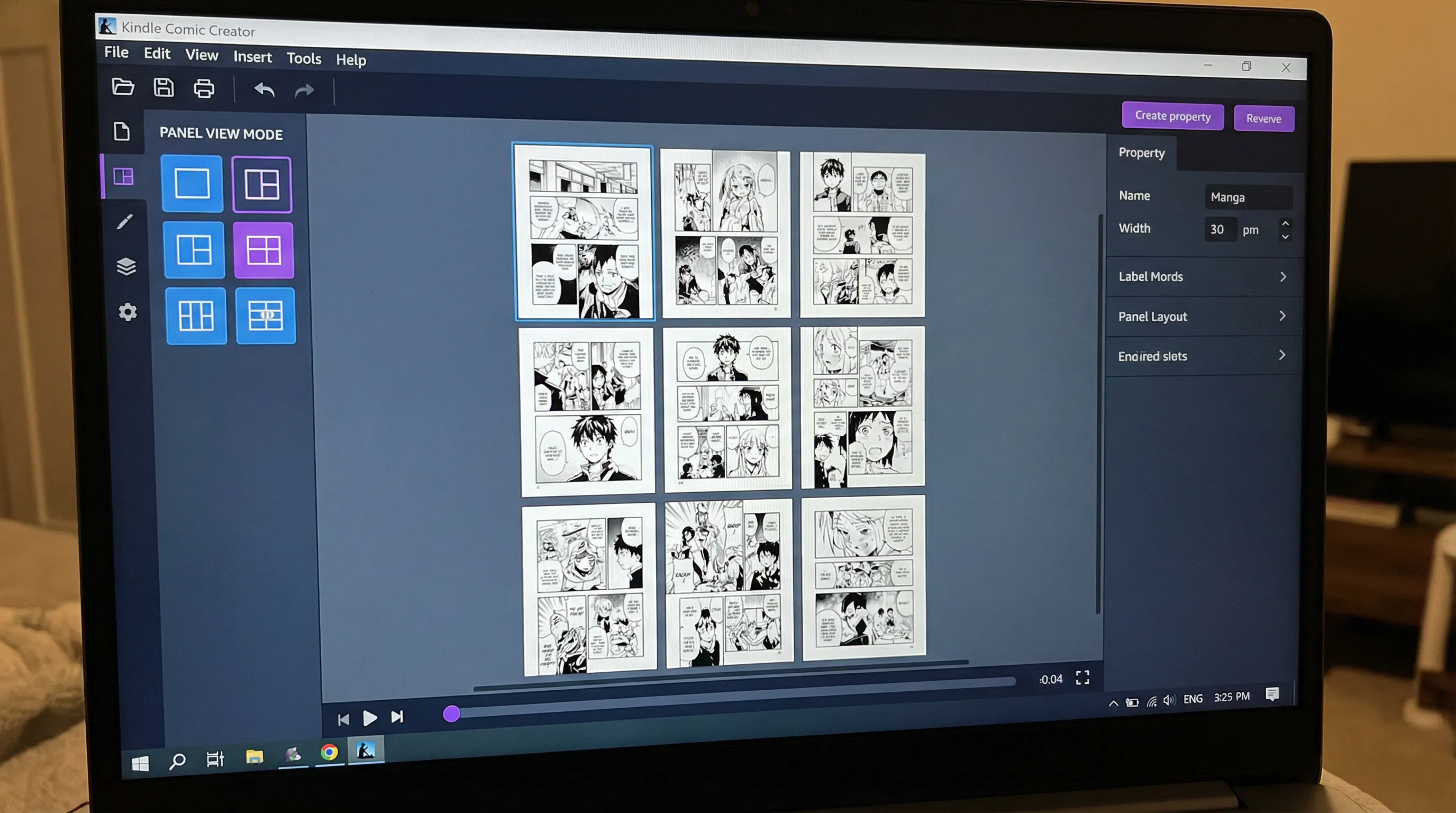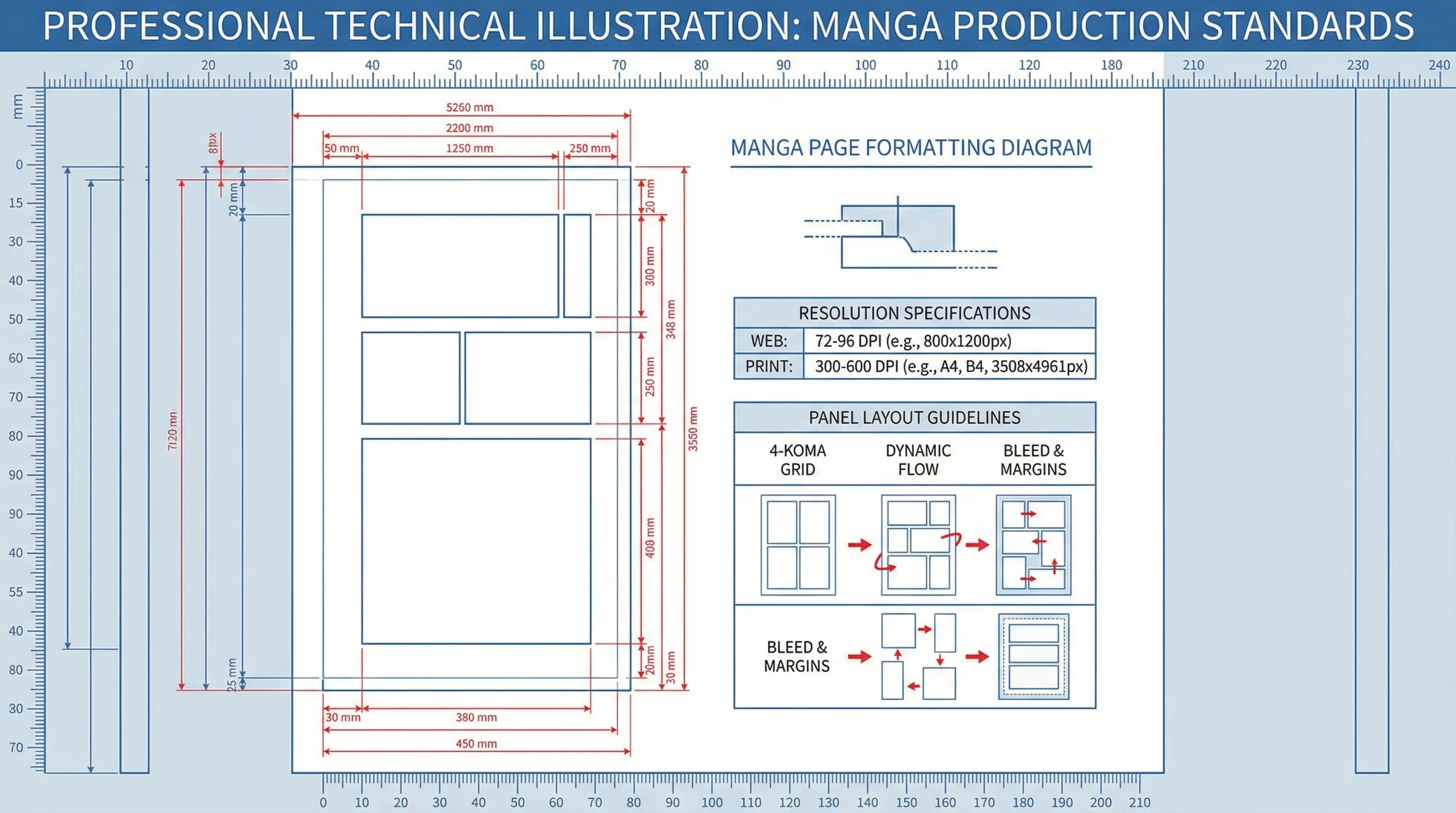
Professional manga formatting is the foundation of successful Amazon KDP publishing. While creative storytelling captures reader attention, technical excellence ensures your manga displays beautifully across all Kindle devices, meets Amazon's quality standards, and maximizes your royalty potential through optimized file sizes. This comprehensive technical guide covers everything you need to know about manga formatting for KDP, from image resolution and file formats to page dimensions, color modes, and compression strategies.
Table of Contents
Image Resolution Requirements for Manga
Resolution is the single most important technical specification for manga quality on KDP. Amazon requires minimum resolution standards. The absolute minimum resolution for KDP manga is 300 DPI (dots per inch) at final page dimensions. This standard ensures text remains crisp and artwork displays clearly on high-resolution Kindle devices and tablets. Optimal resolution for most manga is 300-400 DPI. This range provides excellent visual quality on all current Kindle devices while maintaining reasonable file sizes. For AI-generated manga using Anifusion, ensure generation settings produce images at least 1600 pixels on the shortest dimension.
Page Dimensions and Aspect Ratios
Proper page dimensions ensure your manga displays correctly across different Kindle devices without awkward cropping or excessive white space. Standard manga page dimensions for KDP are 1600x2560 pixels in portrait orientation. This 5:8 aspect ratio matches traditional manga proportions and displays well on most Kindle devices. Alternative acceptable dimensions include 1536x2048 pixels (3:4 aspect ratio) and 1200x1920 pixels (5:8 aspect ratio). Aspect ratio consistency matters more than specific dimensions. If you choose 1600x2560 pixels, every page in your manga should be exactly that size.
File Formats: JPEG vs PNG for Manga
Choosing the right file format impacts both visual quality and file size, directly affecting your royalties through Amazon's delivery fee structure. JPEG is the recommended format for most manga, especially black-and-white or grayscale artwork. JPEG's compression algorithm is highly efficient for manga's typical high-contrast artwork, reducing file sizes by 70-80% compared to PNG while maintaining excellent visual quality. For black-and-white manga, JPEG at 85-90% quality setting provides the ideal balance. PNG format offers lossless compression but results in significantly larger files.
Color Modes: Grayscale vs RGB
Color mode selection affects file size, display appearance, and reader expectations. Grayscale is ideal for traditional black-and-white manga. Grayscale images are significantly smaller than RGB—often 60-70% smaller for the same content. This reduced size decreases Amazon's delivery fees and increases your profit per sale. RGB color mode is required for color manga and allows full color spectrum. Pure black-and-white (1-bit) mode should be avoided despite smallest file size—it eliminates all grayscale tones, removing shading and tonal depth that give manga its visual appeal.
File Size Limits and Optimization
Amazon imposes file size restrictions that impact your royalty percentage and pricing options. The critical file size threshold is 650MB for the 70% royalty option. Manga files exceeding this limit automatically qualify only for 35% royalties unless priced above $9.99. Delivery fees are calculated based on file size for 70% royalties. Amazon charges approximately $0.06-$0.15 per megabyte depending on marketplace. Optimization strategies without quality loss include: using JPEG format at 85-90% quality, converting black-and-white to grayscale mode, resizing pages to 1600x2560 rather than larger dimensions, and removing metadata.
Conclusion
Mastering technical manga formatting for Amazon KDP transforms your creative work into professional publications that display beautifully, satisfy readers, and maximize your royalty income. The key principles are: maintain 300+ DPI resolution, use appropriate dimensions (1600x2560 standard), choose JPEG format for smaller files, optimize color mode for content type, and ruthlessly test across multiple devices before publishing. Tools like Anifusion simplify technical compliance by generating format-perfect artwork from the start.
Frequently Asked Questions
What resolution should I use for black-and-white manga on KDP?
Use 300-400 DPI at final page dimensions for black-and-white manga. Specifically, 1600x2560 pixels at 300 DPI provides excellent quality while maintaining reasonable file sizes. Higher resolutions increase file size without visible quality improvement on digital screens. Focus on meeting the 300 DPI minimum rather than exceeding it unnecessarily.
Should I use JPEG or PNG format for my manga?
Use JPEG format for most manga. JPEG compression is highly efficient for manga's high-contrast artwork, reducing file sizes by 70-80% compared to PNG while maintaining excellent visual quality at 85-90% quality settings. Only use PNG if your manga includes transparent elements or requires absolute lossless quality and file size is not a concern.
What color mode should I use: grayscale or RGB?
Use grayscale for traditional black-and-white manga, as it reduces file size by 60-70% compared to RGB, decreasing delivery fees and increasing profit. Use RGB only for color manga or if you plan to include color accent pages. Never use 1-bit black-and-white mode, as it eliminates shading and tonal depth essential for professional manga appearance.
How do I reduce manga file size without losing quality?
Reduce file size by: using JPEG format at 85-90% quality, converting black-and-white to grayscale color mode, ensuring pages are 1600x2560 pixels (not larger), and removing unnecessary metadata. These optimizations can reduce file size by 70-80% without visible quality loss. Avoid reducing resolution below 300 DPI or JPEG quality below 80%.
What are the cover image requirements for KDP manga?
KDP manga covers should be minimum 2560 pixels on the longest side, with 2560x4096 pixels being ideal. Use 1.6:1 aspect ratio (or close to it), RGB color mode, and JPEG format at 90-95% quality. Ensure text is readable at thumbnail size (100 pixels wide). File size should be 2-5MB for optimal loading while maintaining quality.