Make digital painting anime art with AI brushwork
Wet brush blends, layered color glazes, and a single warm rim light. Use Anifusion to turn quick prompts into pinups, splash art, and light novel covers in a clean Clip Studio Paint style.
Franchise, studio, and character references describe style or mood only, not a license, sponsorship, endorsement, or affiliation. You are responsible for your prompts and outputs. As-is, no warranty of non-infringement (not legal advice). For DMCA, copyright, or trademark issues, use our Contact page.
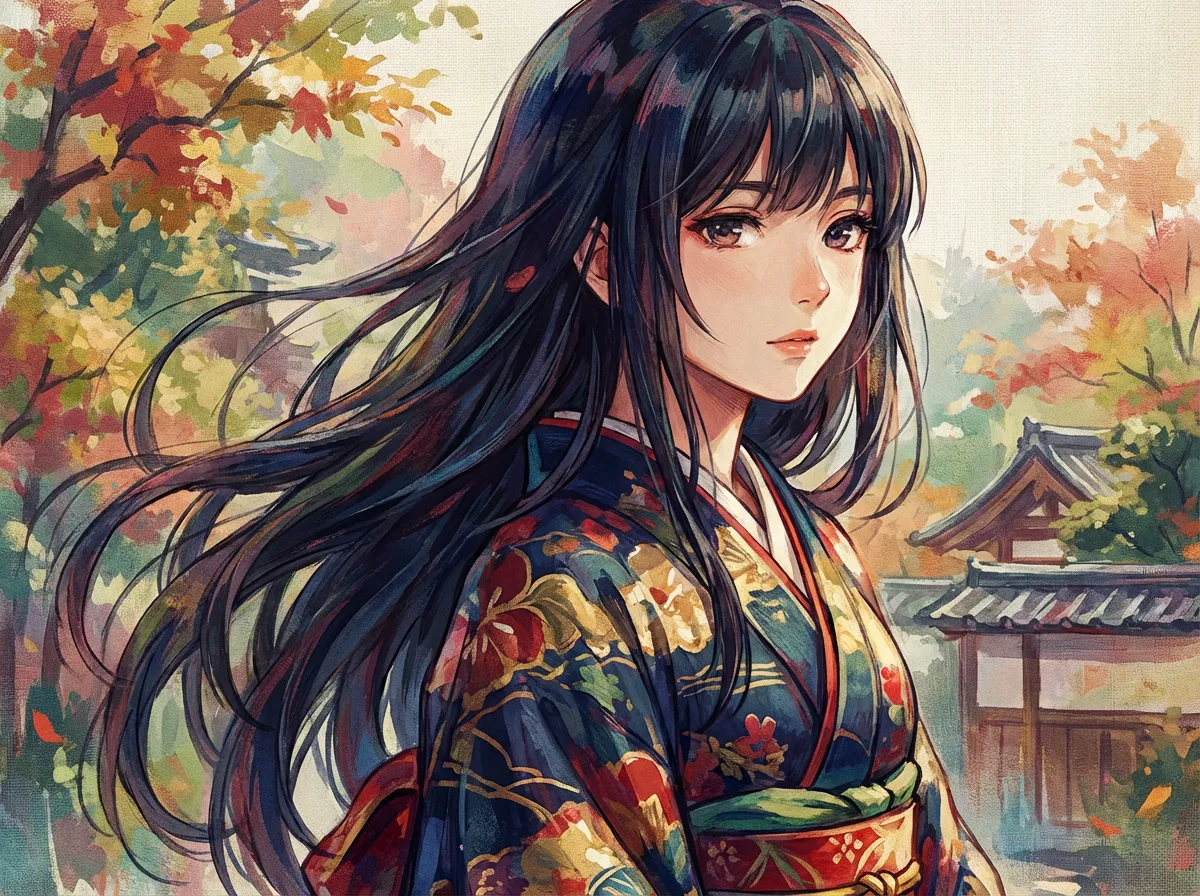
Generate a Digital painting anime scene
Type a scene below and press Generate.
About Digital painting anime style
Digital painting anime style captures the look of an artist working in Procreate or Clip Studio Paint, with visible brush texture, layered color glazes, and a warm rim light that gives characters real volume. It suits pinups, splash art, and book covers.
Digital painting anime style is the look you get when an illustrator is clearly visible in the file: chunky bristle marks, soft round-brush blends, glaze layers that shift hue toward the light source, and the slight grain of a textured canvas. Skin is built up wet-into-wet rather than flat-filled, hair is shaped with a few confident speedpainting strokes instead of dozens of strands, and a single warm rim light usually carves the silhouette out of a cooler background. Backgrounds stay loose, more like a color study underpaint than a finished matte.
Illustrators reach for this look when they want a portfolio piece to read as "made by a person", not stamped out by a flat shader. It works well for pinups, light novel covers, magazine splash art, key visuals, character portraits, and tabletop RPG illustrations. On Anifusion you can describe a scene, pick a digital painting prompt, and get a near-final color comp in seconds, then keep iterating with prompts like "add cooler ambient bounce", "stronger rim light from camera left", or "looser brush language in the background".
What makes this look different from cel-shaded anime is that nothing is meant to look "clean". Hard cell shapes are replaced with soft transitions, line art is often de-emphasized or absorbed into the painting, and color is mixed optically through warm-cool contrast rather than picked from a fixed palette. It sits closer in spirit to a digital oil sketch than to a TV anime cel, and it pairs naturally with an alla prima, speedpainting feel rather than a flat-graphic one.
Try Digital painting anime style generation
Try the look on your own prompt. Start from one of the examples below.
Example prompts
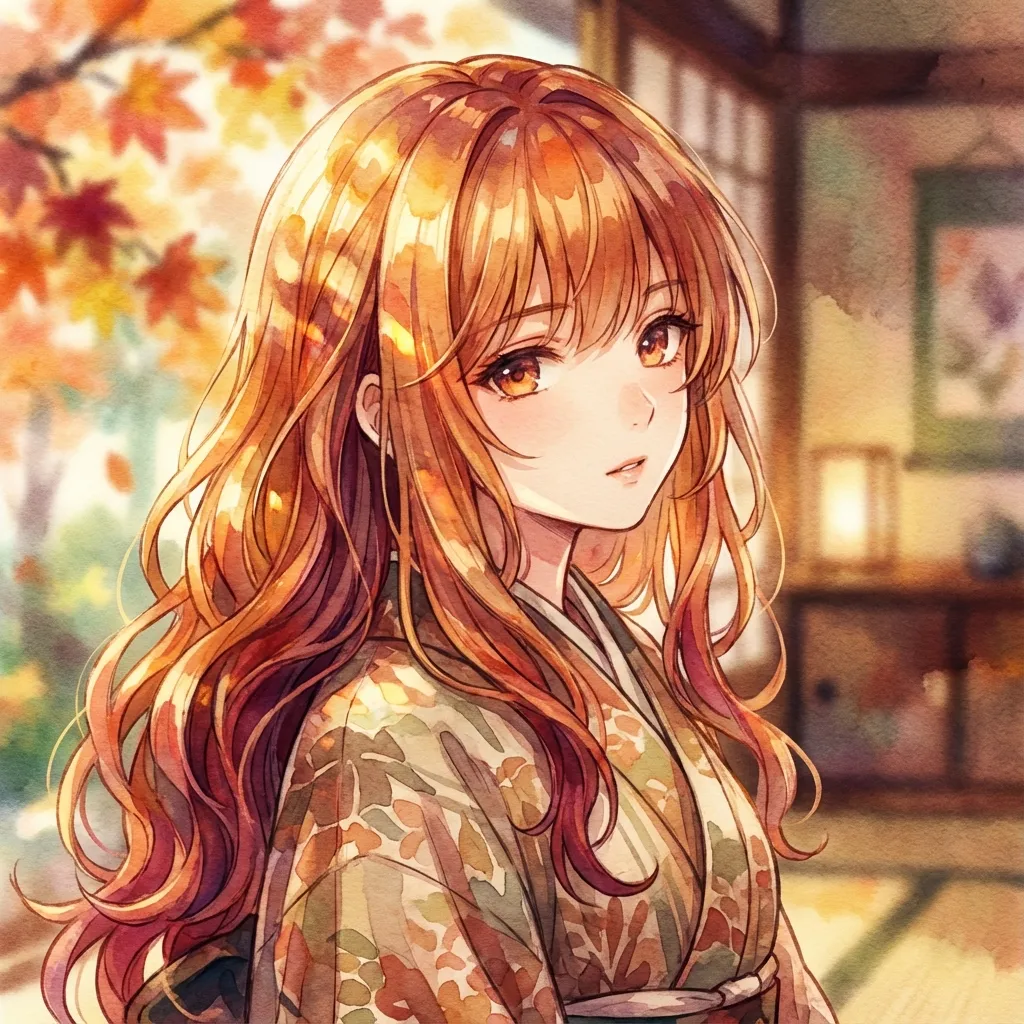
"Digital painting anime style, digital painting anime portrait, young woman with windblown silver hair, single warm rim light from camera right against cool blue ambient, visible bristle strokes in the hair, soft wet brush blends on the skin, loose color study background, light novel cover composition"
Try this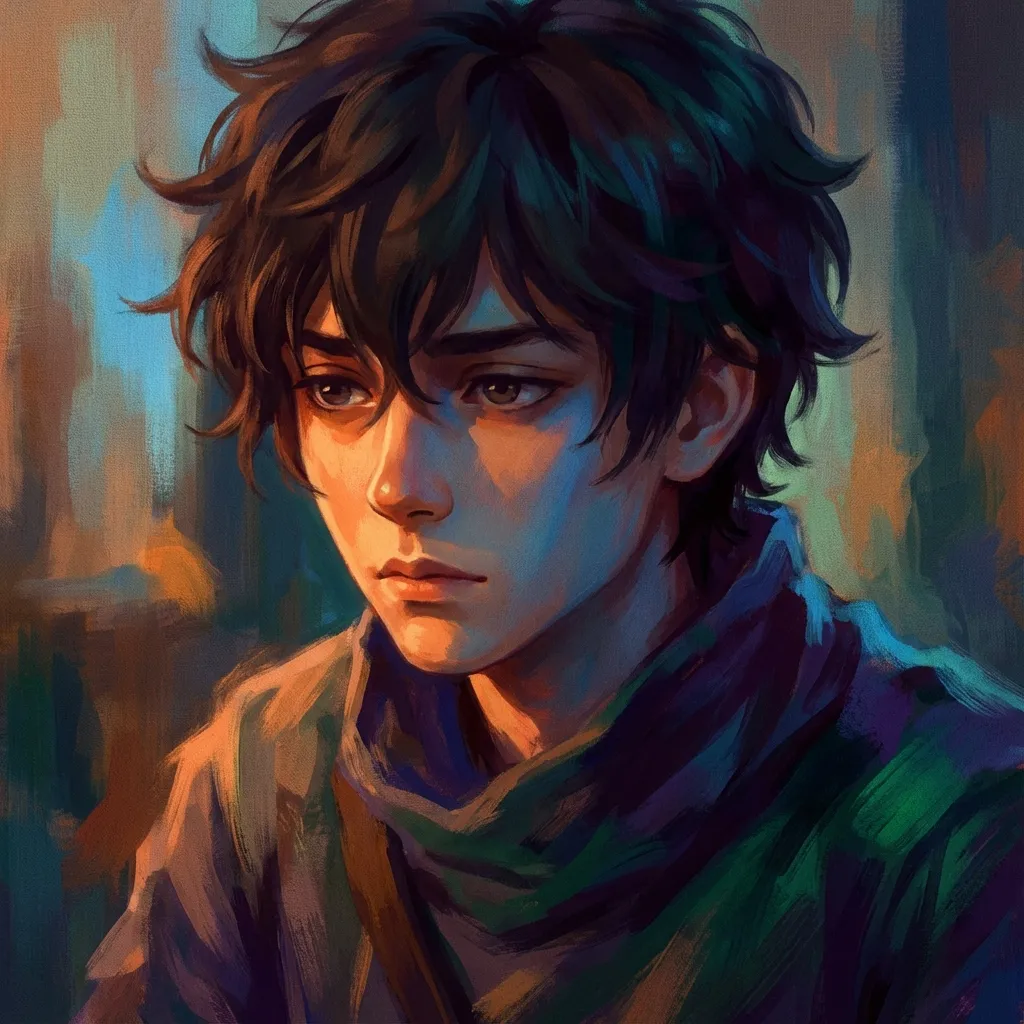
"Digital painting anime style, speedpainting alla prima anime boy, three-quarter angle, brushy hair with chunky highlights, painterly skin with cool blue shadows, dramatic backlight from a setting sun, loose painted background of a city skyline, splash art crop, no clean line art"
Try this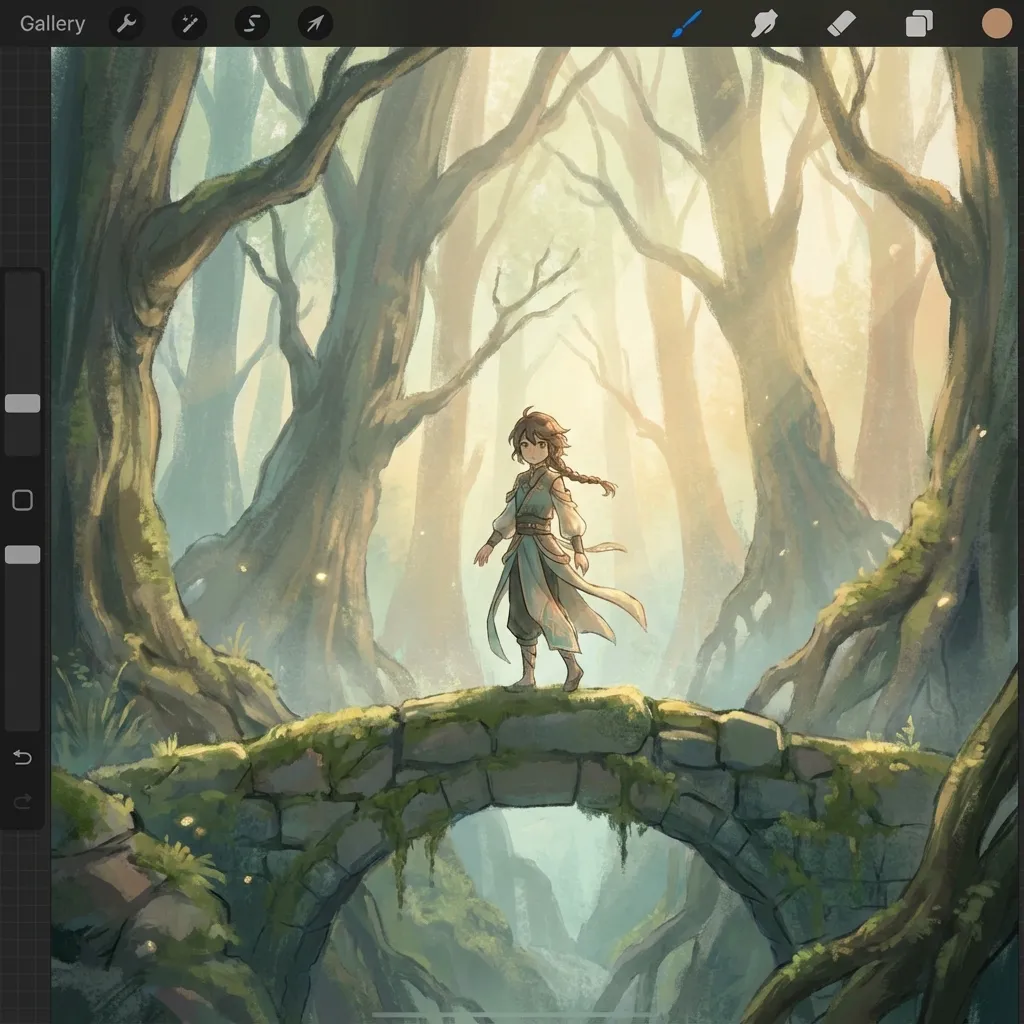
"Digital painting anime style, Clip Studio Paint style anime illustration, female mage character, painterly armor with metallic warm-cool color shifts, glazed skin tones, soft rim light along the jawline, blurred painted forest background, painterly atmosphere, magazine cover framing, no flat cel shading"
Try thisMake your own Digital painting anime style art
Type a prompt below, or tap a starter to begin.
Generate a Digital painting anime scene
Type a scene below and press Generate.
Why choose Anifusion?
Wet brush blending
Soft round-brush transitions instead of hard cel edges. Skin tones are built wet-into-wet so cheeks, hands, and shadows shift in hue rather than fall into flat fills.
Visible bristle texture
Chunky speedpainting strokes left in hair, fabric, and backgrounds. The brush language stays readable, so the image looks hand-painted instead of shader-rendered.
Layered color glazes
Translucent color passes stack on top of each other, shifting saturation and temperature without losing the underpaint. It is what gives skin and metal that two-step-from-real Procreate look.
Warm rim lighting
A single warm rim light from the back or side carves the silhouette out of a cooler ambient field. It is the fastest way to make a pinup or splash art read three-dimensional.
Color study underpaints
Backgrounds and clothing are blocked in as loose color comps, with shapes resolved only where the eye lands. The painterly unfinished feel keeps focus on the face and silhouette.
Editorial portrait framing
Designed for splash art, light novel covers, and pinups: tight crop on the upper body, dramatic camera angle, and props painted as suggestion rather than line art.
Create in 3 easy steps
Write your prompt
Describe your vision for Digital painting anime style in plain language.
Refine settings
Tune the aspect ratio and style strength to your liking.
Generate and enjoy
Click generate and watch your masterpiece come to life in seconds.
Related styles
Discover more artistic directions you might love
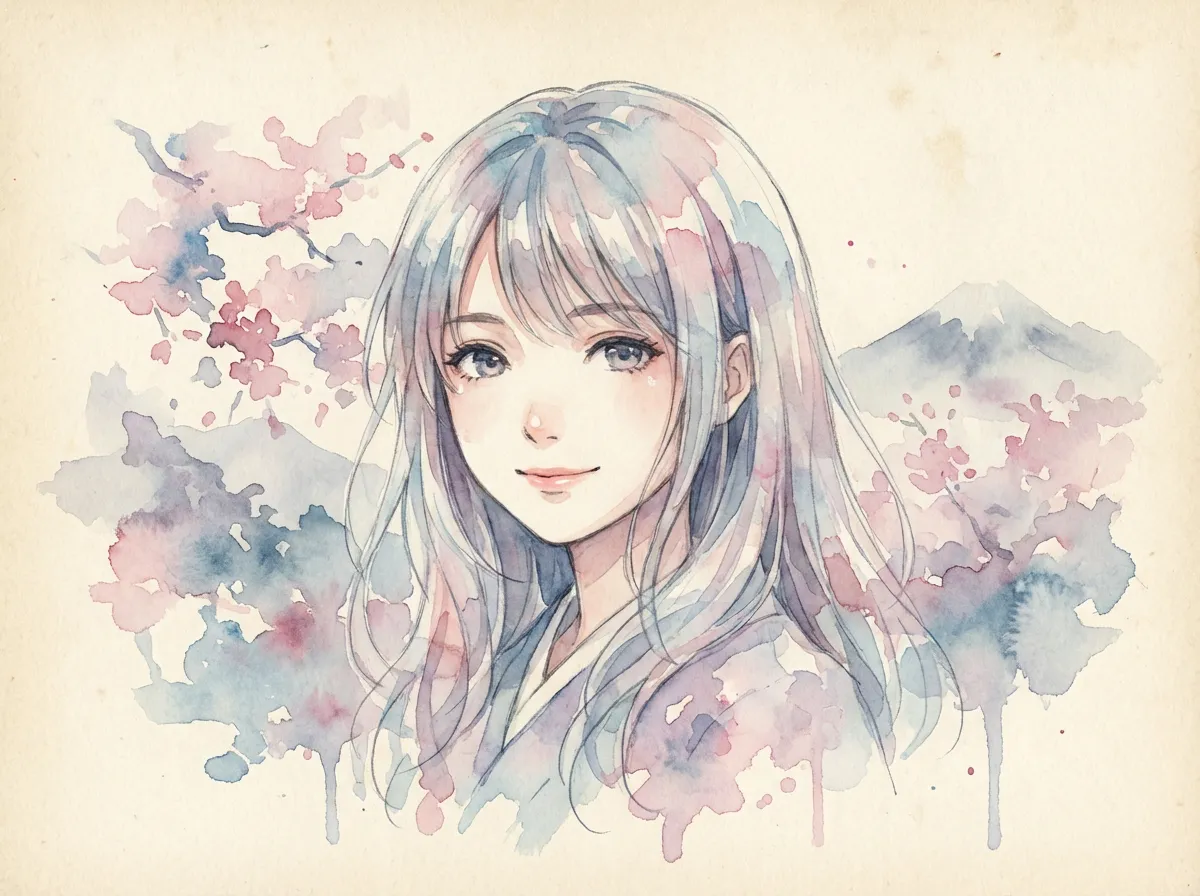
Watercolor anime style
Watercolor anime style is a painted illustration look defined by wet-on-wet color bleed, salt-grain texture, paper tooth showthrough, and a soft ink line laid over the washes. It suits seasonal portraits, quiet character covers, novel jacket art, and atmospheric landscape stills.
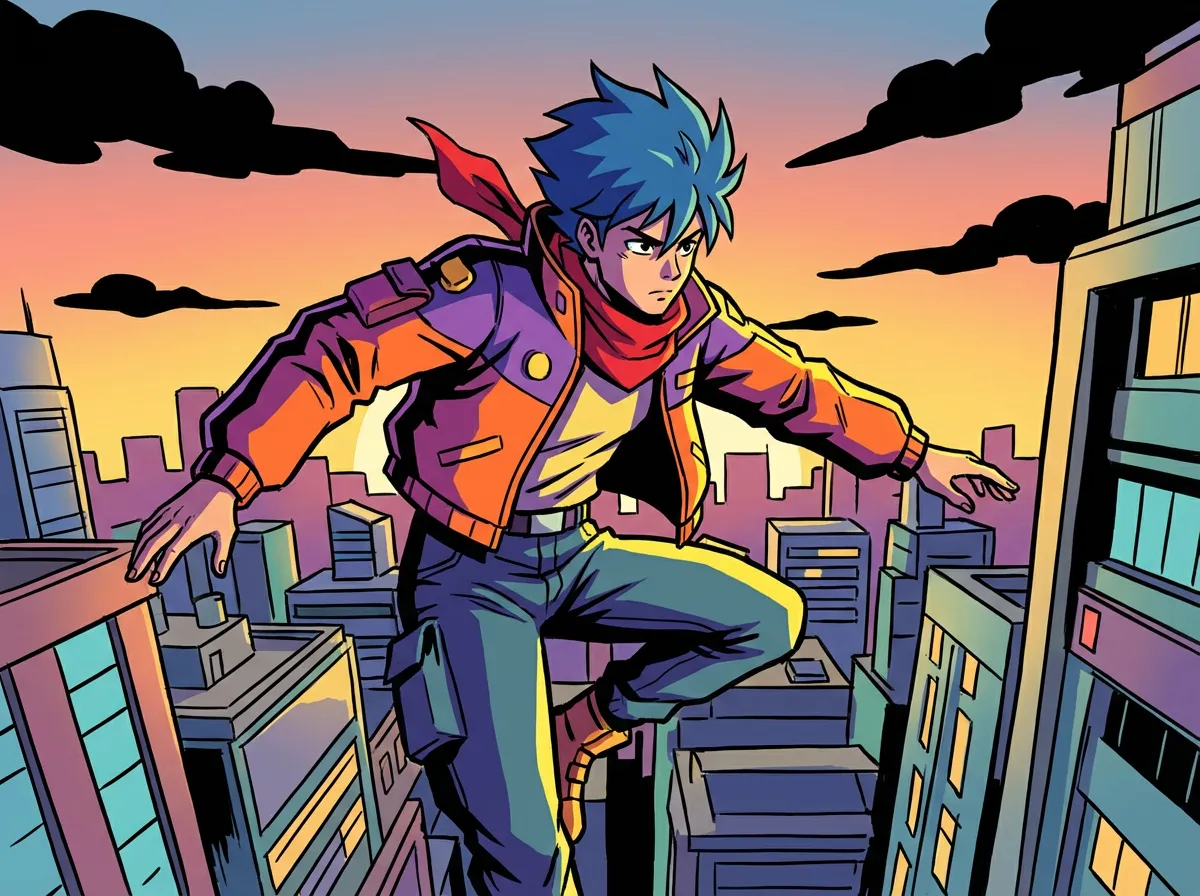
Cel-shading anime style
Cel-shading is a non-photorealistic look that turns 3D-rendered subjects into flat-colored, hand-drawn anime cels. Expect crisp ink contours, two-tone shadow blocks, and saturated color fields with very little gradient, the same approach used in anime opening sequences and modern game cutscenes.
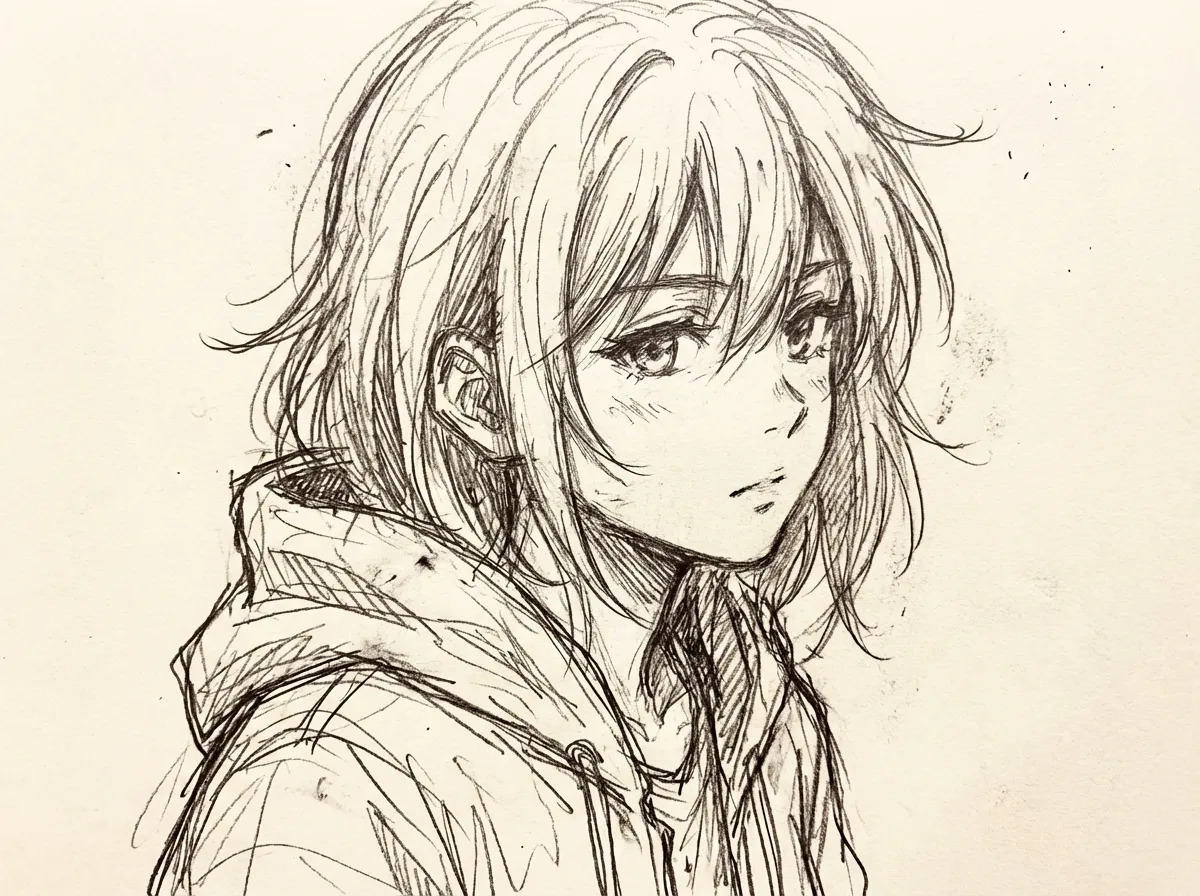
Sketch anime style
The sketch anime style keeps the working drawing visible: pencil construction lines, ink hatching for shadow, and the soft graphite tooth of a real sketchbook page. It is the look used for character design sheets, storyboard panels, and life-drawing studies, before any clean lineart pass.
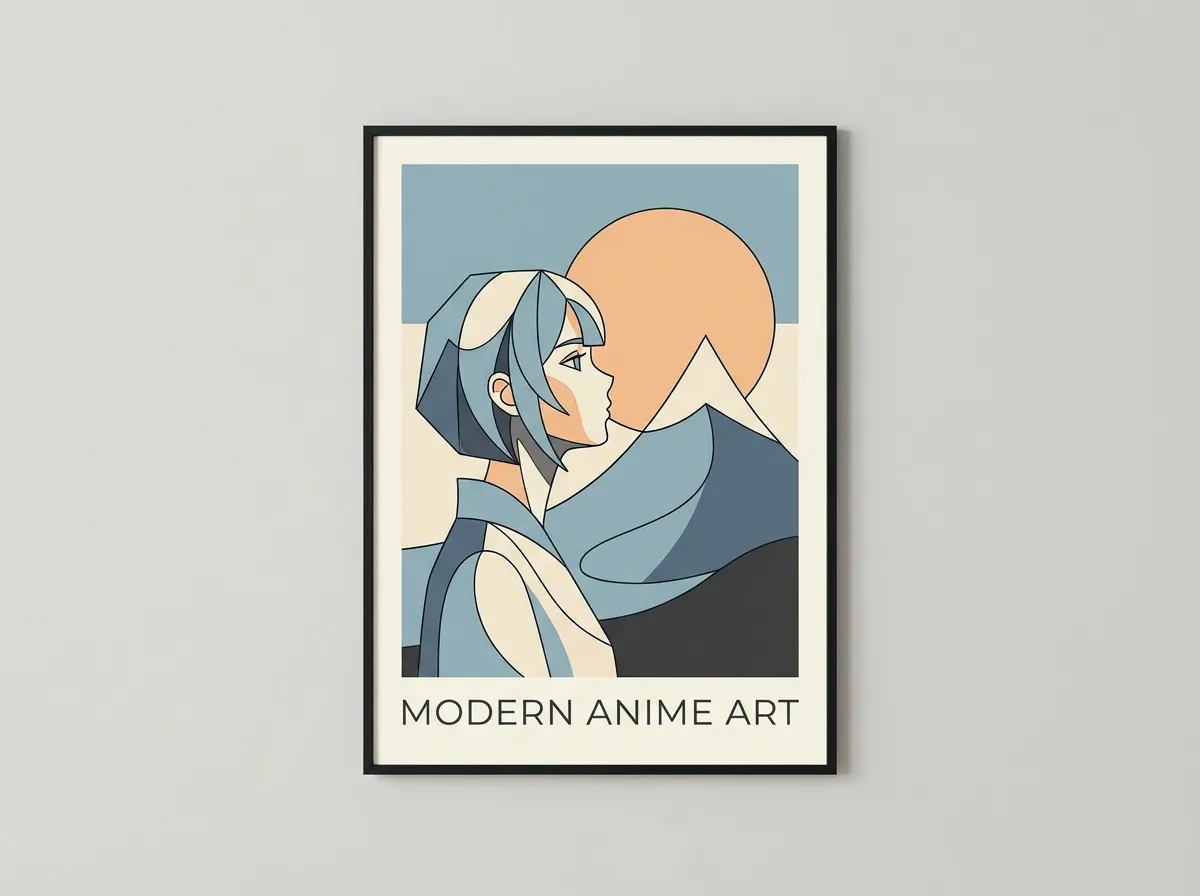
Minimalist anime style
Minimalist anime style strips a character down to a single-line contour, two or three flat color blocks, and a single negative-space focal point. It is the look modern brand mascots, UI illustrations, and editorial spot art borrow when they want a face that reads at any size.
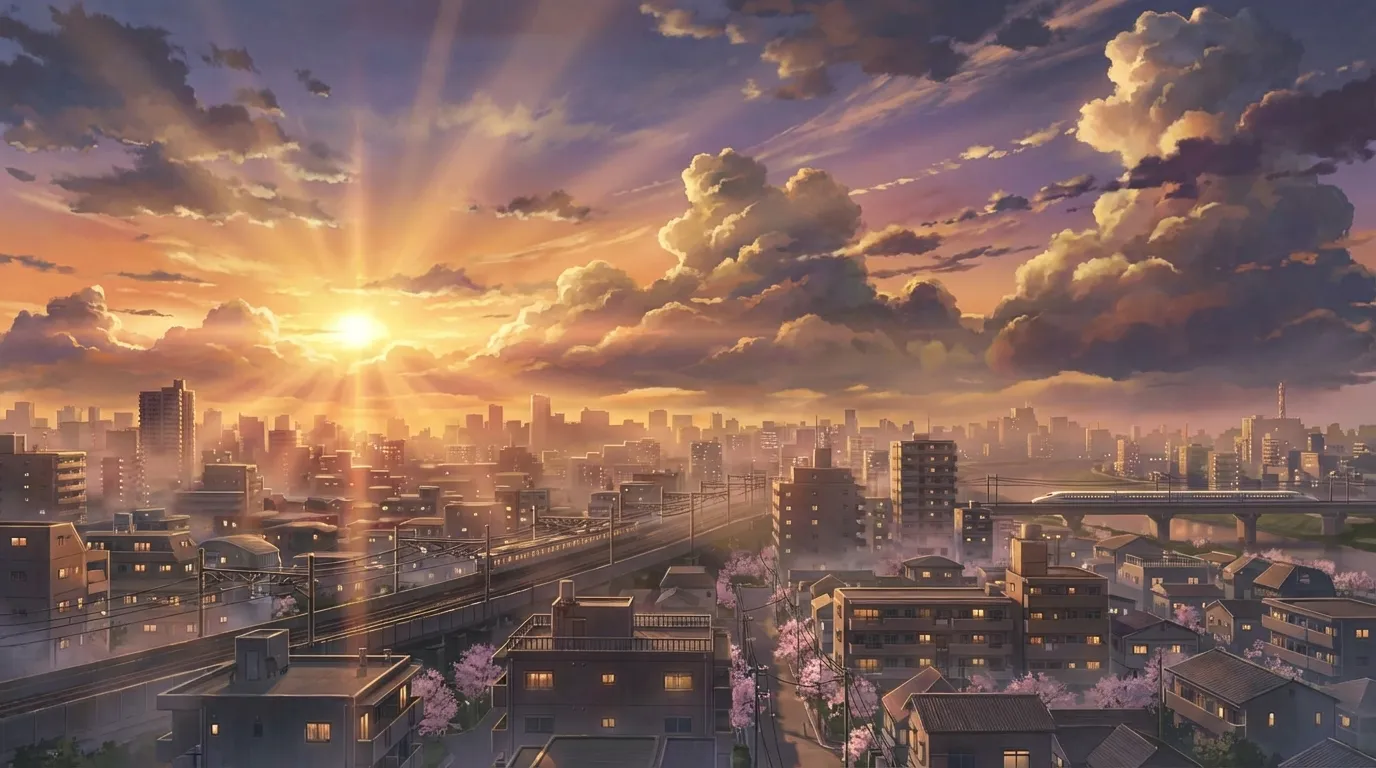
Makoto Shinkai style
Makoto Shinkai style pairs near-photographic urban Japanese backgrounds with stratus-cloud skies, golden hour lens flare, and quiet two-shot character framing. It suits emotional key visuals, train scenes, and rooftop sunset moments.
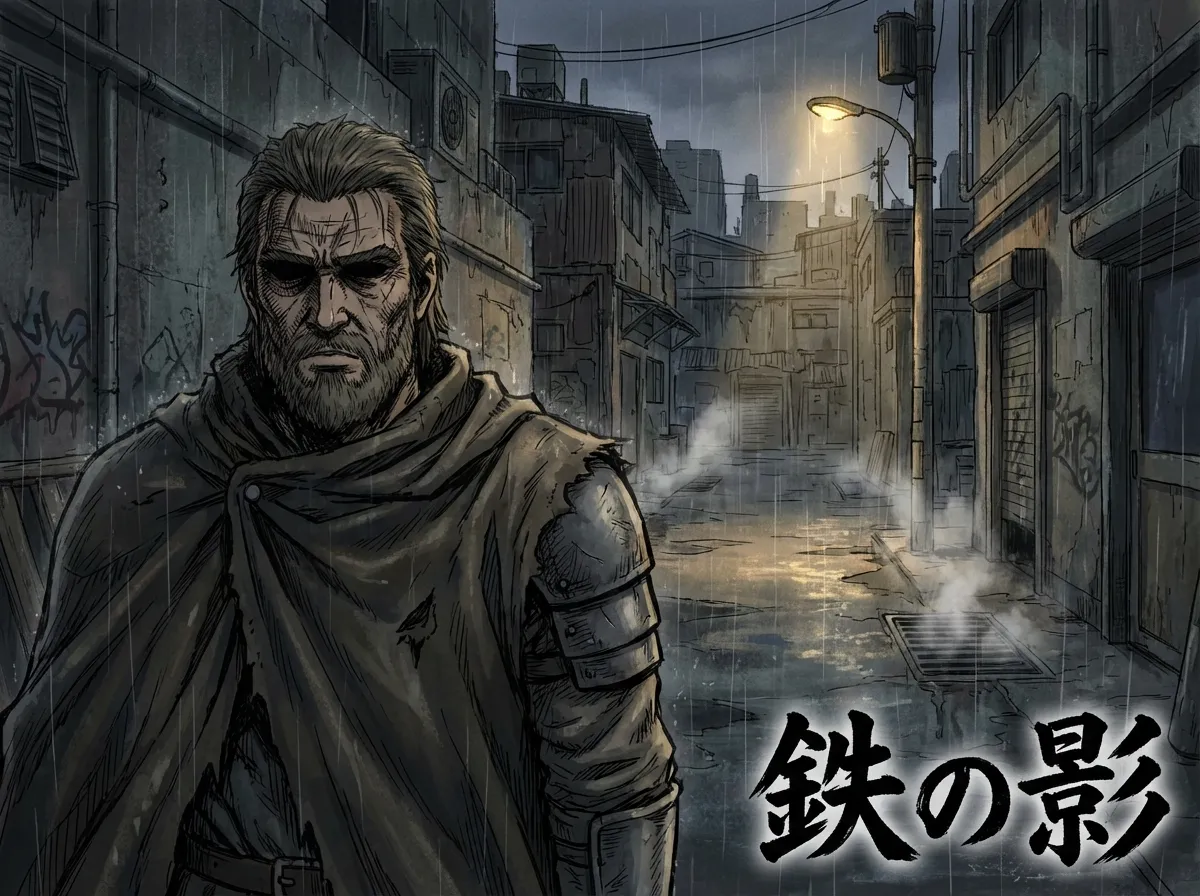
Seinen realistic style
Seinen realistic style is a heavily rendered adult-manga look defined by Kentaro Miura crosshatch, European medieval anatomical accuracy, Takehiko Inoue ink-wash skin tone, and somber dark-fantasy atmosphere. It suits original warriors, samurai duels, Viking ship key art, and gekiga character portraits.
Frequently asked questions
Prompt tips, rights, and workflow. Sign up free to generate in this look today.
Generate a Digital painting anime scene
Type a scene below and press Generate.
What is the digital painting anime style?
Digital painting anime is the look you get when an illustration is clearly hand-painted in software like Procreate, Photoshop, or Clip Studio Paint, instead of cel-shaded by an automatic shader. The hallmarks are visible brush texture, wet-into-wet color blends, glaze layers, and a single warm rim light. It sits between TV anime cel art and a digital oil sketch.
What kind of work does this style suit best?
Pinups, light novel and book covers, magazine splash art, character key visuals, tabletop RPG portraits, and editorial illustration. The painterly approach reads as a personal hand at work, which is why it shows up in portfolios for game character art, freelance illustration, and cover work rather than in TV episode production.
How is digital painting different from cel-shading?
Cel-shading uses hard color edges, flat fills, and a clean line on top. Digital painting replaces those hard edges with soft wet-brush transitions, lets the brush texture show through, and often de-emphasizes the line. Color is mixed through warm-cool contrast rather than picked from a small fixed palette, which is what makes painted skin and metal feel less stamped out.
What prompts give the best painterly results?
Be explicit about the medium and brush language. Words like "wet brush blends", "alla prima speedpainting", "chunky bristle strokes", "Clip Studio Paint", "loose painted background", and "no flat cel shading" all push the model away from a clean shader look. Then describe the lighting as a single source: "warm rim light from camera left against cool ambient" is a strong default.
Can I use these images in a published light novel cover or commercial illustration?
Anifusion lets you generate and download images you can use in personal and commercial work, including book covers and editorial illustration, under your active plan. Always double-check the latest commercial-use terms before publishing. Real people, branded characters, and named franchises still need their own clearances regardless of the tool you used.
Which Anifusion model works best for this look?
For portraits and pinups, the modern anime base model on Anifusion handles wet-brush blends and rim lighting well out of the box. If you want the brush texture to read even stronger, push it with prompt words like "chunky bristle strokes" and "visible canvas grain", and add a follow-up pass that says "looser brush language in the background, more saturation in the rim light".
Start creating Digital painting anime style art today
Join 130,000+ creators and bring your imagination to life with 100 free credits.