Generate Studio Ghibli style art with AI
Hand-painted watercolor matte backgrounds, gentle Yoshifumi Kondo character proportions, and a Joe Hisaishi-inspired pastoral mood for your own scenes.
Franchise, studio, and character references describe style or mood only, not a license, sponsorship, endorsement, or affiliation. You are responsible for your prompts and outputs. As-is, no warranty of non-infringement (not legal advice). For DMCA, copyright, or trademark issues, use our Contact page.
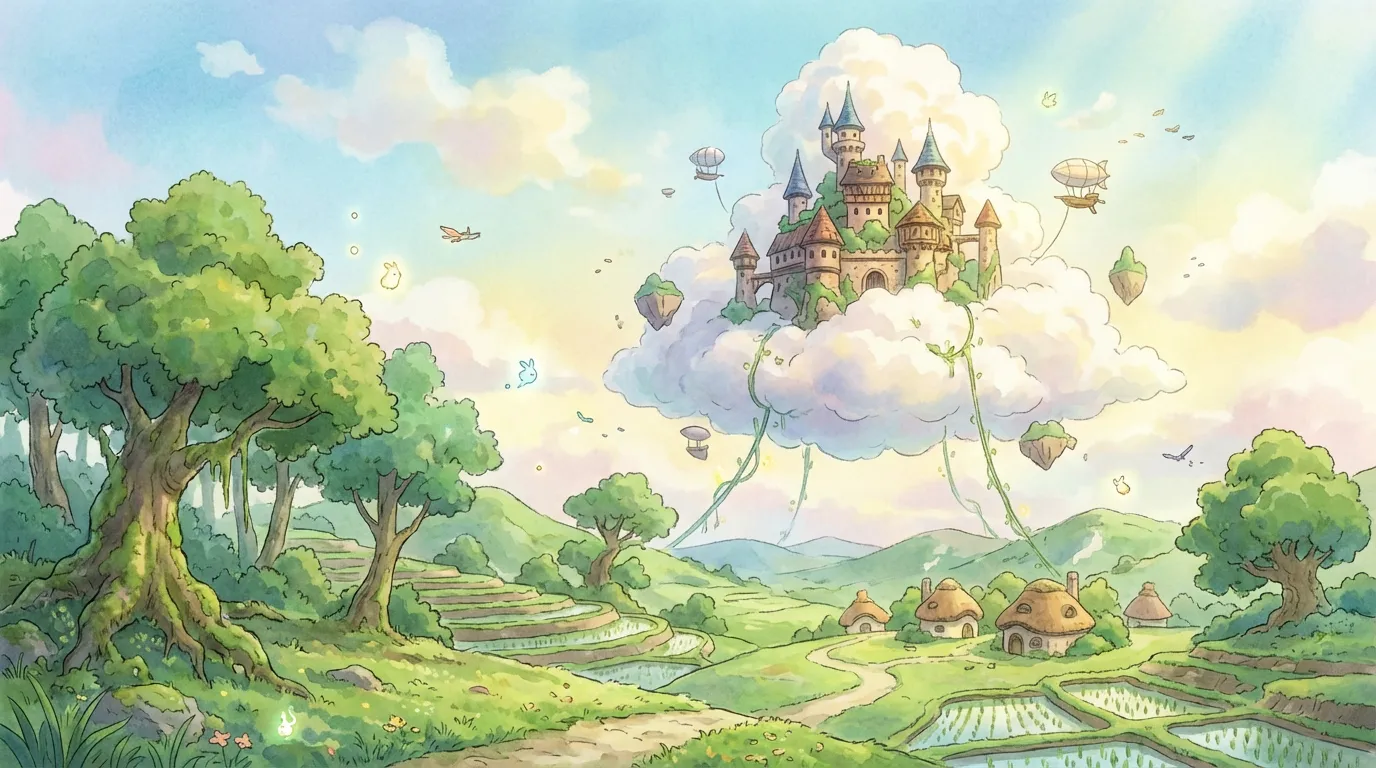
Generate a Studio Ghibli scene
Type a scene below and press Generate.
About Studio Ghibli style
Studio Ghibli style pairs hand-painted watercolor backgrounds with gentle, expressive characters and a calm pastoral mood. It suits forest scenes, cozy interiors, sky vistas, and quiet character moments inspired by Miyazaki's filmography.
The Studio Ghibli style refers to the hand-painted watercolor look developed by Hayao Miyazaki, Isao Takahata, and the team at Studio Ghibli across films like My Neighbor Totoro, Spirited Away, Kiki's Delivery Service, and Howl's Moving Castle. Backgrounds use soft, layered watercolor matte paint with cumulus skies, dappled forest light, and detailed European-village or Japanese-countryside architecture. Character designs follow Yoshifumi Kondo and Miyazaki proportions: rounded faces, expressive but unexaggerated eyes, simple costuming, and natural hair shapes that fit the painted environment.
Writers and concept artists tend to reach for the Ghibli style when they want a calm, lived-in fantasy feel rather than action-heavy anime. It works well for slice-of-life scenes (a girl reading by an open window, a cat napping on a porch), pastoral landscapes (rice paddies at dusk, hillside cottages, train rides through countryside), and gentle magic (forest spirits, floating objects, weather changing on cue). Color palettes lean toward muted greens, dawn gold, and clean sky blues, with a single warm accent rather than a saturated rainbow.
To prompt for the Studio Ghibli style on Anifusion, lead with 'studio ghibli style' or 'ghibli watercolor matte background', then describe the subject, the time of day, the weather, and one sensory detail (wind in the grass, smoke from a chimney, light through leaves). Avoid action poses and high-contrast neon. The Ghibli style generator suits OC portraits, slice-of-life illustration, book covers, and pastoral landscape art that needs a Joe Hisaishi-style mood without copying any specific Ghibli scene.
Try Studio Ghibli style generation
Try the look on your own prompt. Start from one of the examples below.
Example prompts
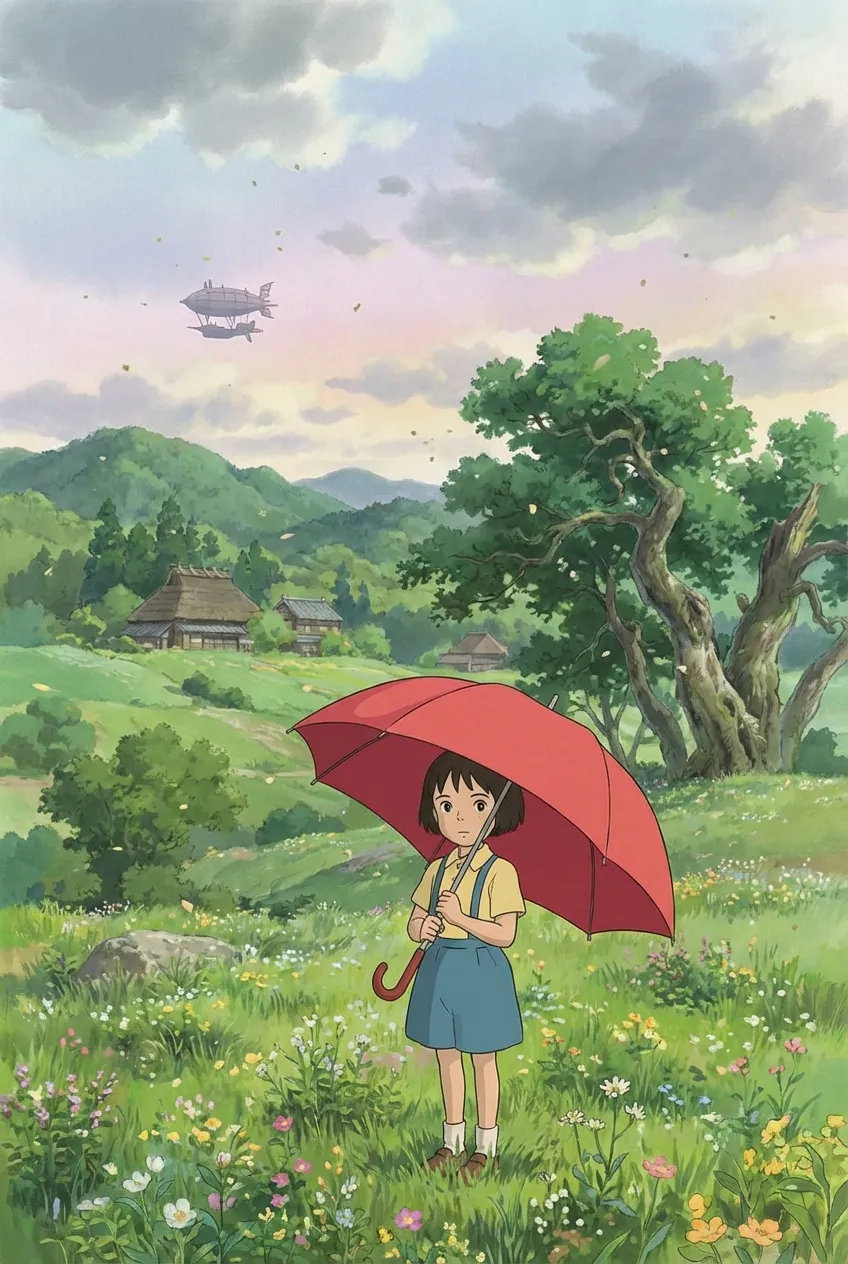
"studio ghibli style, girl in straw hat watching a passing train from a grass hillside, summer wind, cumulus clouds, soft watercolor matte background, dappled afternoon light, gentle pastoral mood"
Try this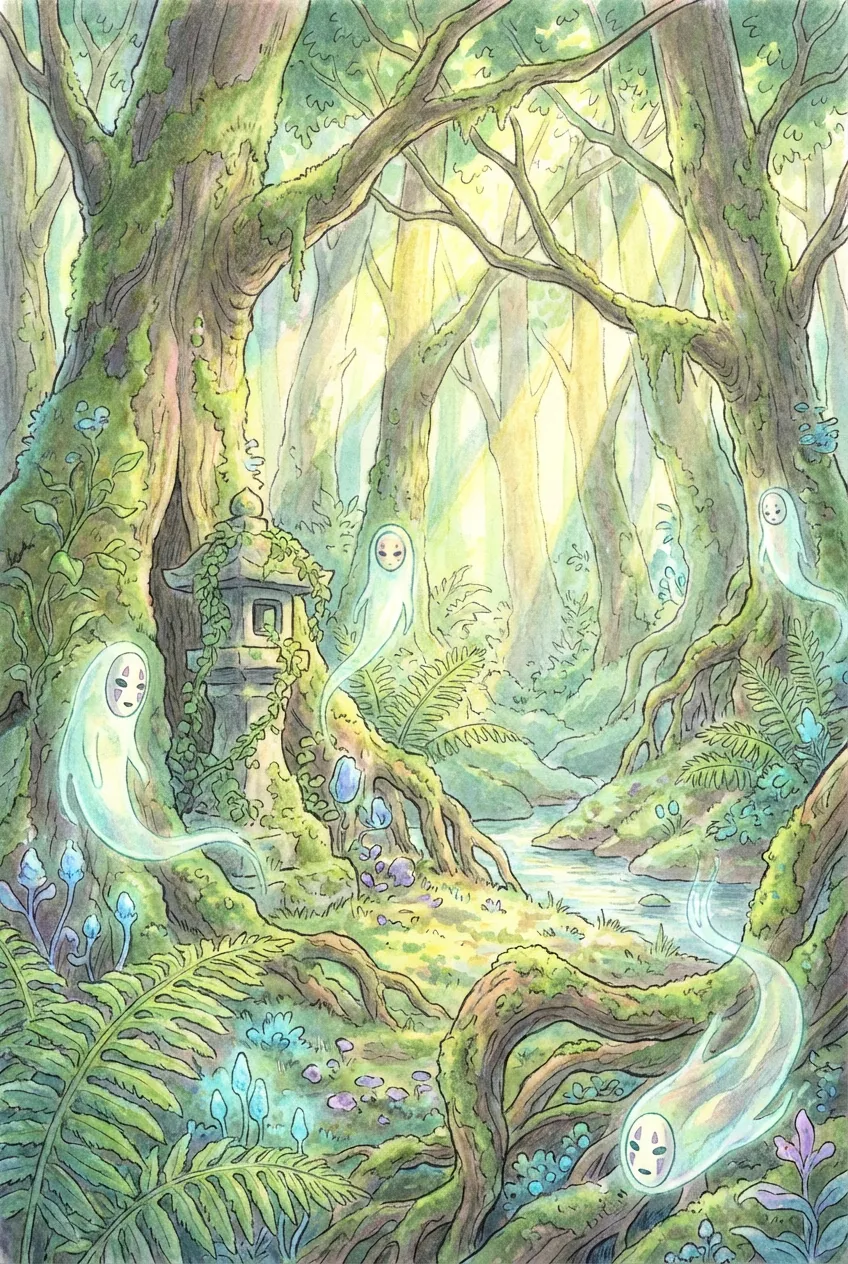
"Studio Ghibli style, ghibli style, small forest spirit sitting on a moss-covered shrine stone, dappled light through cedar trees, soft greens, painterly watercolor background, calm slice-of-life mood"
Try this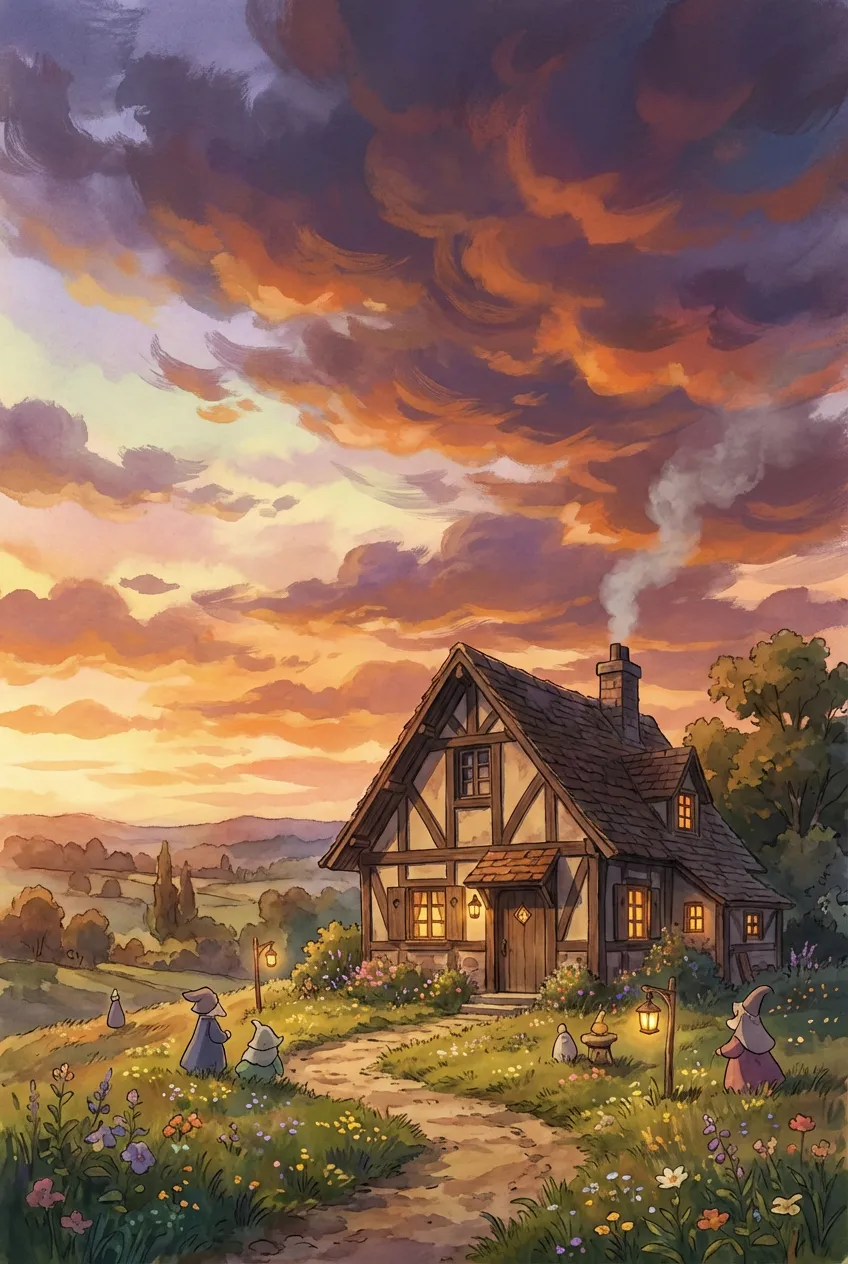
"studio ghibli style, hillside cottage with smoking chimney at dawn, dewy grass, dawn gold sky with painted cumulus, kettle on a wood stove visible through the window, warm pastoral mood"
Try thisMake your own Studio Ghibli style art
Type a prompt below, or tap a starter to begin.
Generate a Studio Ghibli scene
Type a scene below and press Generate.
Why choose Anifusion?
Watercolor matte backgrounds
Hand-painted watercolor backgrounds with cumulus skies, dappled forest light, and detailed Japanese countryside or European-village architecture.
Pastoral mood
Calm, slice-of-life atmospheres: rice paddies at dusk, hillside cottages, kettle steam, and quiet character moments without action posing.
Gentle character proportions
Yoshifumi Kondo-style rounded faces, expressive but unexaggerated eyes, simple costuming, and natural hair silhouettes that sit inside the painted background.
Soft cumulus skies
Layered painted cloud formations with golden hour and dawn light. Weather acts as part of the story rather than a background prop.
Muted natural palette
Muted greens, dawn gold, and clean sky blues, with a single warm accent rather than a saturated rainbow of colors.
Lived-in fantasy worlds
Floating castles, forest spirits, and weather magic that still feel grounded by everyday objects, food, and architecture.
Create in 3 easy steps
Write your prompt
Describe your vision for Studio Ghibli style in plain language.
Refine settings
Tune the aspect ratio and style strength to your liking.
Generate and enjoy
Click generate and watch your masterpiece come to life in seconds.
Related styles
Discover more artistic directions you might love
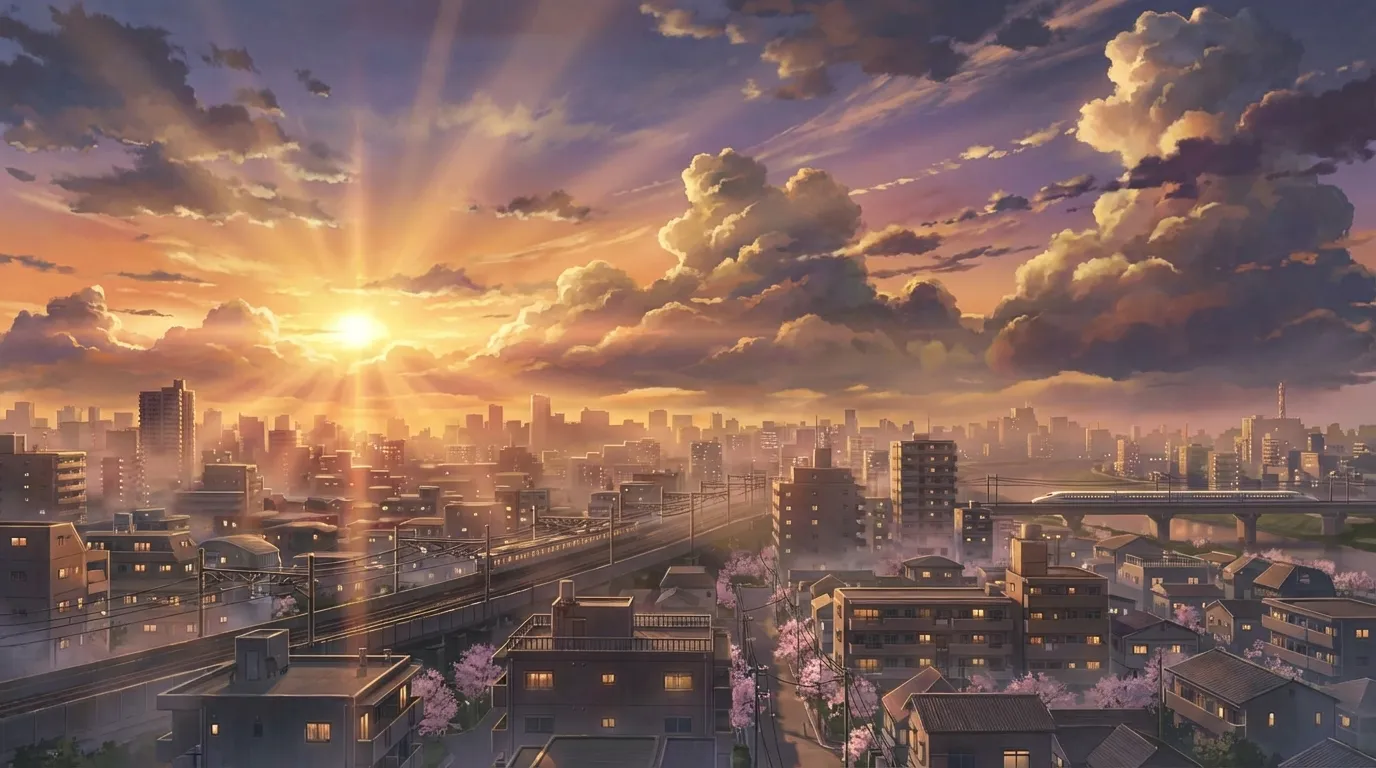
Makoto Shinkai style
Makoto Shinkai style pairs near-photographic urban Japanese backgrounds with stratus-cloud skies, golden hour lens flare, and quiet two-shot character framing. It suits emotional key visuals, train scenes, and rooftop sunset moments.
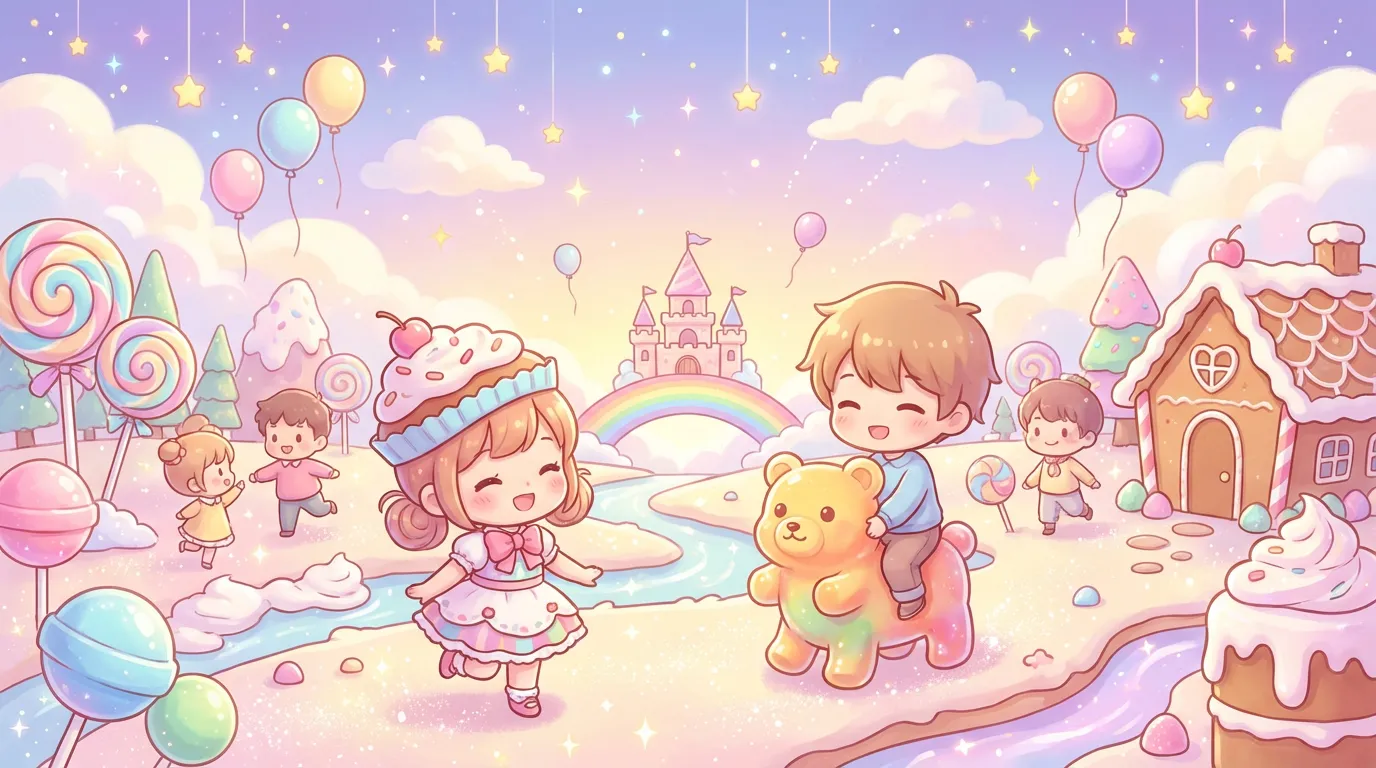
Chibi style
Chibi style takes a normal character and renders them with 2-head proportions, blob feet, oversized eye sparkle, and Q-version simplification. It suits stickers, emotes, shop mascots, line art keychains, and reaction icons.
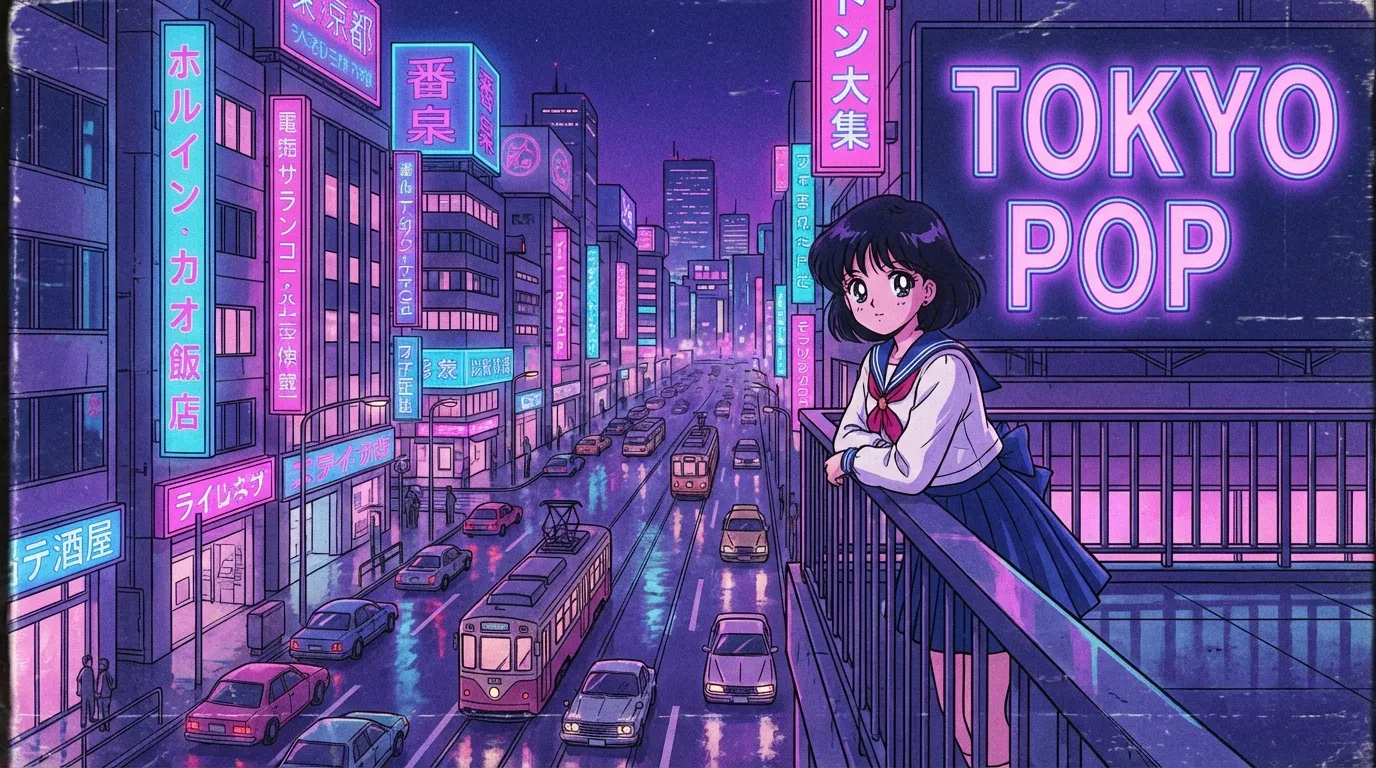
90s anime style
90s anime style pairs cel-painted limited palettes with OAV film grain, chunk highlights on hair, and Akira-era heavy line weight. It suits magical girl key visuals, mecha cockpit shots, and Bebop-style adult action stills.
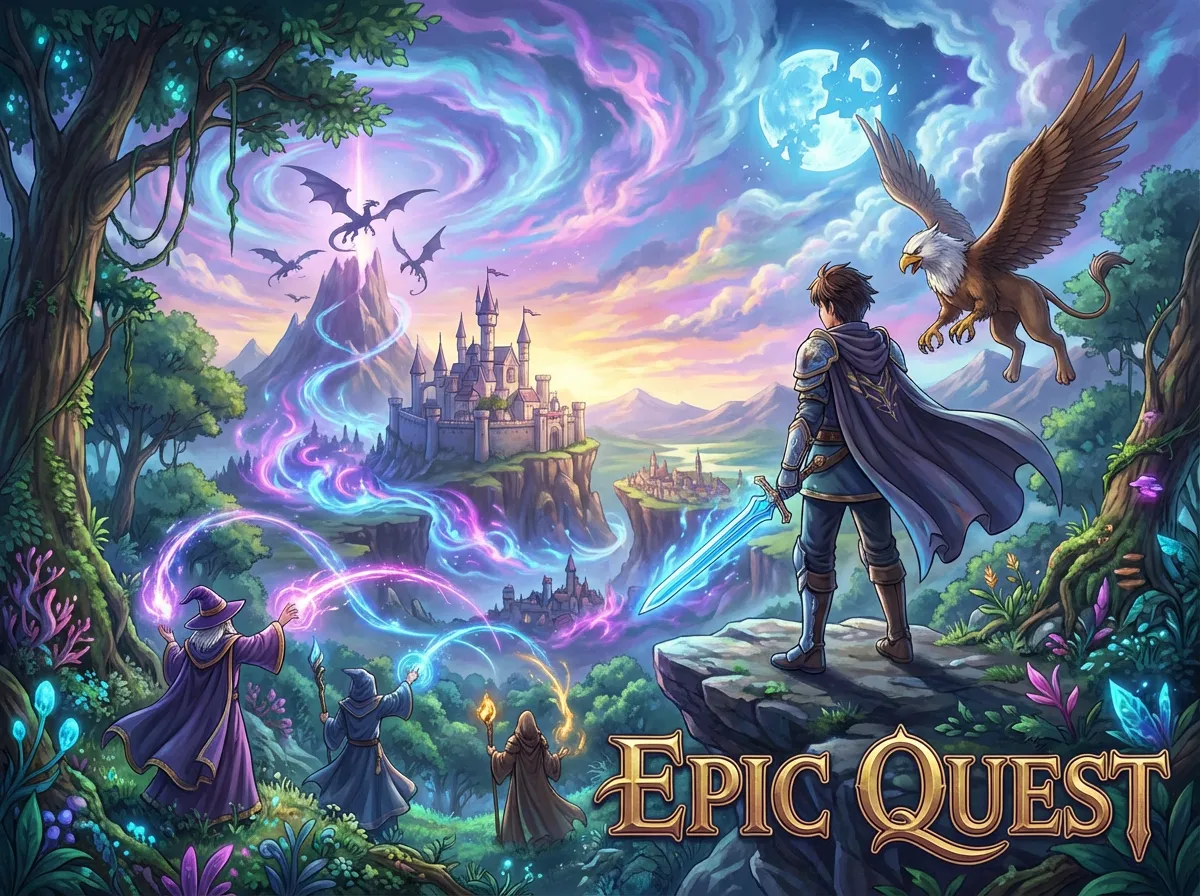
Fantasy anime style
Fantasy anime style covers high-fantasy worlds: elven silhouettes, torchlit dungeon palettes, dragon scale highlights, and crumbling spire architecture above forest canopies. Use it for isekai key visuals, RPG character sheets, party-portrait covers, and quest scene art that reads cinematic and grounded.
Watercolor anime style
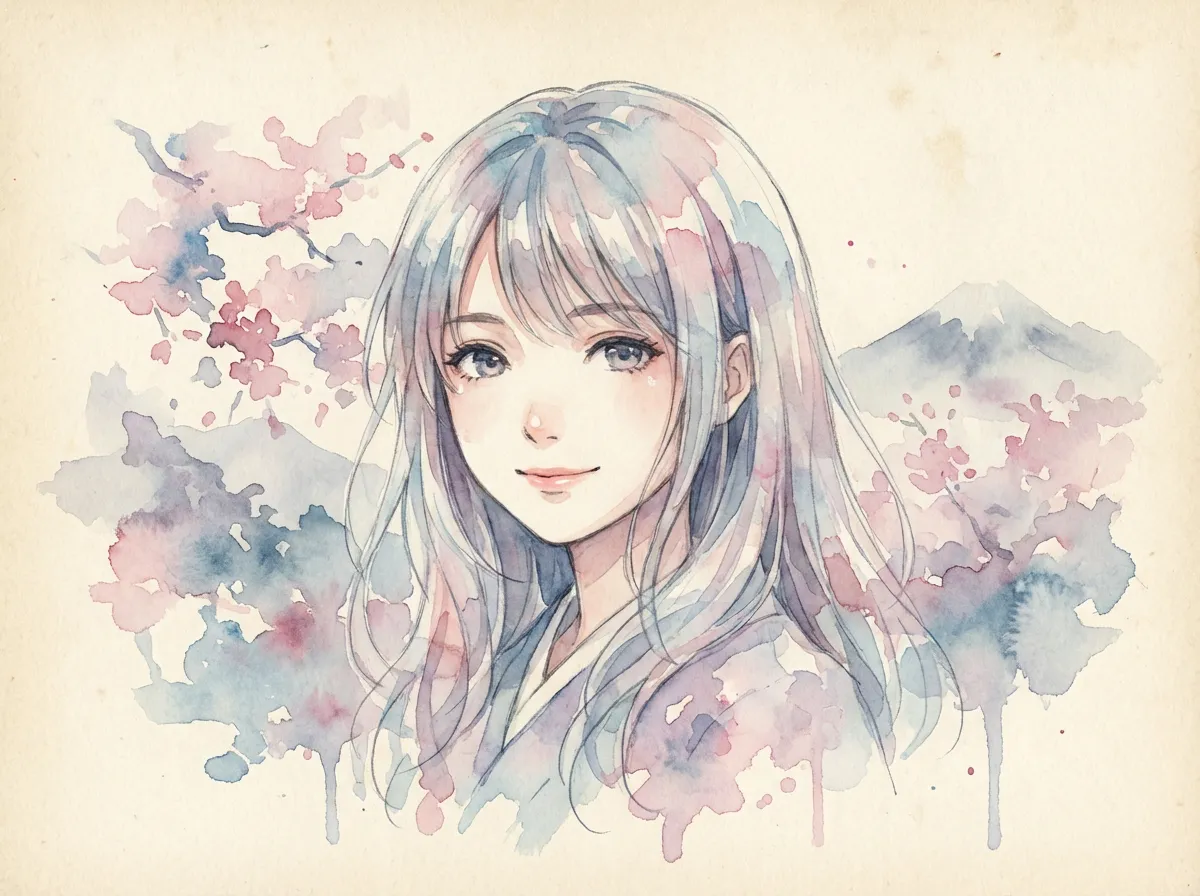
Watercolor anime style is a painted illustration look defined by wet-on-wet color bleed, salt-grain texture, paper tooth showthrough, and a soft ink line laid over the washes. It suits seasonal portraits, quiet character covers, novel jacket art, and atmospheric landscape stills.
Isekai anime style
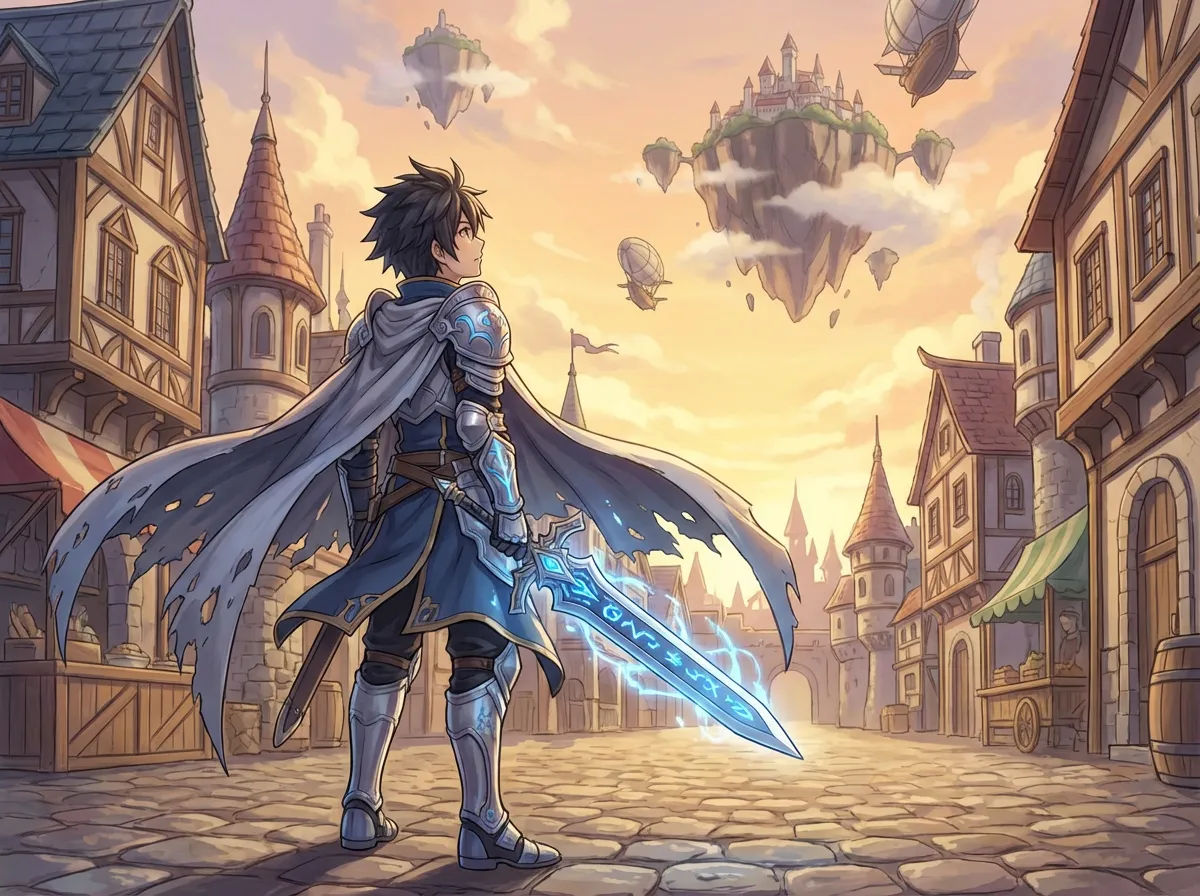
Isekai anime style is the modern light novel adaptation look defined by summoning circle compositions, RPG-stat HUD overlays, fantasy guild interiors, and adventurer party group shots. It suits original isekai protagonists, party covers, and dungeon-and-tavern key art.
Frequently asked questions
Prompt tips, rights, and workflow. Sign up free to generate in this look today.
Generate a Studio Ghibli scene
Type a scene below and press Generate.
What defines the Studio Ghibli art style?
It is the hand-painted watercolor matte look that Hayao Miyazaki, Isao Takahata, and Yoshifumi Kondo developed across decades of film: layered cumulus skies, soft dappled forest light, lived-in European-village or Japanese countryside architecture, and characters with rounded faces and gentle expressions. The pacing of a Ghibli image leans toward calm and slice-of-life rather than action.
What prompts work best for the Ghibli style generator?
Lead with 'studio ghibli style' or 'ghibli watercolor matte background', then describe the subject, the time of day, the weather, and one sensory detail like wind in tall grass, smoke from a chimney, or light through leaves. Avoid action poses, neon palettes, and 'highly detailed cyberpunk' modifiers, since those fight the soft watercolor look.
Can I generate art that feels like Spirited Away or Totoro?
You can capture the mood by describing the setting and lighting in those films rather than naming the films directly. For a Spirited Away feel, mention a wooden bathhouse silhouette, lantern light, and a riverside boardwalk. For a Totoro feel, mention rice paddies at dusk, a wooden bus stop, and forest cedar. Anifusion does not produce official Ghibli characters, but the watercolor matte look and pastoral mood transfer well.
What kinds of projects suit Ghibli style art?
It works well for OC portraits, children's book illustrations, slice-of-life manga panels, indie game key art, music video concept frames, and pastoral landscape pieces. The style also fits cozy mood boards and calm lock screens. It is less suited to high-contrast action posters or fast-moving combat scenes, where a sharper anime style serves better.
How do I get those signature watercolor backgrounds?
Add modifiers like 'watercolor matte background', 'painterly clouds', 'dappled light', and 'soft brush texture'. Picking a clear time of day (dawn gold, late afternoon, blue hour) helps the model commit to a single light source rather than averaging into flat lighting. Keeping the prompt under roughly forty words also prevents the background from getting crowded with detail and losing the calm Ghibli feel.
Can I use Ghibli style art commercially?
Anifusion grants you full commercial rights to images you generate, including Ghibli style outputs. The style itself is a visual aesthetic and is not protected, but specific copyrighted characters such as Totoro or Chihiro are. Keep your work to original characters and original settings if you plan to use the art for client projects, merchandise, or paid media.
Which model should I pick for Ghibli style art?
Flux Dev tends to handle the watercolor matte look and soft cumulus skies most cleanly, which is why this page defaults to it. SDXL-based anime models can also work, but they often push lineart and saturation higher than the Ghibli aesthetic wants. Start with Flux Dev, then experiment with steps and CFG to soften the result if it feels too sharp.
Start creating Studio Ghibli style art today
Join 130,000+ creators and bring your imagination to life with 100 free credits.