Generate cel-shading anime art with two-tone shadow blocks
Crisp ink outlines, flat color fields, and halftone fills, the toon-shade look used in modern anime cutscenes, webcomics, and VTuber stills.
Franchise, studio, and character references describe style or mood only, not a license, sponsorship, endorsement, or affiliation. You are responsible for your prompts and outputs. As-is, no warranty of non-infringement (not legal advice). For DMCA, copyright, or trademark issues, use our Contact page.
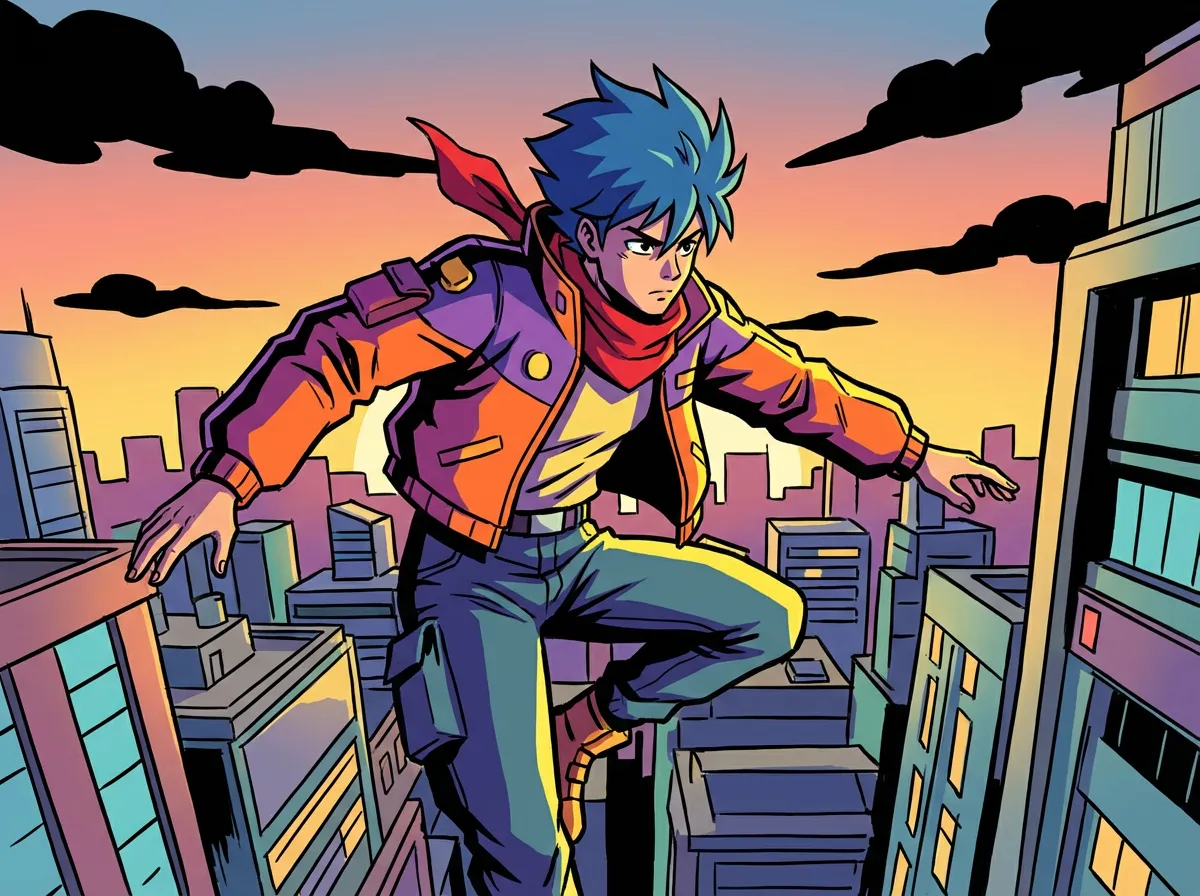
Generate a Cel-shading anime scene
Type a scene below and press Generate.
About Cel-shading anime style
Cel-shading is a non-photorealistic look that turns 3D-rendered subjects into flat-colored, hand-drawn anime cels. Expect crisp ink contours, two-tone shadow blocks, and saturated color fields with very little gradient, the same approach used in anime opening sequences and modern game cutscenes.
Cel-shading anime style takes its name from the original "cel" (celluloid) animation process, where painters laid flat colors behind ink-on-glass outline drawings. The cel-shading anime generator on Anifusion reproduces that look digitally: a 1-pixel matte ink line that holds every form, two or three discrete shadow blocks instead of smooth gradients, and saturated fill colors that read clearly even when the image is shrunk to a thumbnail.
This style suits anyone who needs high-readability character art at speed: webcomic artists laying out panels, VTubers producing reaction stills, indie game devs blocking in cutscenes, and animators studying the modern shōnen battle-anime look. It also works for poster art and merch designs where the print needs to hold its silhouette across stickers, t-shirts, and small phone wallpapers.
For best results, prompt with concrete cel-shading vocabulary: "cel-shaded", "two-tone shading", "ink line outline", "flat color fields", "rim light only", and a clear lighting direction such as "top-left key light". Avoid soft-glow and painterly modifiers, they fight the look. The cel-shading anime generator differs from generic anime models by enforcing edge contour, color quantization, and shadow stepping at the prompt level instead of relying on diffusion noise to suggest those features.
Try Cel-shading anime style generation
Try the look on your own prompt. Start from one of the examples below.
Example prompts
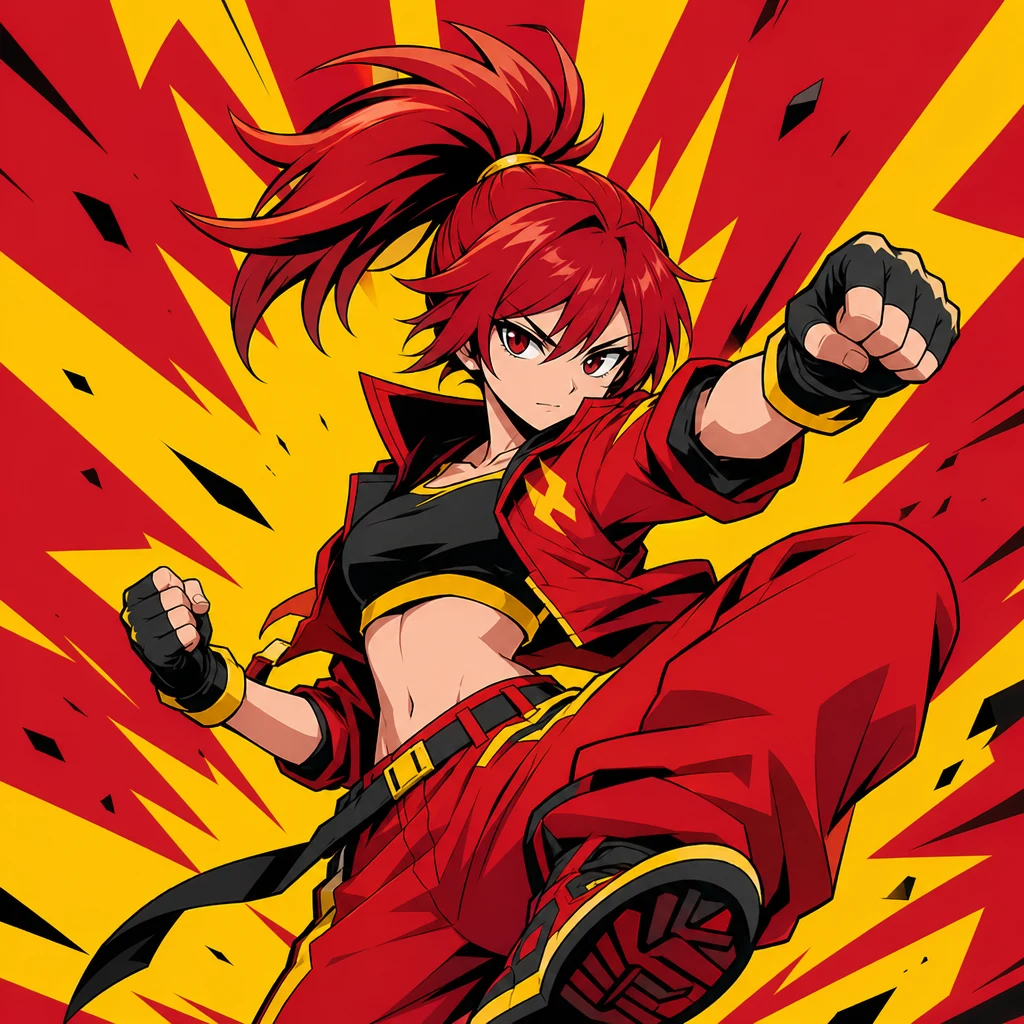
"cel-shading anime style, lone swordswoman in red haori, mid-step pose, top-left key light with hard rim, two-tone shadow blocks on face and fabric, 1-pixel matte ink contours, flat saturated red and ivory color fields, halftone screentone in shadow, dusk sky background"
Try this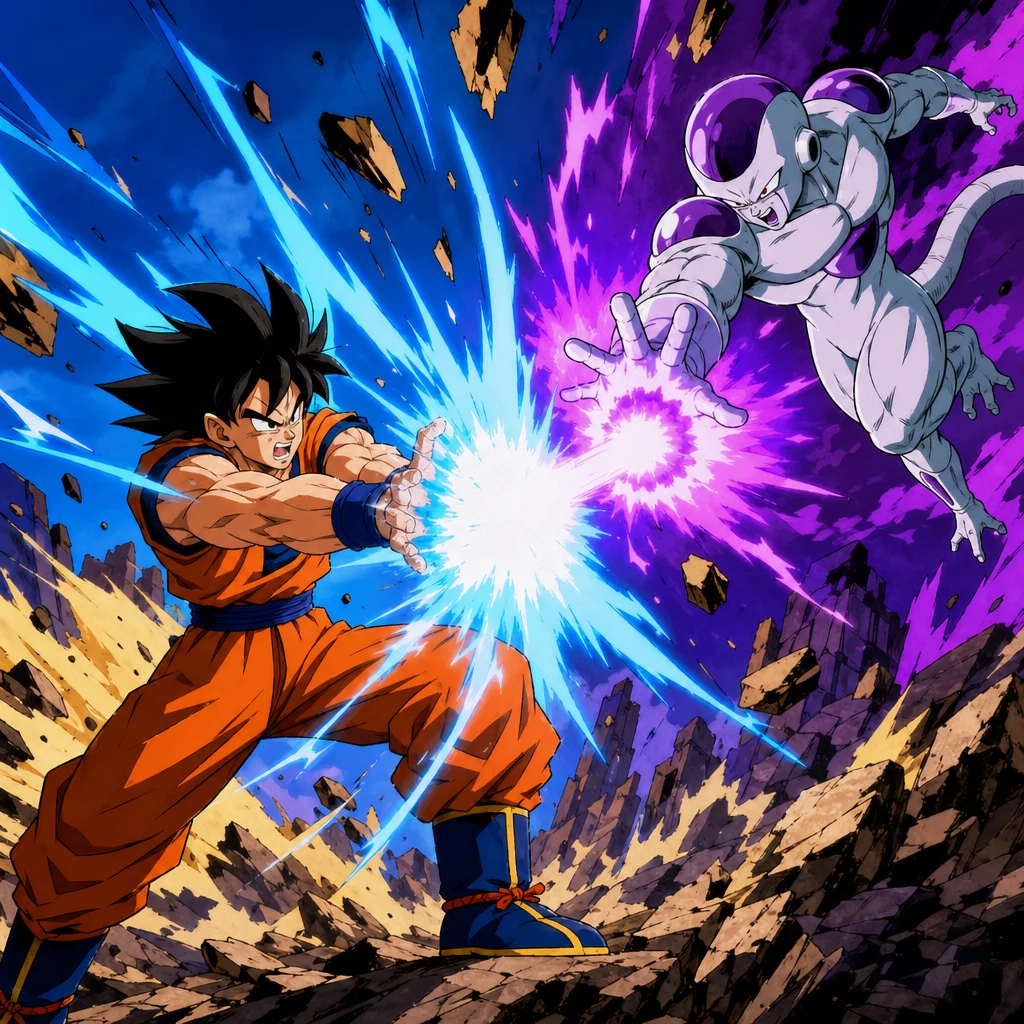
"cel-shading anime style, two-character battle, energy blast collision in foreground, hard cyan and magenta key lights, flat color fields with no gradient, sharp halftone bursts behind impact, 1-pixel ink contours, simplified background of broken city skyline, shōnen action panel composition"
Try this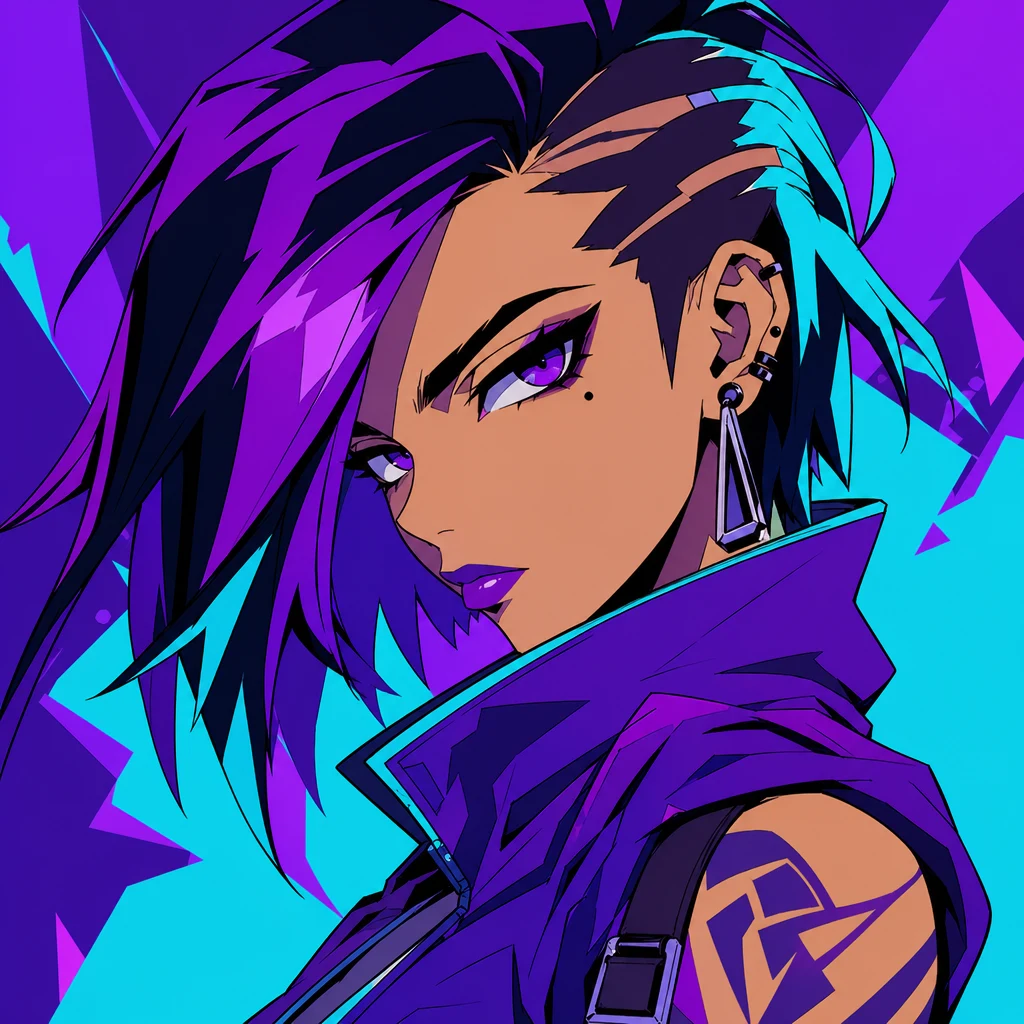
"cel-shading anime style, idol-anime portrait, stage spotlight from above, two-tone face shading with hard cheek shadow, flat saturated lavender hair, ink contour outline, halftone fill in clothing folds, vivid magenta backdrop, clean comic-panel framing"
Try thisMake your own Cel-shading anime style art
Type a prompt below, or tap a starter to begin.
Generate a Cel-shading anime scene
Type a scene below and press Generate.
Why choose Anifusion?
Crisp ink contours
A 1-pixel matte black contour wraps every form, holding silhouettes clean even at small print sizes. Line weight stays uniform inside shapes and only thickens at large overlaps.
Two-tone shadow blocks
Light and shadow are quantized into two or three flat blocks instead of smooth gradients. The result reads instantly as cel work, with no painterly bloom or soft falloff.
Flat saturated color fields
Fill colors are placed in clean, unshaded fields. Saturation stays high, hues don't drift inside one shape, and palettes can swap quickly per character.
Hard rim and key lighting
Lighting reads as a single key light plus optional rim, with clear edges between lit and shadow zones. Highlights are placed as separate flat shapes, not blended.
Halftone and screentone fills
Optional dot patterns and halftone fills add depth without breaking the flat look, the same trick manga and 90s OAV cels used for skin and shadow.
Comic-panel readability
Compositions stay legible at panel scale, with strong silhouettes, clear figure-ground contrast, and minimal background detail behind characters in motion.
Create in 3 easy steps
Write your prompt
Describe your vision for Cel-shading anime style in plain language.
Refine settings
Tune the aspect ratio and style strength to your liking.
Generate and enjoy
Click generate and watch your masterpiece come to life in seconds.
Related styles
Discover more artistic directions you might love
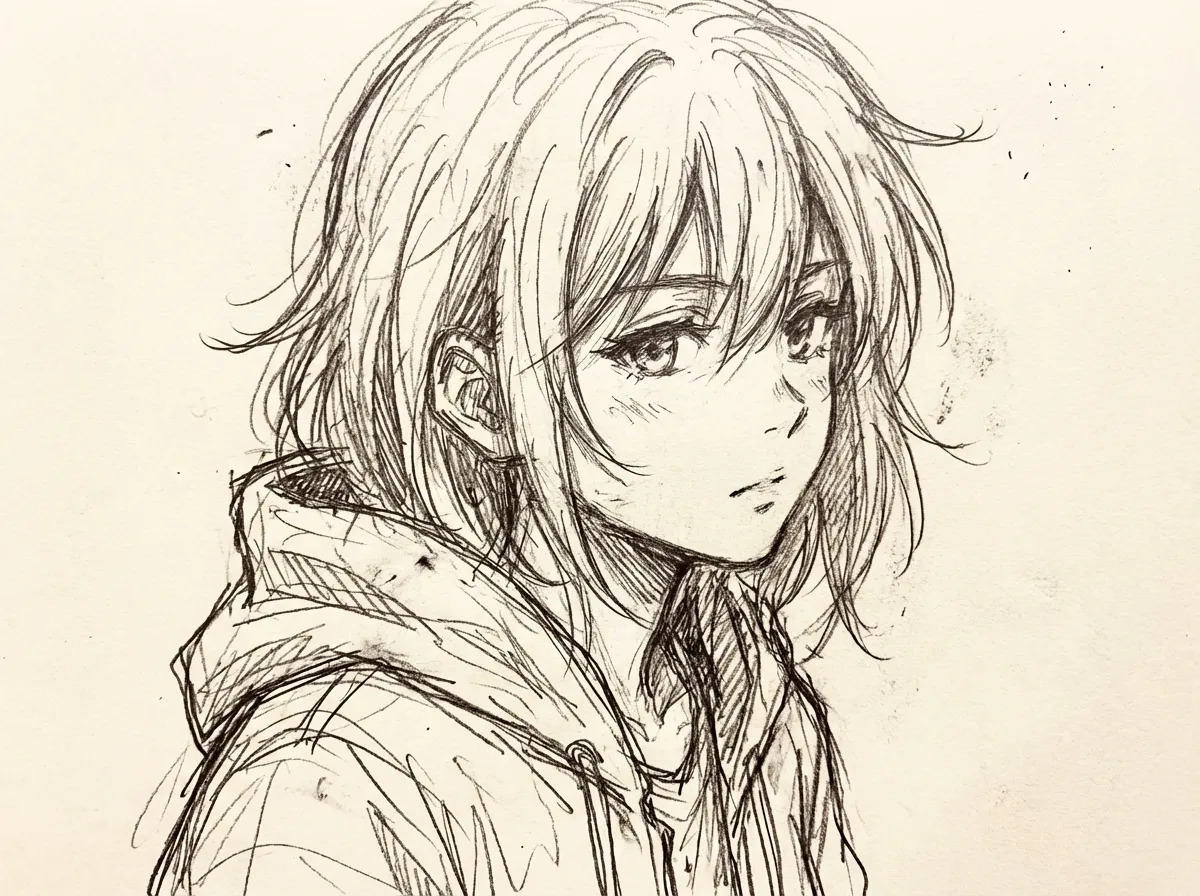
Sketch anime style
The sketch anime style keeps the working drawing visible: pencil construction lines, ink hatching for shadow, and the soft graphite tooth of a real sketchbook page. It is the look used for character design sheets, storyboard panels, and life-drawing studies, before any clean lineart pass.
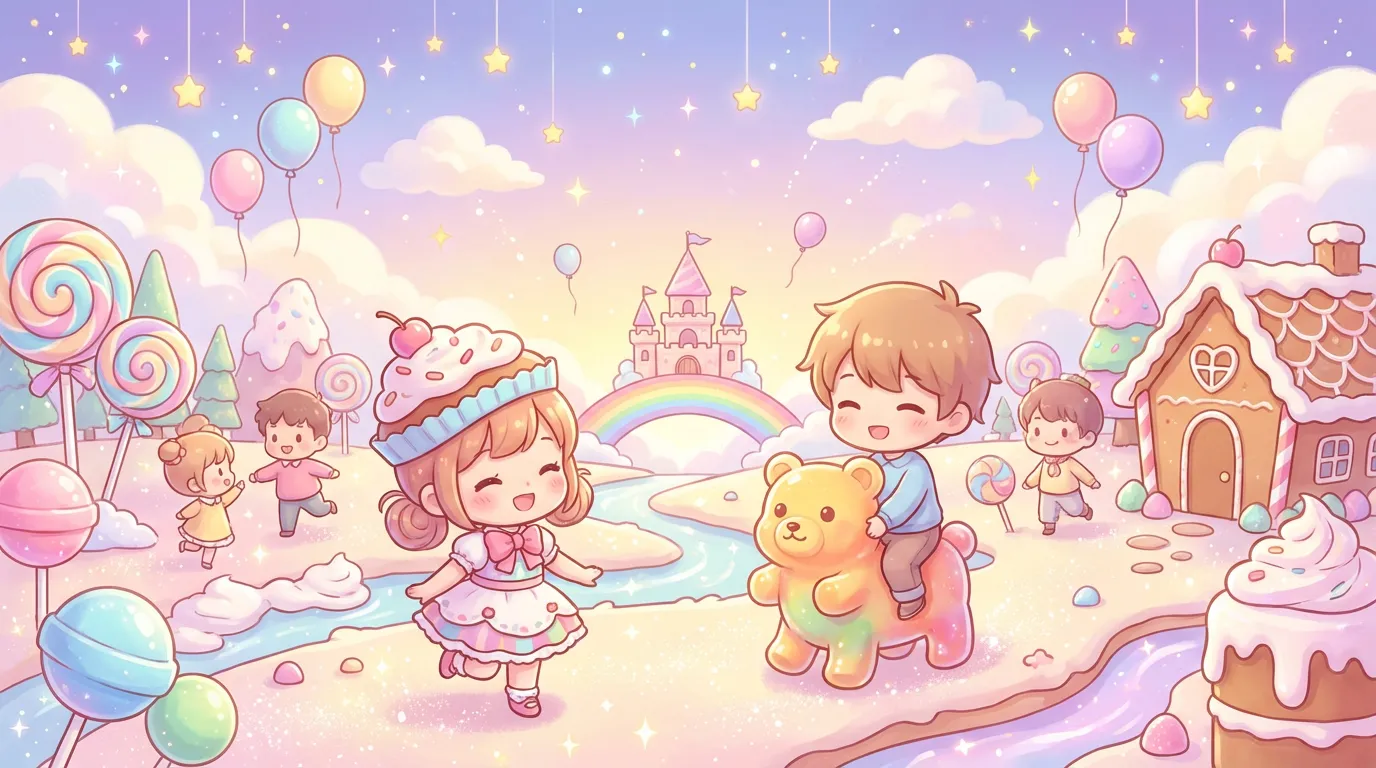
Chibi style
Chibi style takes a normal character and renders them with 2-head proportions, blob feet, oversized eye sparkle, and Q-version simplification. It suits stickers, emotes, shop mascots, line art keychains, and reaction icons.
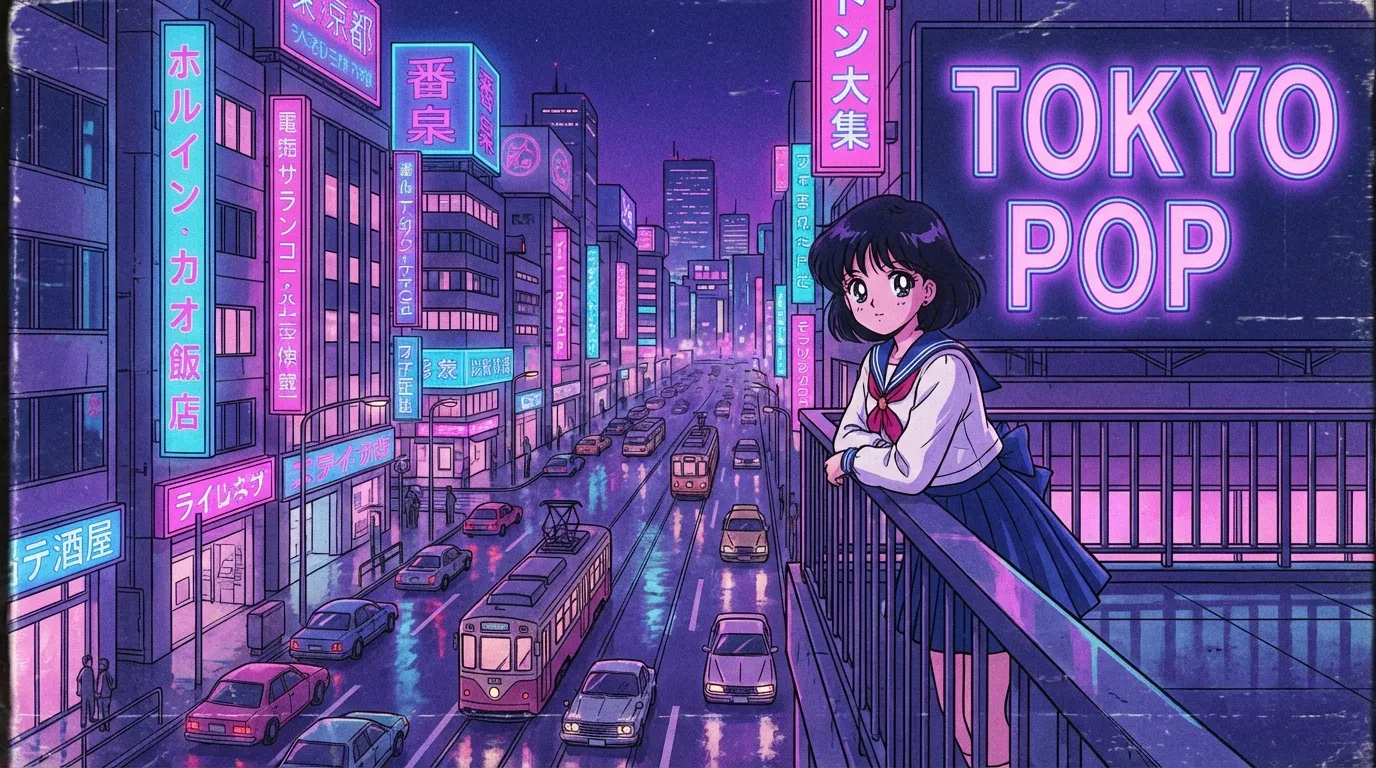
90s anime style
90s anime style pairs cel-painted limited palettes with OAV film grain, chunk highlights on hair, and Akira-era heavy line weight. It suits magical girl key visuals, mecha cockpit shots, and Bebop-style adult action stills.
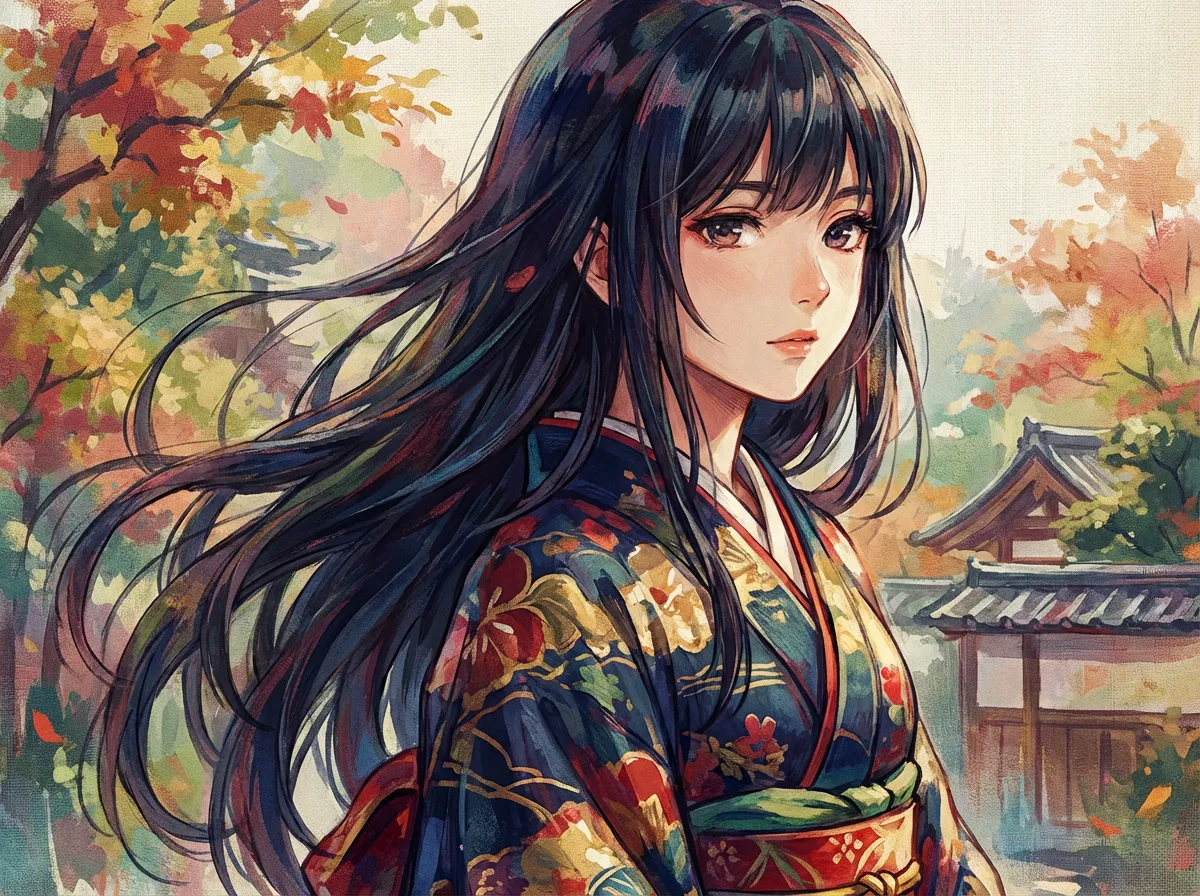
Digital painting anime style
Digital painting anime style captures the look of an artist working in Procreate or Clip Studio Paint, with visible brush texture, layered color glazes, and a warm rim light that gives characters real volume. It suits pinups, splash art, and book covers.
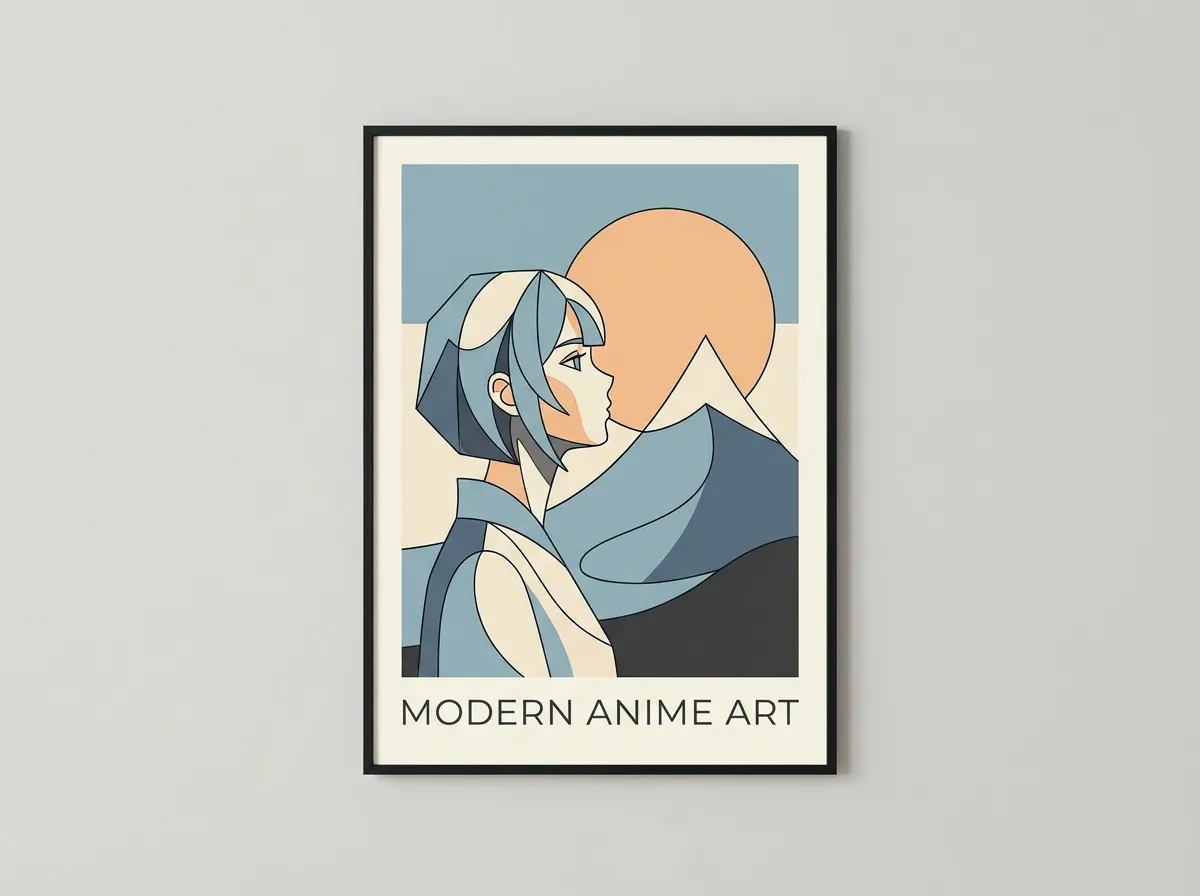
Minimalist anime style
Minimalist anime style strips a character down to a single-line contour, two or three flat color blocks, and a single negative-space focal point. It is the look modern brand mascots, UI illustrations, and editorial spot art borrow when they want a face that reads at any size.
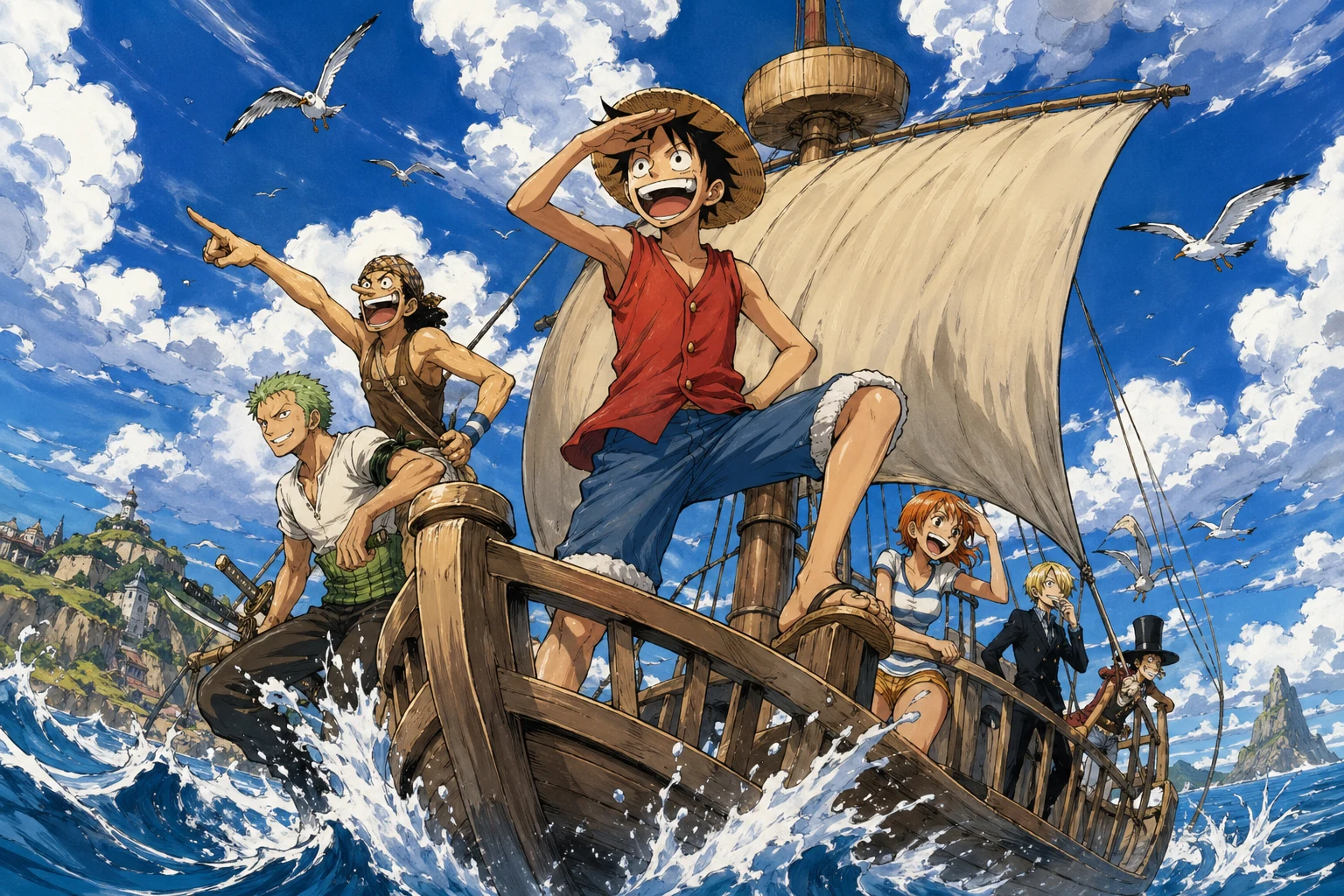
One Piece style
One Piece style combines Eiichiro Oda exaggerated limb proportions, expressive crowd faces, and tropical island color with the rubbery, motion-line-heavy action of a long-running shonen adventure. It suits pirate OCs, comedic brawl panels, and wanted-poster art.
Frequently asked questions
Prompt tips, rights, and workflow. Sign up free to generate in this look today.
Generate a Cel-shading anime scene
Type a scene below and press Generate.
What is cel-shading and how is it different from regular anime shading?
Cel-shading quantizes light into two or three flat blocks instead of using smooth gradients, so a face has a clear lit half and a clear shadow half with a hard edge between them. Regular anime shading often blends soft cheek blush, gradient hair, and ambient occlusion, which softens the silhouette. Cel-shading keeps the silhouette crisp and the color fields flat, the way painted animation cels looked under a camera.
Which lighting setup works best for cel-shading?
A single strong key light plus an optional rim light is the cleanest cel-shading setup. Specifying a clear direction such as "top-left key light" or "underlit cyan rim" tells the model where to place the shadow block, and the resulting two-tone face reads instantly as cel work. Avoid "soft global illumination" or "volumetric fog", those modifiers fight against the flat look.
How do I prompt for two-tone shading without getting soft gradients?
Use the words "two-tone", "cel-shaded", "flat color fields", "no gradient", and "hard shadow edge". Adding a halftone or screentone modifier for the shadow side helps too, because the model interprets it as a flat fill instead of a smooth ramp. If gradients still appear, try lowering ambient lighting words and dropping any "painterly", "glow", or "bloom" tokens from the prompt.
Can I use cel-shading for webcomics and merch printing?
Yes, this is one of the strongest use cases. Cel-shaded art keeps its silhouette at small sizes, prints cleanly on stickers and t-shirts because of the hard edges, and reads well in webtoon vertical scrolls. Anifusion images come with full commercial rights, so you can take the output straight to a merch print run, a Webtoon page, or a Kickstarter rewards tier.
Is the cel-shading anime generator suitable for action scenes?
Action is where cel-shading shines. Hard shadow blocks, flat speed lines, and halftone impact bursts all read at a glance, which is exactly what a fast battle panel needs. Add modifiers like "motion lines", "impact halftone", and "low-angle action shot" alongside the cel-shading tokens, and the model will keep the silhouette legible even with multiple characters in frame.
Why does my output look painterly instead of cel-shaded?
Almost always a prompt issue. Words like "detailed shading", "soft lighting", "realistic skin", "cinematic", or "masterpiece" nudge the model toward smooth gradients and bloom. Strip those, anchor the prompt with "cel-shaded, two-tone shading, flat color fields, 1-pixel ink line outline", and the result snaps back to a clean cel look.
Start creating Cel-shading anime style art today
Join 130,000+ creators and bring your imagination to life with 100 free credits.