AnimagineXL 3.1: Enhanced Anime AI Generator
Create high-quality anime artwork with improved hand anatomy, better concept understanding, and advanced prompt interpretation. Built on Stable Diffusion XL.
About AnimagineXL 3.1
AnimagineXL 3.1 is an enhanced update in the Animagine XL V3 series from Cagliostro Research Lab. This open-source, anime-themed text-to-image model has been improved for generating anime-style images with higher quality and better accuracy.
AnimagineXL 3.1 represents a significant improvement over Animagine XL 3.0, designed to generate anime-style images of higher quality. Trained on 2x A100 80GB GPUs for approximately 15 days using a three-stage training process, this model delivers exceptional results for anime art generation.
Key improvements in AnimagineXL 3.1 include: - Enhanced hand anatomy for more accurate hand rendering - Better concept understanding for improved prompt interpretation - Advanced aesthetic generation capabilities - Broader range of characters from well-known anime series - Optimized dataset with 873,504 carefully curated images - New aesthetic tags for better image creation control
The model utilizes a sophisticated three-stage training process including pretraining and two finetuning stages. It employs Cosine Annealing Warm Restart scheduling and adaptive learning rates to achieve optimal results.
AnimagineXL 3.1 supports multiple aspect ratios from 1024x1024 to 1536x640, implements a specialized aesthetic tagging system using Danbooru-style tags, and incorporates year-specific style generation capabilities for controlling the anime art aesthetic.
This model is a valuable resource for anime fans, artists, and content creators by producing accurate and detailed representations of anime characters and scenes.
Example Generations
See what AnimagineXL 3.1 can create with the right prompts
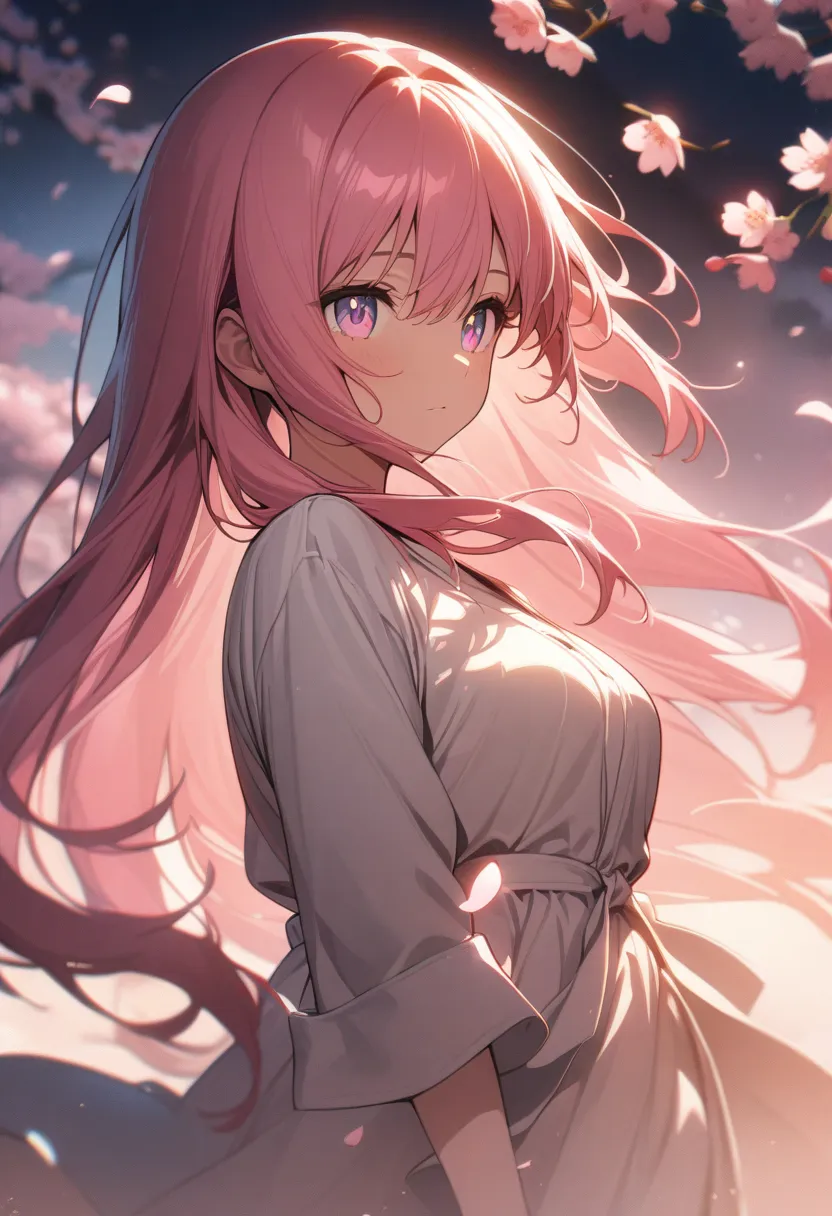
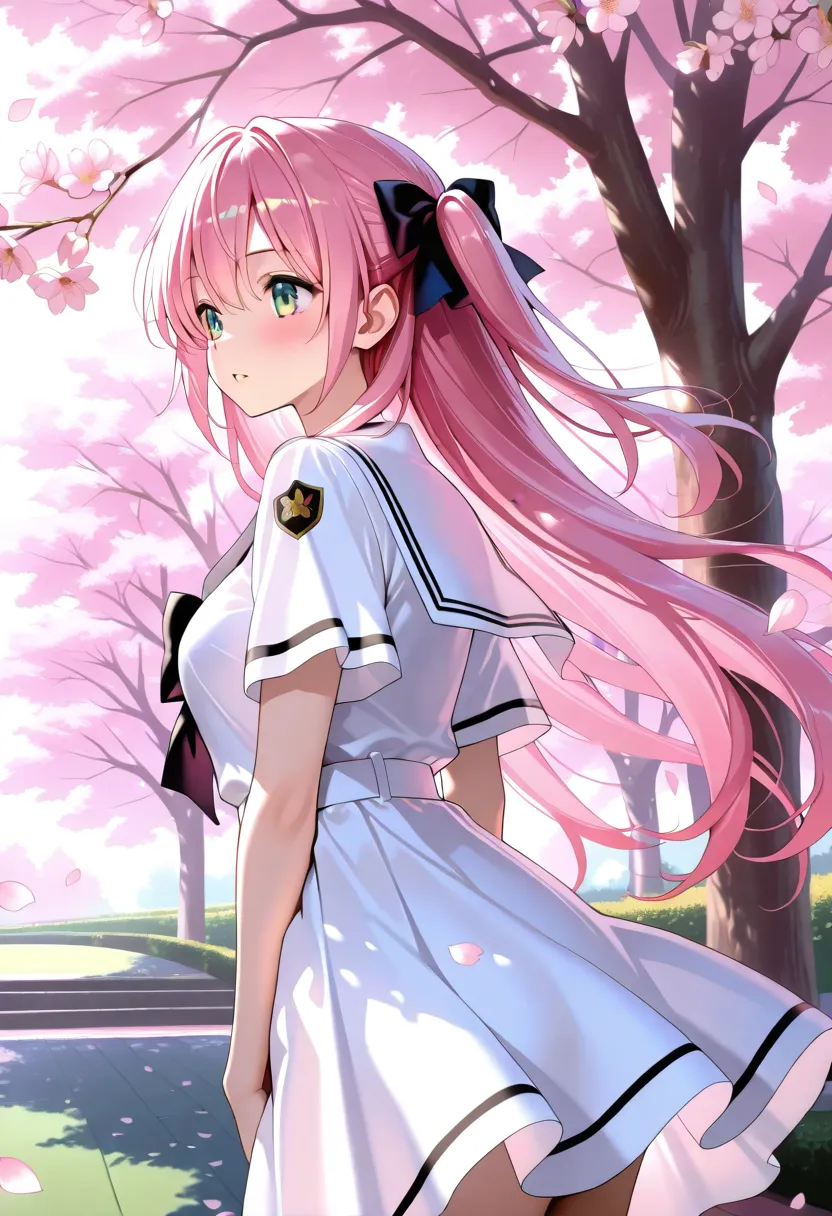
1girl, beautiful anime girl with long flowing pink hair, detailed eyes, soft lighting, cherry blossom petals falling, spring, masterpiece, best quality, very aesthetic, absurdres
Try This Prompt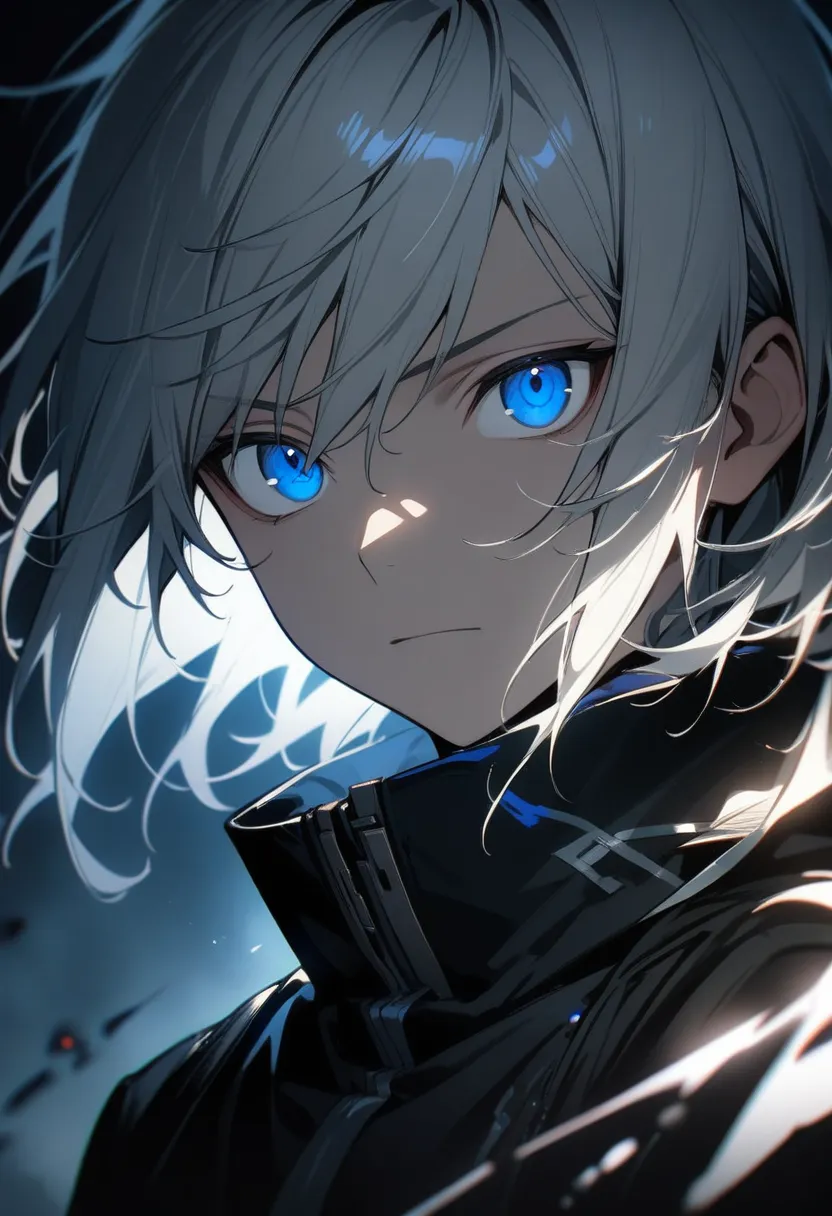
1boy, male anime character, blue eyes, silver hair, wearing black coat, dramatic lighting, detailed face, solo, upper body, masterpiece, best quality, very aesthetic, absurdres
Try This Prompt
anime landscape, sunset over japanese shrine, torii gate, mountains in background, detailed clouds, beautiful scenery, no humans, masterpiece, best quality, very aesthetic, absurdres
Try This PromptKey Features
Enhanced Hand Anatomy
Significantly improved hand rendering with more accurate finger positioning and proportions. One of the major improvements over version 3.0.
Better Concept Understanding
Advanced prompt interpretation allows for more accurate generation of complex scenes and character interactions.
Aesthetic Control
New aesthetic tagging system for precise control over image quality and artistic style using specialized quality modifiers.
Multi-Aspect Ratio Support
Supports various image dimensions from 1024x1024 to 1536x640, allowing for flexible portrait, landscape, and square outputs.
Danbooru-Style Tags
Optimized for Danbooru-style tags, allowing anime enthusiasts to use familiar tagging conventions for precise control.
Year-Specific Styles
Incorporates year-specific style generation capabilities to influence the anime art aesthetic based on different eras.
Prompting Guide
Learn how to get the best results from AnimagineXL 3.1
Use Quality Tags
Always include "masterpiece, best quality, very aesthetic, absurdres" in your prompts for optimal results.
Character Count Tags
Start with "1girl", "1boy", "2girls", etc. to specify character count clearly for better composition.
Use Danbooru Tags
The model is optimized for Danbooru-style tags. Use familiar anime tagging conventions for best results.
Negative Prompts Matter
Use "low quality, worst quality, normal quality" in negative prompts to avoid common quality issues.
Recommended Settings
masterpiece, best quality, very aesthetic, absurdreswings, nsfw, low quality, worst quality, normal qualityRecommended Tags
Frequently Asked Questions
What is AnimagineXL 3.1?
AnimagineXL 3.1 is an enhanced anime-focused AI image generation model from Cagliostro Research Lab. It is an improvement over version 3.0 with better hand anatomy, improved concept understanding, and advanced prompt interpretation capabilities.
What are the best settings for AnimagineXL 3.1?
For best results, use Euler A scheduler with 28 steps, guidance scale of 7, and include quality tags like "masterpiece, best quality, very aesthetic, absurdres". Supported image sizes include 1024x1024, 832x1216 (portrait), and 1216x832 (landscape).
What is the difference between AnimagineXL 3.0 and 3.1?
AnimagineXL 3.1 features enhanced hand anatomy for better hand rendering, improved concept understanding for more accurate prompt interpretation, a broader range of anime characters, an optimized dataset, and new aesthetic tags for better image quality control.
What tags work best with AnimagineXL 3.1?
AnimagineXL 3.1 is optimized for Danbooru-style tags. Use quality tags like "masterpiece, best quality, very aesthetic, absurdres" and character tags like "1girl", "1boy". The model also supports year-specific tags to influence art style.
Is AnimagineXL 3.1 free to use on Anifusion?
Yes! AnimagineXL 3.1 is available on Anifusion with 100 free credits to start. After that, you can subscribe for more credits or purchase additional credits as needed.
What image sizes does AnimagineXL 3.1 support?
AnimagineXL 3.1 supports multiple aspect ratios including 1024x1024 (square), 832x1216 (portrait), 1216x832 (landscape), 1536x640 (wide), and 640x1536 (tall). These sizes are optimized for the SDXL architecture.
Related Models
Explore other anime AI models
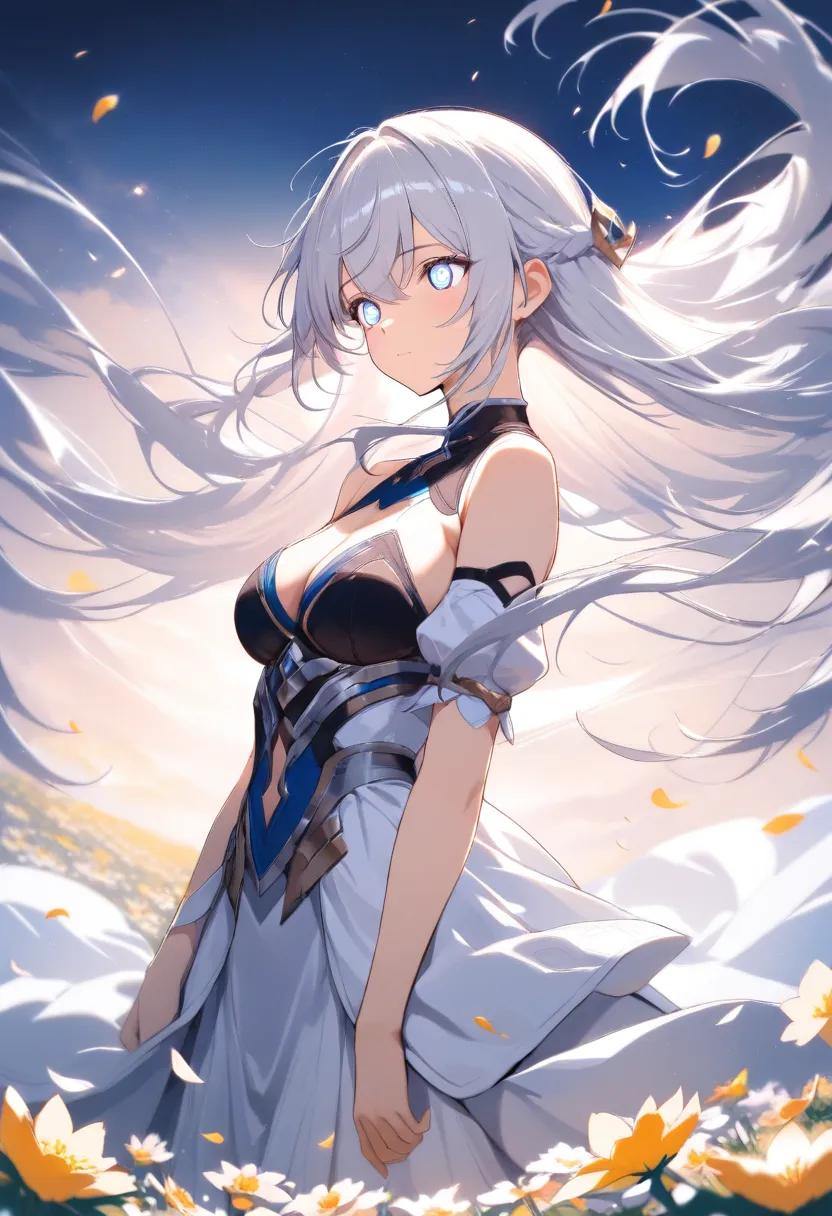
AnimagineXL 4.0
AnimagineXL 4.0 (also known as Anim4gine) is the latest and most advanced anime-focused image generation model from Cagliostro Research Lab. Retrained from scratch on Stable Diffusion XL with 8.4 million diverse anime images.
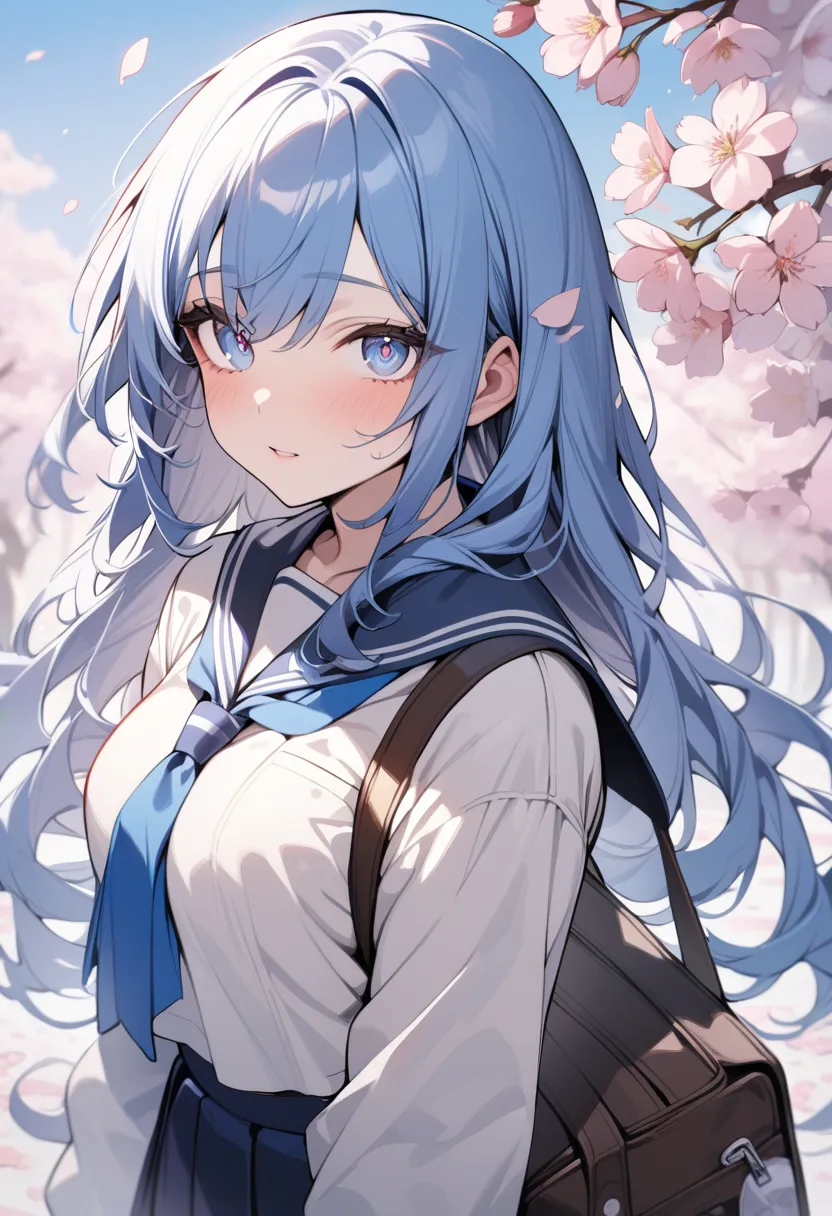
AnimagineXL 3.0
AnimagineXL 3.0 is a sophisticated open-source anime text-to-image model from Cagliostro Research Lab, built on Stable Diffusion XL. It features superior image generation with notable improvements in hand anatomy, efficient tag ordering, and enhanced knowledge about anime concepts.
Hassaku XL
Hassaku XL is a popular SDXL-based anime model created by Ikena, known for its bright and distinct anime style. It produces vibrant, colorful images with stable composition and excellent character rendering.
Start Creating with AnimagineXL 3.1
Join 130,000+ creators and bring your anime art to life with 100 free credits.