AnimagineXL 4.0: The Ultimate Anime AI Generator
Create stunning anime artwork with the most advanced anime-focused AI model. Trained on 8.4 million images with knowledge up to January 2025.
About AnimagineXL 4.0
AnimagineXL 4.0 (also known as Anim4gine) is the latest and most advanced anime-focused image generation model from Cagliostro Research Lab. Retrained from scratch on Stable Diffusion XL with 8.4 million diverse anime images.
AnimagineXL 4.0, stylized as Anim4gine, represents a major leap forward in anime AI art generation. Unlike previous versions that built upon their predecessors, version 4.0 was completely retrained from Stable Diffusion XL 1.0 using a massive dataset of 8.4 million carefully curated anime-style images.
The model features a knowledge cutoff of January 7th, 2025, meaning it can generate characters and styles from the most recent anime releases. The optimized version (4.0 Opt) includes significant improvements in stability, enhanced anatomy accuracy, reduced noise and artifacts, and richer, more accurate color reproduction.
Key improvements in AnimagineXL 4.0 include: - Better character anatomy and proportions - More consistent and vibrant color output - Reduced artifacts and noise in generated images - Support for temporal tags like "year 2025" to influence art style - Knowledge of characters from anime released through early 2025
The model uses a tag-based prompting system familiar to anime art enthusiasts, with quality tags like "masterpiece, high score, great score" to enhance output quality.
Example Generations
See what AnimagineXL 4.0 can create with the right prompts
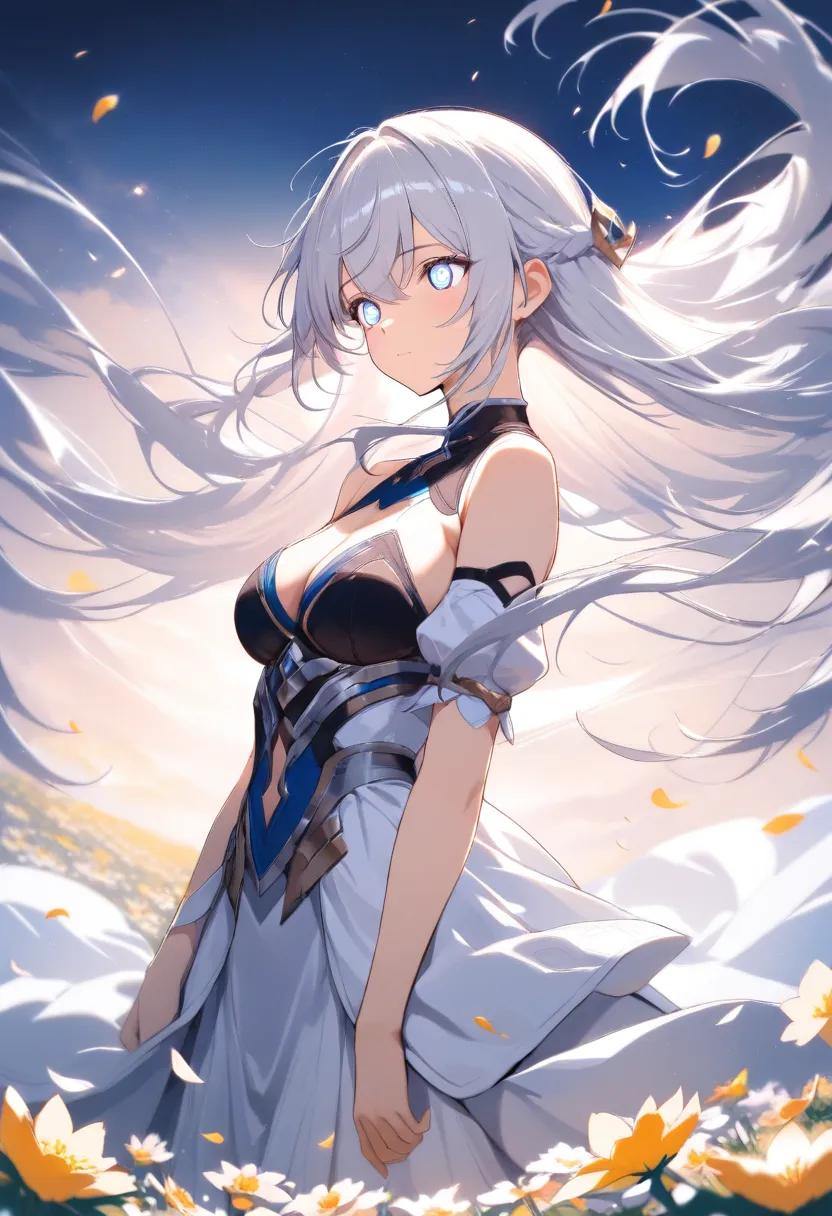
1girl, beautiful anime girl with long flowing silver hair, detailed eyes, soft lighting, standing in flower field, wind blowing hair, masterpiece, high score, great score, absurdres
Try This Prompt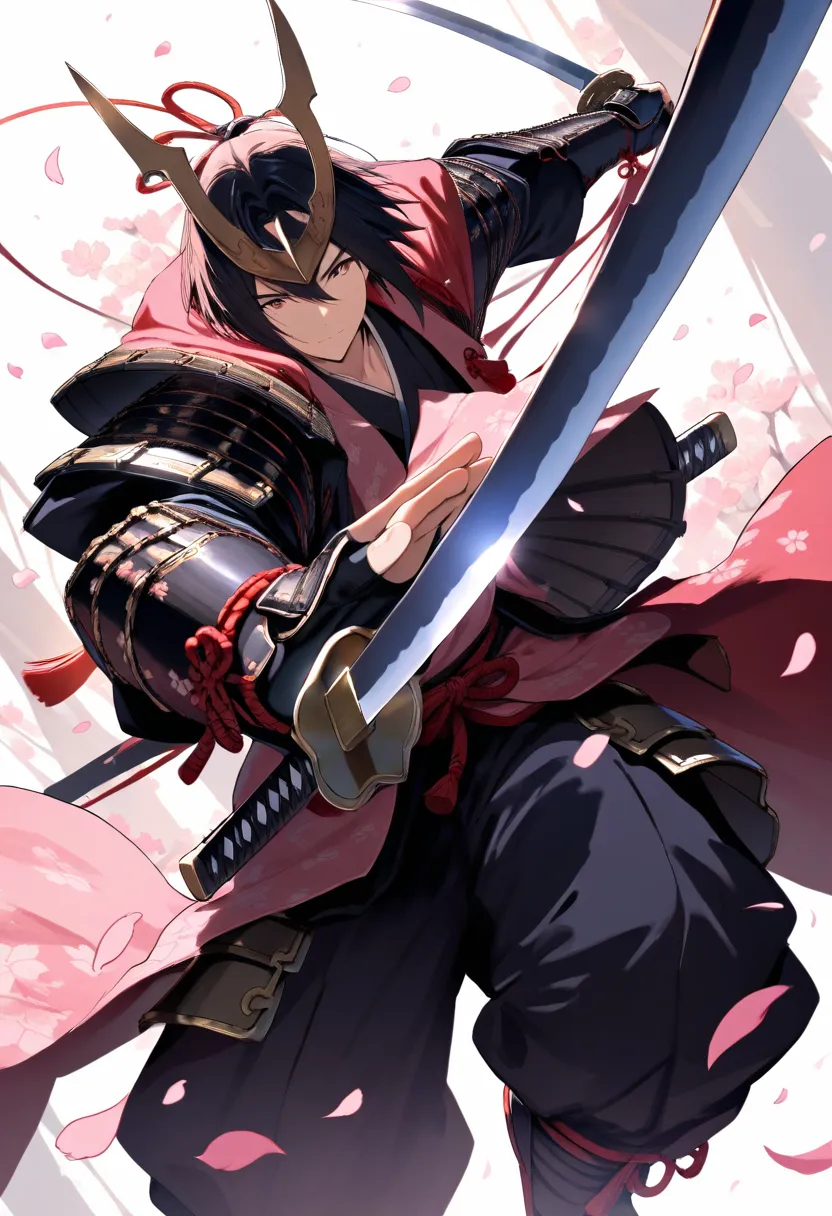
1boy, male anime character, samurai with katana, cherry blossom petals falling, dramatic lighting, detailed armor, dynamic pose, masterpiece, high score, great score, absurdres
Try This Prompt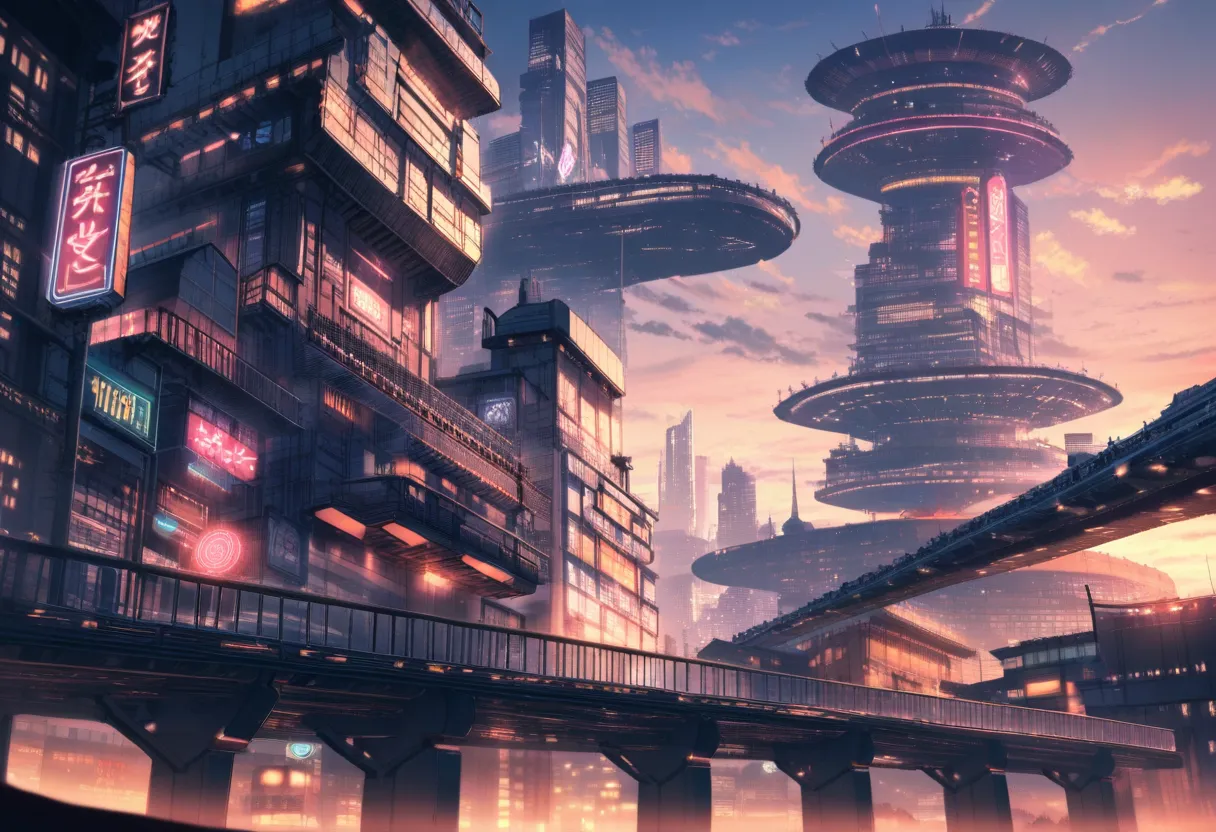
anime cityscape at sunset, futuristic japanese city, neon lights, detailed architecture, atmospheric perspective, no humans, scenery, masterpiece, high score, great score, absurdres
Try This PromptKey Features
Vibrant Color Accuracy
Enhanced color reproduction with rich, accurate tones. Fixed the low saturation issues from previous versions for more vibrant anime art.
Improved Anatomy
Better character proportions, hand rendering, and body structure. Significantly reduced anatomical errors common in AI art.
2025 Knowledge
Trained with data up to January 2025. Generate characters from the latest anime releases and current art trends.
Optimized Performance
The 4.0 Opt version offers better stability, reduced noise and artifacts for cleaner, more professional output.
Tag-Based Prompting
Uses familiar Danbooru-style tags for precise control. Supports temporal tags like "year 2025" to influence artistic style.
Massive Training Data
Trained on 8.4 million diverse anime images for approximately 2,650 GPU hours, ensuring comprehensive style coverage.
Prompting Guide
Learn how to get the best results from AnimagineXL 4.0
Use Quality Tags
Always include "masterpiece, high score, great score, absurdres" in your prompts for best results.
Character Count Tags
Start with "1girl", "1boy", "2girls", etc. to specify character count clearly.
Use Temporal Tags
Add "year 2025" or "year 2024" to influence the art style toward more recent anime aesthetics.
Negative Prompts Matter
Use the recommended negative prompts to avoid common issues like bad anatomy and low quality output.
Recommended Settings
masterpiece, high score, great score, absurdreslowres, bad anatomy, bad hands, text, error, missing finger, extra digits, fewer digits, cropped, worst quality, low quality, low score, bad score, average score, signature, watermark, username, blurryRecommended Tags
Frequently Asked Questions
What is AnimagineXL 4.0?
AnimagineXL 4.0 (also called Anim4gine) is the latest anime-focused AI image generation model from Cagliostro Research Lab. It was retrained from Stable Diffusion XL using 8.4 million anime images and features improved anatomy, better colors, and knowledge of anime up to January 2025.
What are the best settings for AnimagineXL 4.0?
For best results, use Euler A scheduler with 28 steps, guidance scale of 7, and include quality tags like "masterpiece, high score, great score, absurdres". Supported image sizes are 1024x1024, 832x1216 (portrait), and 1216x832 (landscape).
What is the difference between AnimagineXL 4.0 and 4.0 Opt?
AnimagineXL 4.0 Opt is the optimized version released on February 13, 2025. It includes further refinements for better stability, improved anatomy accuracy, reduced noise/artifacts, and more accurate color reproduction compared to the base 4.0 release.
Can AnimagineXL 4.0 generate recent anime characters?
Yes! AnimagineXL 4.0 has a knowledge cutoff of January 7, 2025, meaning it can generate characters from anime released through early 2025. Use temporal tags like "year 2025" to further influence the style.
Is AnimagineXL 4.0 free to use on Anifusion?
Yes! AnimagineXL 4.0 is available on Anifusion with 100 free credits to start. After that, you can subscribe for more credits or purchase additional credits as needed.
What image sizes does AnimagineXL 4.0 support?
AnimagineXL 4.0 supports three main sizes: 1024x1024 (square), 832x1216 (portrait), and 1216x832 (landscape). These sizes are optimized for the SDXL architecture.
Related Models
Explore other anime AI models
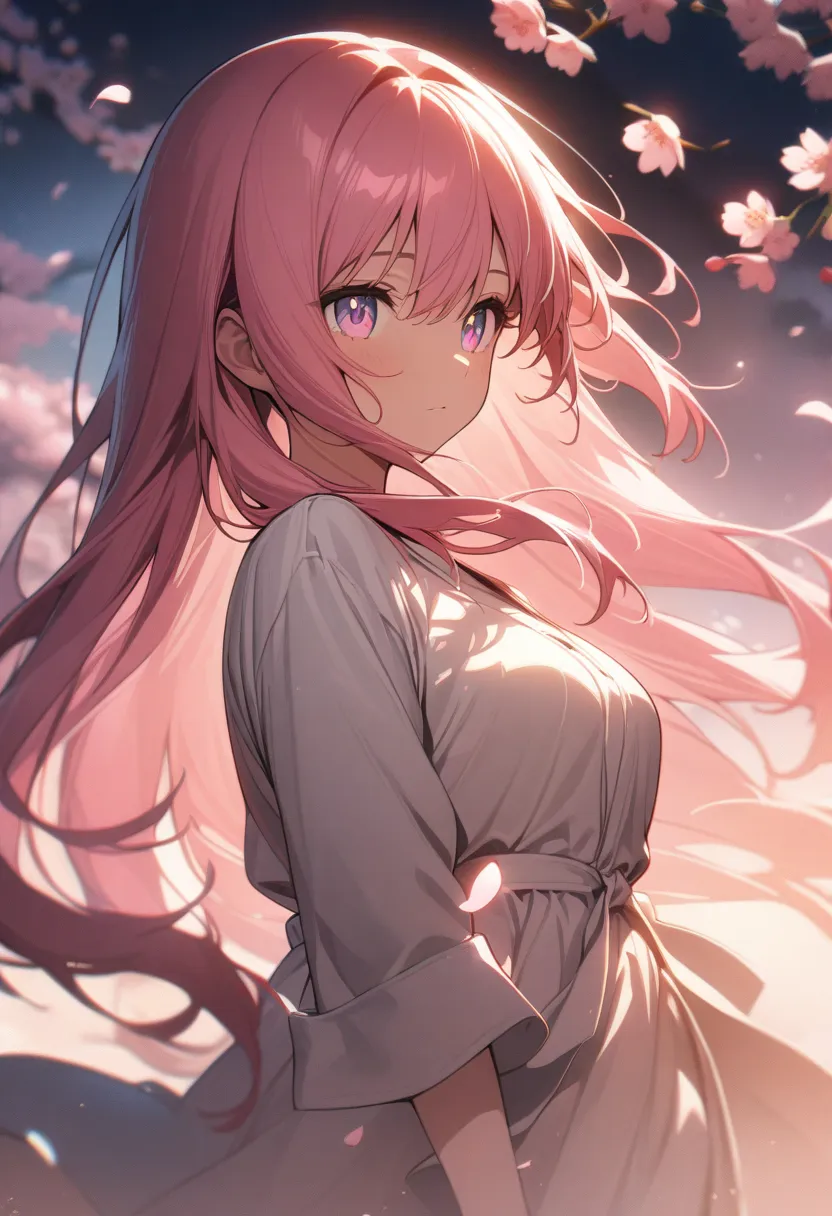
AnimagineXL 3.1
AnimagineXL 3.1 is an enhanced update in the Animagine XL V3 series from Cagliostro Research Lab. This open-source, anime-themed text-to-image model has been improved for generating anime-style images with higher quality and better accuracy.
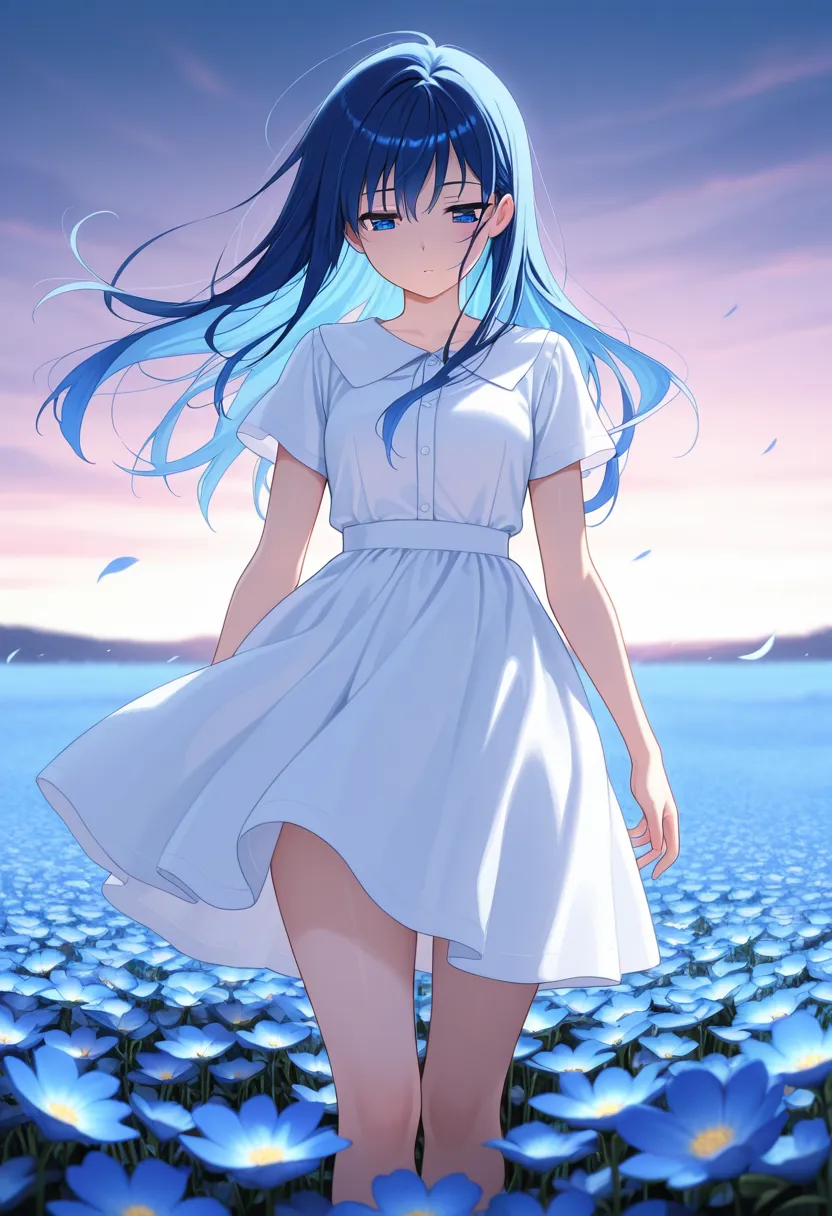
WAI Illustrious
WAI Illustrious is one of the highest-rated anime generation models on CivitAI, built on the Illustrious XL base model. Known for exceptional character accuracy, vibrant colors, and professional-quality anime art output.
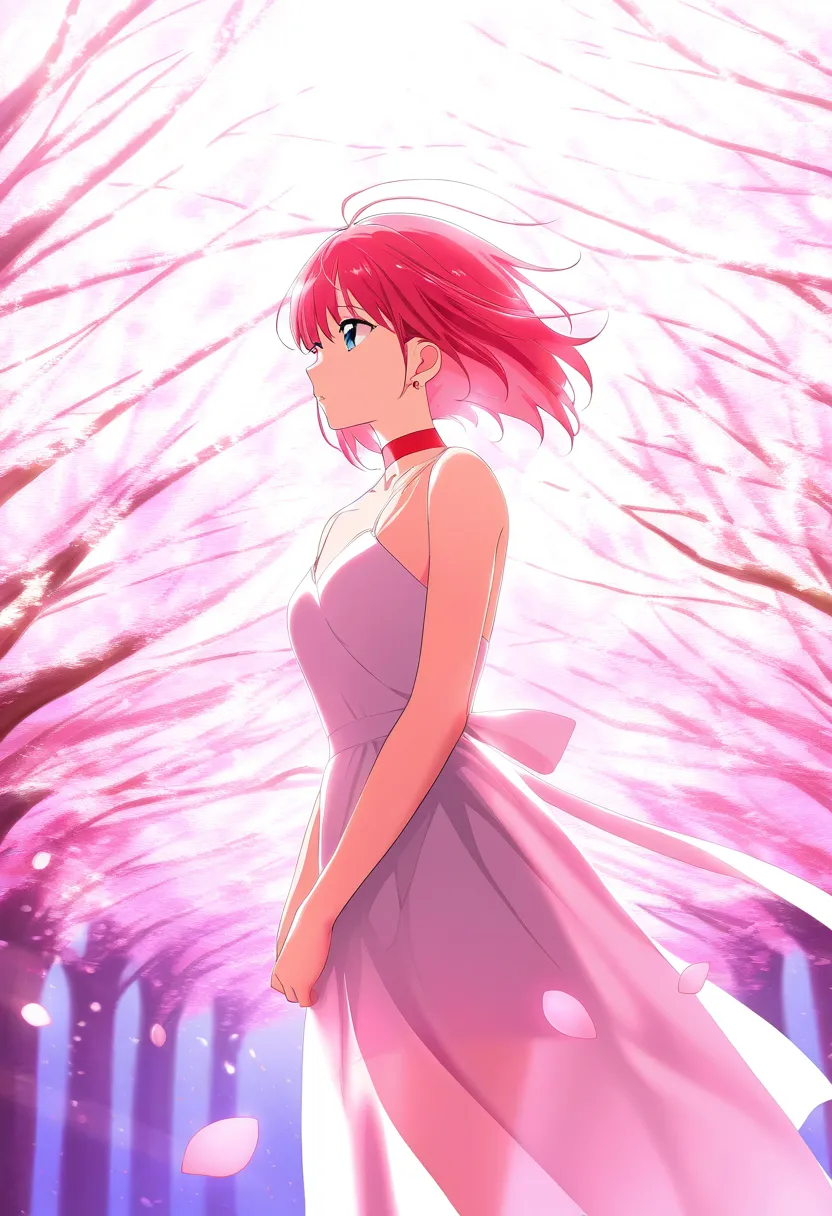
NoobAI XL
NoobAI XL is a cutting-edge anime-focused image generation model that leverages V-Prediction (v-pred) technology for superior image quality and detail. Built upon the Illustrious XL foundation with extensive fine-tuning on high-quality anime artwork.
Start Creating with AnimagineXL 4.0
Join 130,000+ creators and bring your anime art to life with 100 free credits.