xuebiMIX v5.1 in LCM mode: fast iteration, anime color
Tuned for about eight steps and low CFG. Great for quick layout and color trials. Expect a softer, flatter, or slightly hazy look with less black depth than the full-step AnimeXL-xuebiMIX; that non-LCM checkpoint is the better default for high-contrast finals.
Names are descriptive only, not a license, sponsorship, endorsement, or affiliation. We are not the publisher of third-party model weights, except files we host. You are responsible for your use, per the model's license and our terms. As-is, no warranty of non-infringement (not legal advice). For DMCA, copyright, or trademark issues, use our Contact page.
About AnimeXL-xuebiMIX v5.1 (LCM)
AnimeXL-xuebiMIX v5.1 (LCM) is the speed-oriented branch of the xuebiMIX line: very few steps and low guidance, ideal for quick previews, batch thumbs, and concept passes. The tradeoff is real: many scenes will look softer, with mild haze, lifted shadows, and less “snap” than the non-LCM AnimeXL-xuebiMIX at full steps. Keep the standard quality block in prompts, and switch to the regular xuebiMIX checkpoint for hero art or when you need maximum edge clarity.
Compared with 25-30 step Karras runs on the non-LCM model, LCM often yields a flatter global contrast curve and subtler fine detail. That is normal for the workflow, not a sign that the app is misconfigured. This variant shines when you are A/B testing palette, hair, or outfit ideas and want many images per hour.
If a result looks too foggy, grey, or “milky,” try more concrete lighting and material cues in the prompt before you raise step count. Pushing CFG toward ordinary SDXL values usually hurts LCM; small nudges only. For hero shots, marketing art, or line-art crispness, render the same idea on the standard AnimeXL-xuebiMIX in Anifusion.
Example generations
See what AnimeXL-xuebiMIX v5.1 (LCM) can create with the right prompts
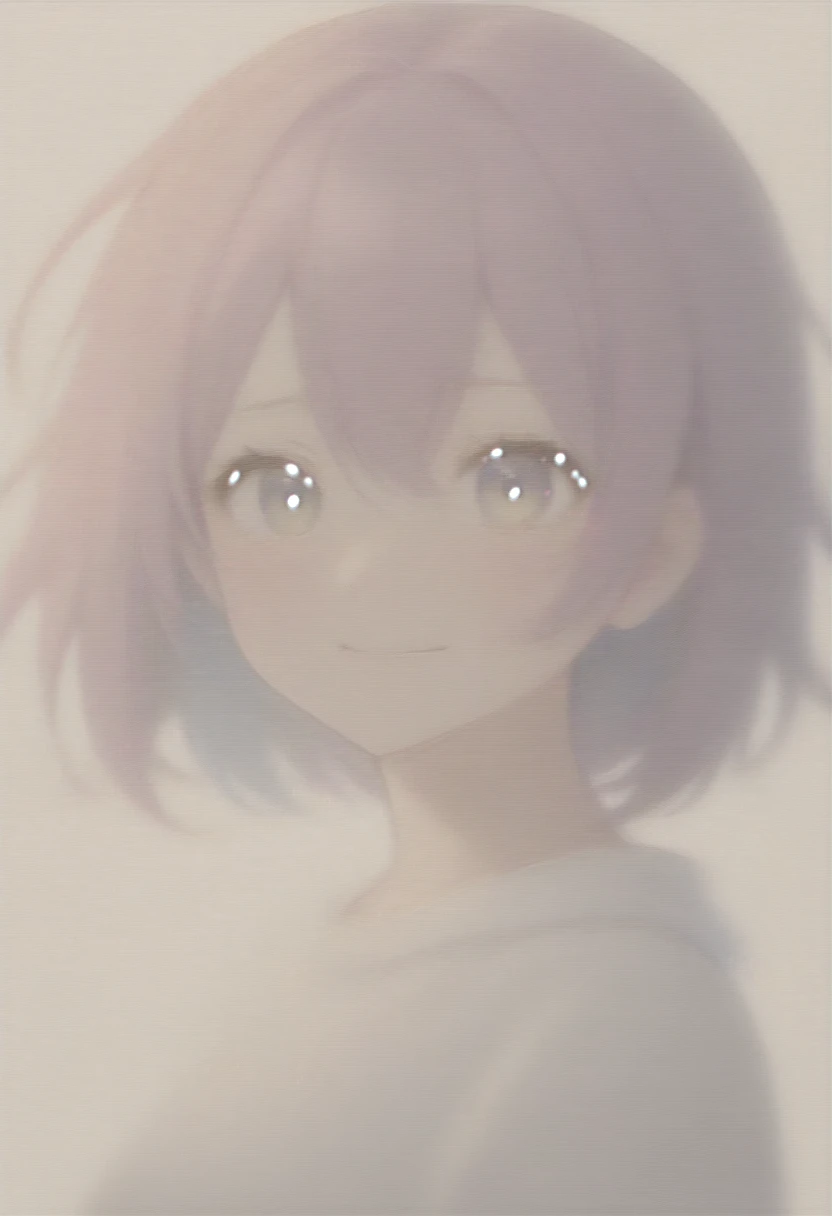
AnimeXL-xuebiMIX v5.1 (LCM), masterpiece, best quality, very aesthetic, absurdres, 1girl, colorful hair, detailed eyes, soft smile, clean shading, simple background
Try this prompt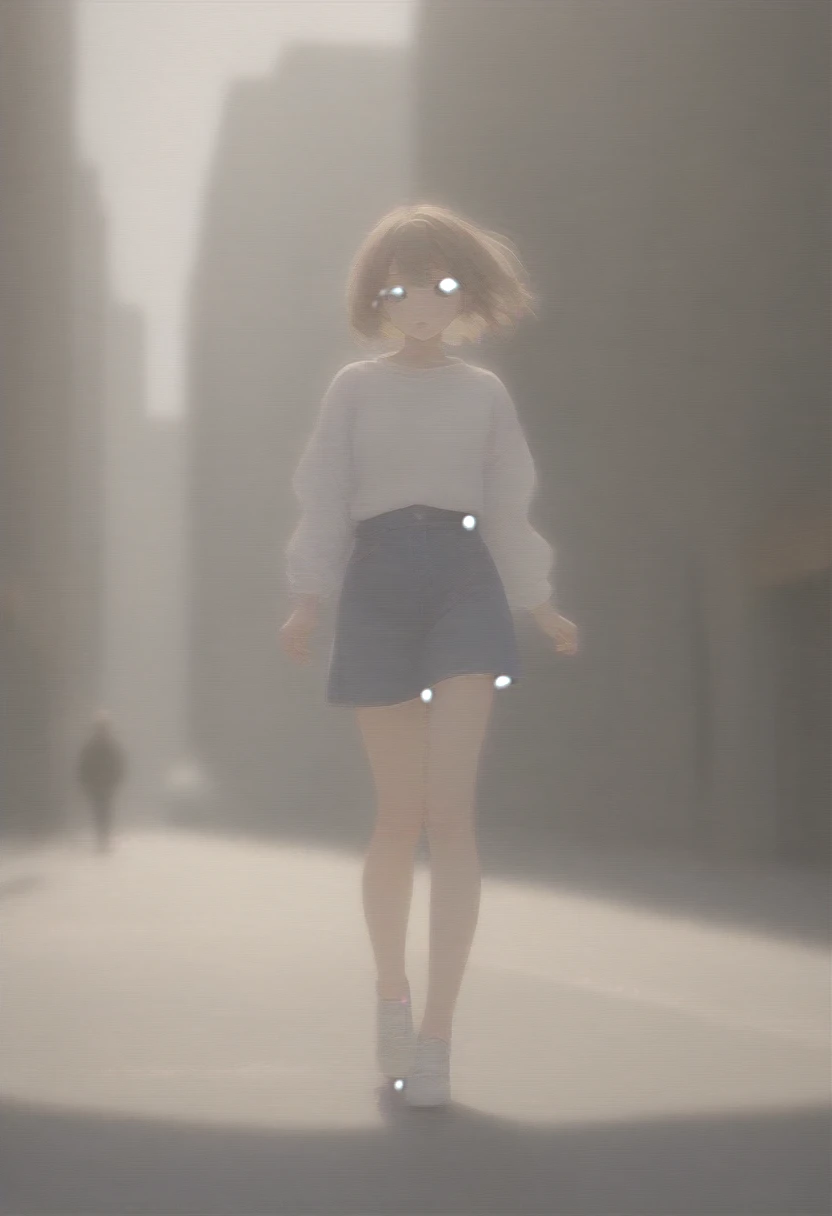
AnimeXL-xuebiMIX v5.1 (LCM), masterpiece, best quality, very aesthetic, absurdres, 1girl, street fashion, city street, dynamic pose, afternoon light
Try this prompt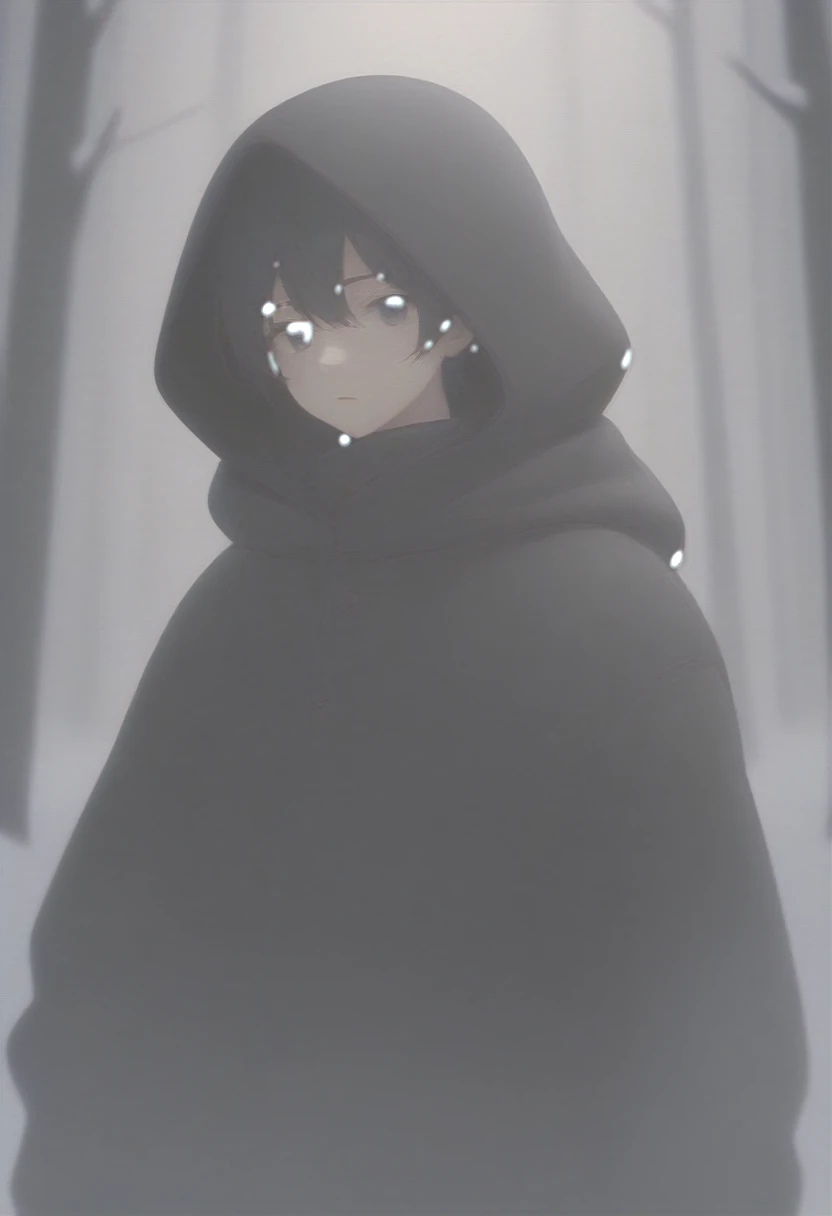
AnimeXL-xuebiMIX v5.1 (LCM), masterpiece, best quality, very aesthetic, absurdres, 1boy, hooded coat, winter forest, snow, cinematic
Try this prompt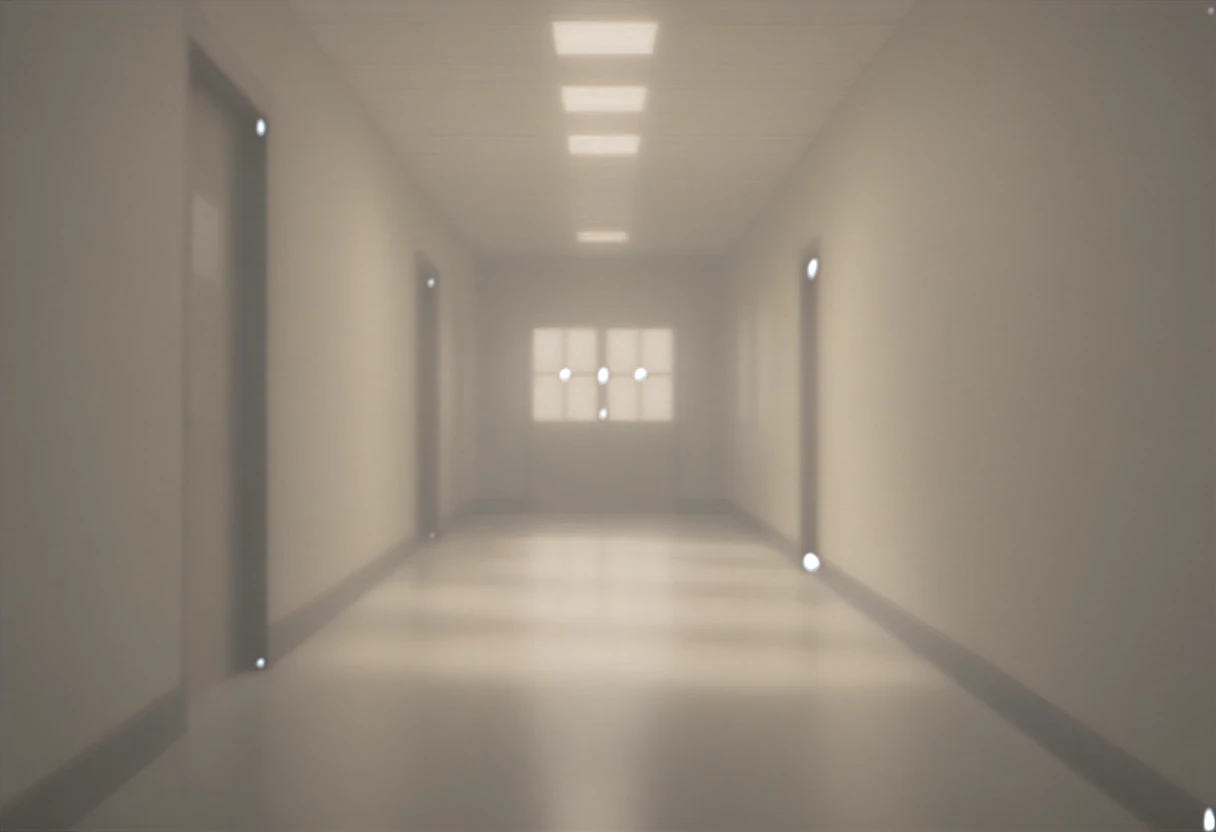
AnimeXL-xuebiMIX v5.1 (LCM), masterpiece, best quality, very aesthetic, absurdres, school hallway, sunbeams, depth of field, no characters
Try this promptKey features
LCM-optimized
Low steps and low guidance are normal here: 8 steps / ~1.5 CFG is the intended operating point.
Speed vs. contrast
Faster per image than the non-LCM xuebiMIX, but most outputs look softer, with flatter contrast and a slight hazy cast compared with full-step runs on the standard checkpoint.
xuebiMIX look
Stays in the xuebi color language with the usual “very aesthetic, absurdres” block; maximum punch and ink-like clarity still come from the non-LCM xuebiMIX in most cases.
Rapid comp checks
Great for “does this character read at a glance?” before committing to a slower render pass.
Mood boards before final xuebiMIX
Run LCM for palette and pose exploration, then lock winners on the non-LCM AnimeXL-xuebiMIX page. Keep “very aesthetic, absurdres” in prompts so the LCM track stays on-brand for search and internal links.
Internal links to full-step xuebiMIX
Route users from this LCM page to the standard AnimeXL-xuebiMIX model page when they need deep blacks, crisp line edges, and print-ready stills.
Prompting guide
Learn how to get the best results from AnimeXL-xuebiMIX v5.1 (LCM)
Respect the LCM regime
If you push CFG like a 30-step model, you can get noise or “burnt” contrast; nudge in small steps.
Hazy or flat? Try prompts before heavy tweaks
Grey lift and low snap often come from the LCM tradeoff, not a broken file. Add explicit lighting, time of day, and material words first; reserve non-LCM xuebiMIX for final contrast.
Quality block first
“masterpiece, best quality, very aesthetic, absurdres” anchors color and global sharpness for xuebiMIX.
Recommended settings
masterpiece, best quality, very aesthetic, absurdresbad anatomy, bad hands, missing fingers, extra digit, fewer digits, low quality, worst quality, blurry, watermark, signatureRecommended tags
Frequently asked questions
Why do LCM results sometimes look hazy, foggy, or low-contrast?
LCM is tuned for very few steps and a low guidance scale. That usually trades away some black depth, edge snap, and global contrast versus long runs on the non-LCM AnimeXL-xuebiMIX. For hero art, posters, or a punchy finish, use the standard xuebiMIX checkpoint. Small CFG or step nudges can help a little, but they will not turn LCM into a full Karras-quality render.
Can I use more than 8 steps?
You can, but the point of the LCM build is different tradeoffs. If you need slower, more textured renders, try a non-LCM xuebiMIX variant on the same family.
Is this the same as xuebiMIX v6.0 LCM?
Different version line. v5.1 and v6.0 can vary in color bias and speed/texture tradeoff. Try both to match your art direction.
Related models
Explore other anime AI models
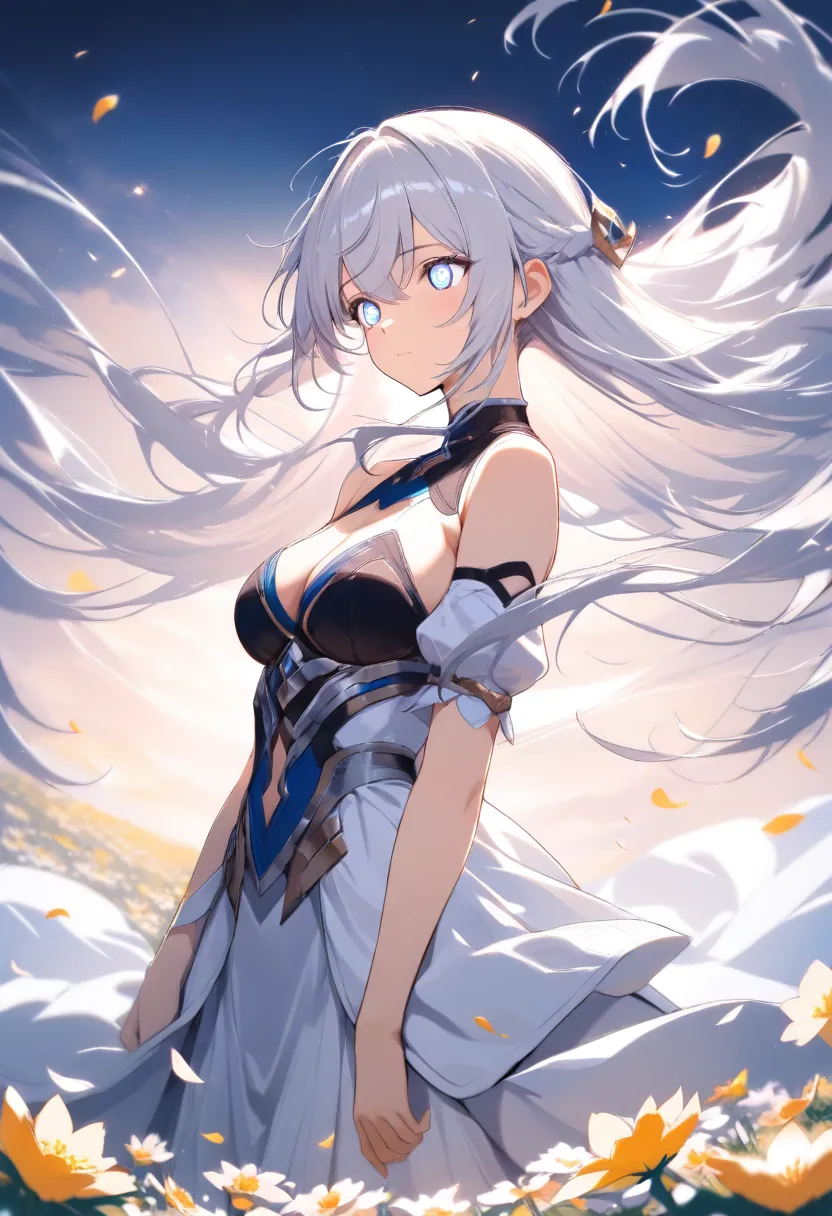
AnimagineXL 4.0
AnimagineXL 4.0 (also known as Anim4gine) is the latest and most advanced anime-focused image generation model from Cagliostro Research Lab. Retrained from scratch on Stable Diffusion XL with 8.4 million diverse anime images.
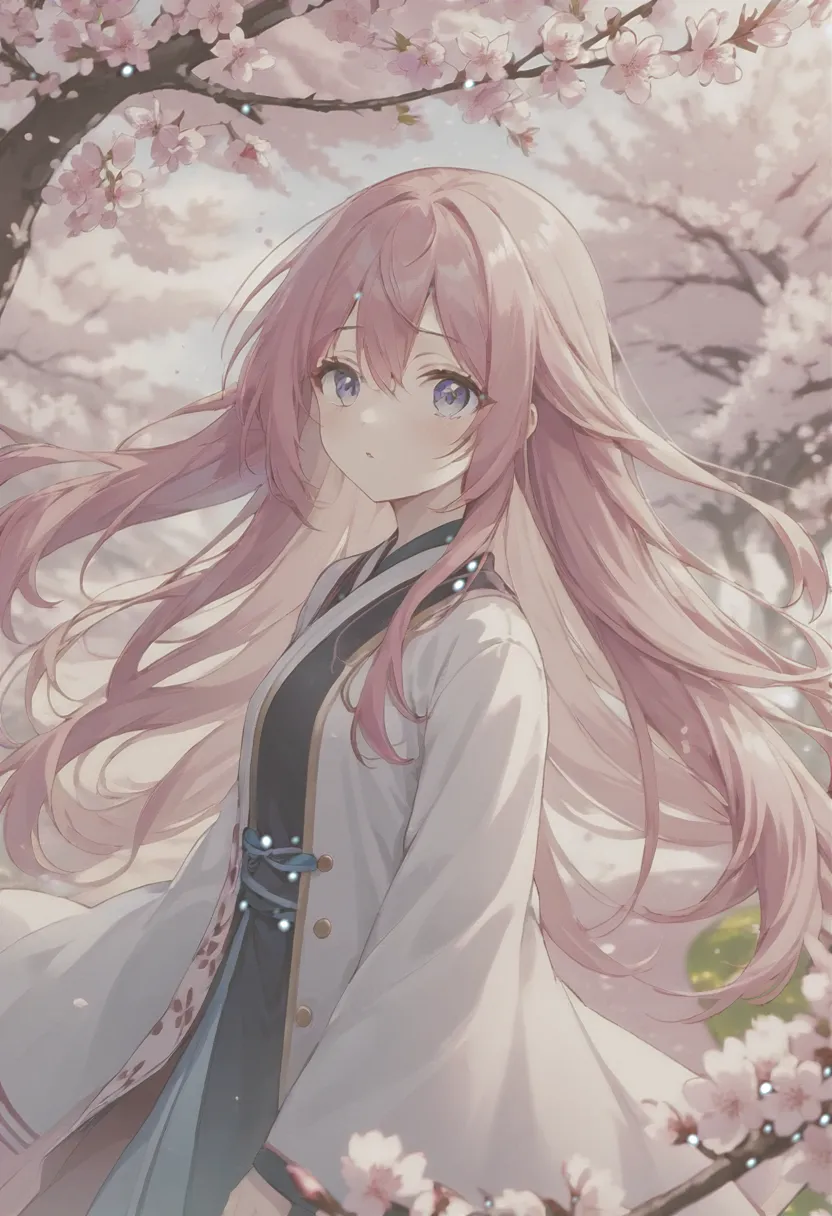
AnimeXL-xuebiMIX
AnimeXL-xuebiMIX is a popular Stable Diffusion XL checkpoint model designed specifically for generating high-quality anime-style images. Created by xuebi, it has garnered over 12,800 downloads and 1,100 ratings on CivitAI.
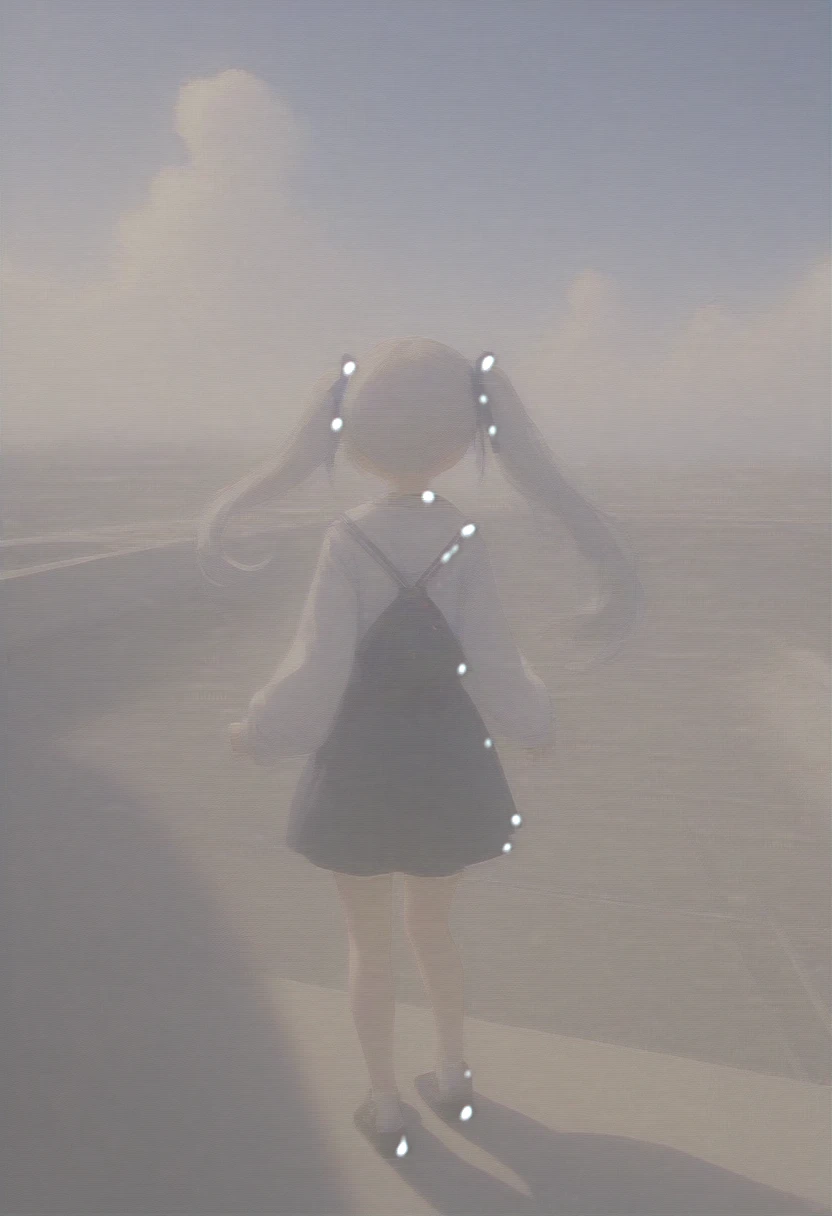
AnimeXL-xuebiMIX v6.0 (LCM)
AnimeXL-xuebiMIX v6.0 (LCM) shares the same “fast pass” job as the v5.1 LCM build, with v6 line updates that can nudge color and balance. The tradeoff is unchanged in practice: it remains a speed-oriented checkpoint. Many scenes will read softer, with mild haze or lifted midtones versus the non-LCM AnimeXL-xuebiMIX at long steps. Use it for look-dev, outfits, and pose exploration; switch to the standard xuebiMIX when you need print-ready depth and snap.
Start creating with AnimeXL-xuebiMIX v5.1 (LCM)
Join 130,000+ creators and bring your anime art to life with 100 free credits.