xuebiMIX v6.0: LCM for faster anime loops
v6 LCM tuning for many variants per hour. The same family caveat applies: expect softer contrast and a hazy, less punchy look than the full-step AnimeXL-xuebiMIX, which is the better fit for high-contrast hero art.
Names are descriptive only, not a license, sponsorship, endorsement, or affiliation. We are not the publisher of third-party model weights, except files we host. You are responsible for your use, per the model's license and our terms. As-is, no warranty of non-infringement (not legal advice). For DMCA, copyright, or trademark issues, use our Contact page.
About AnimeXL-xuebiMIX v6.0 (LCM)
AnimeXL-xuebiMIX v6.0 (LCM) shares the same “fast pass” job as the v5.1 LCM build, with v6 line updates that can nudge color and balance. The tradeoff is unchanged in practice: it remains a speed-oriented checkpoint. Many scenes will read softer, with mild haze or lifted midtones versus the non-LCM AnimeXL-xuebiMIX at long steps. Use it for look-dev, outfits, and pose exploration; switch to the standard xuebiMIX when you need print-ready depth and snap.
LCM is a multiplier for ideation, not a drop-in for every “final” piece. Tighten negatives for hands, then add detail only after a thumbnail read works.
Hazy, flat, or low-contrast output is a common LCM profile: low guidance and few steps trade away some black level and global contrast that full Karras runs on the non-LCM model still deliver. v6.0 may differ slightly from v5.1 in color bias, but the expectation should stay the same. For final hero frames, line clarity, and fabric texture, compare against the standard AnimeXL-xuebiMIX and pick the winner.
Example generations
See what AnimeXL-xuebiMIX v6.0 (LCM) can create with the right prompts
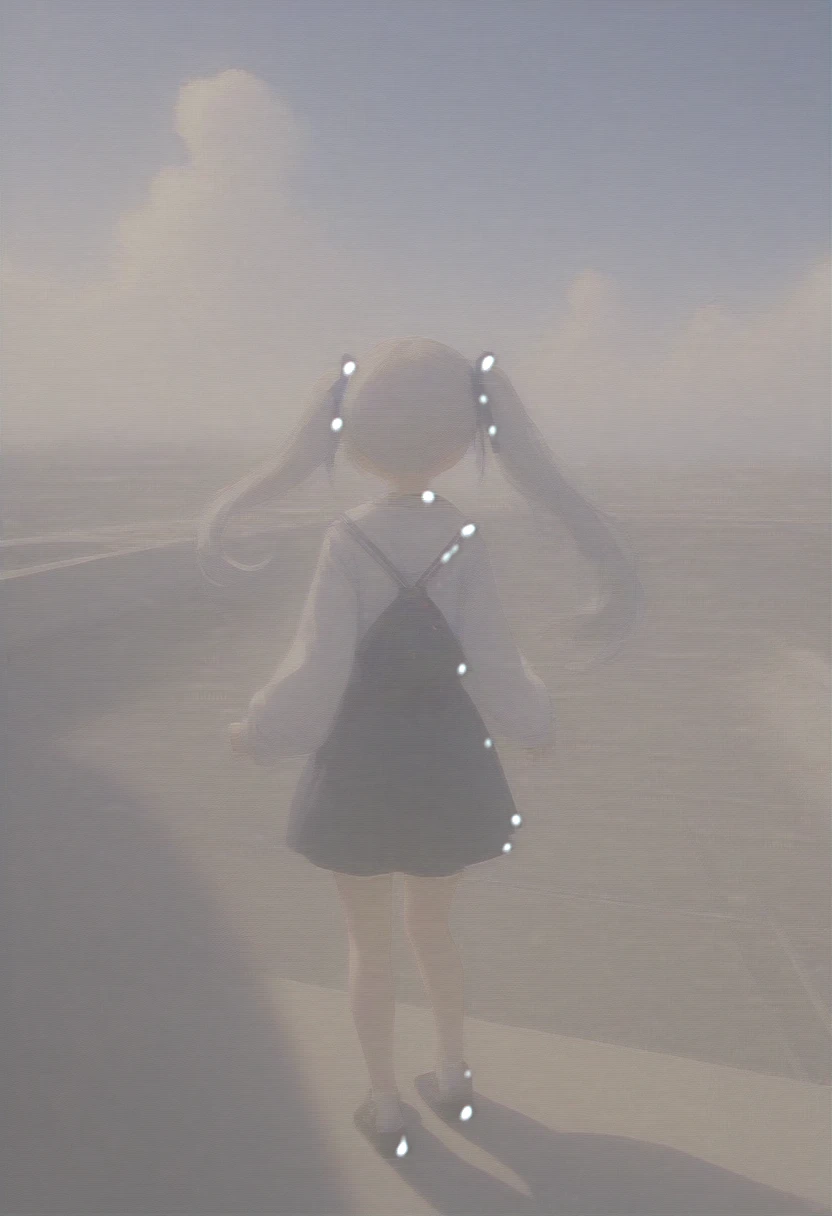
AnimeXL-xuebiMIX v6.0 (LCM), masterpiece, best quality, very aesthetic, absurdres, 1girl, twin tails, school rooftop, blue sky, wind
Try this prompt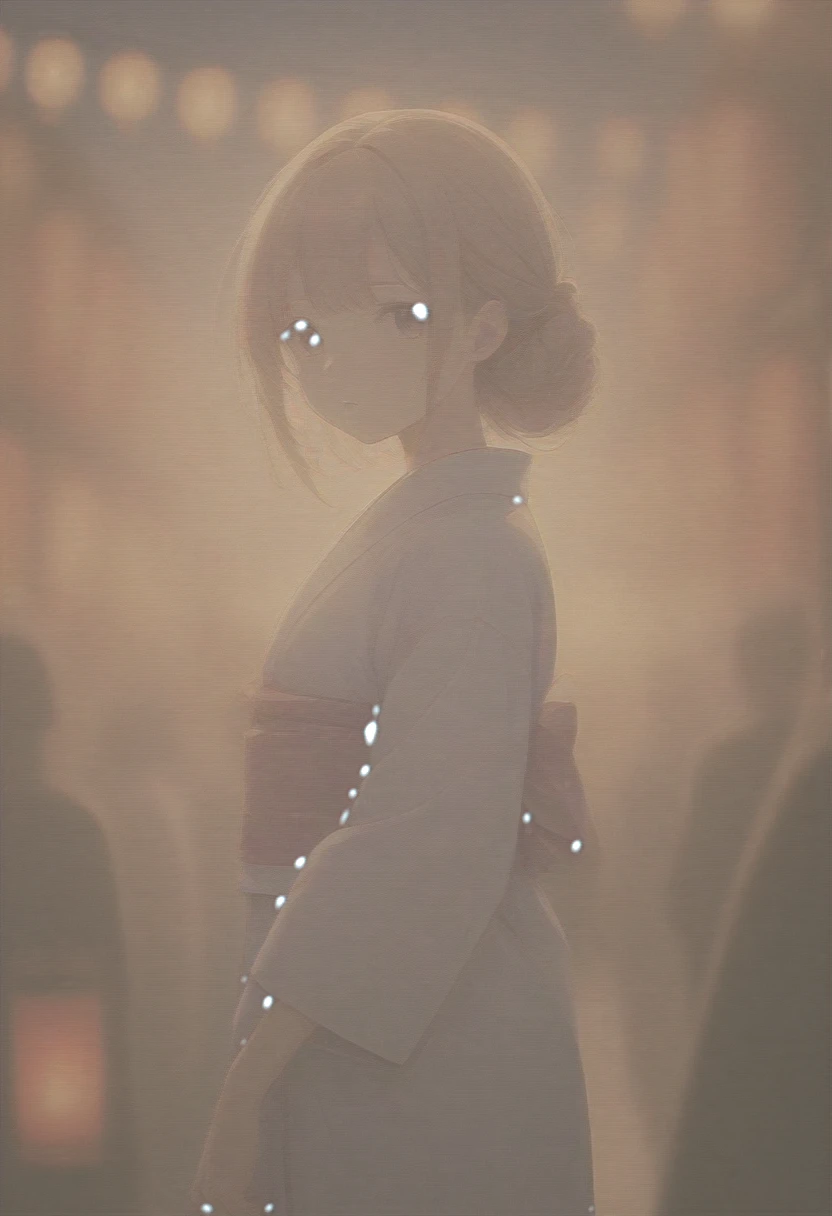
AnimeXL-xuebiMIX v6.0 (LCM), masterpiece, best quality, very aesthetic, absurdres, 1girl, yukata, summer festival, lanterns, bokeh
Try this prompt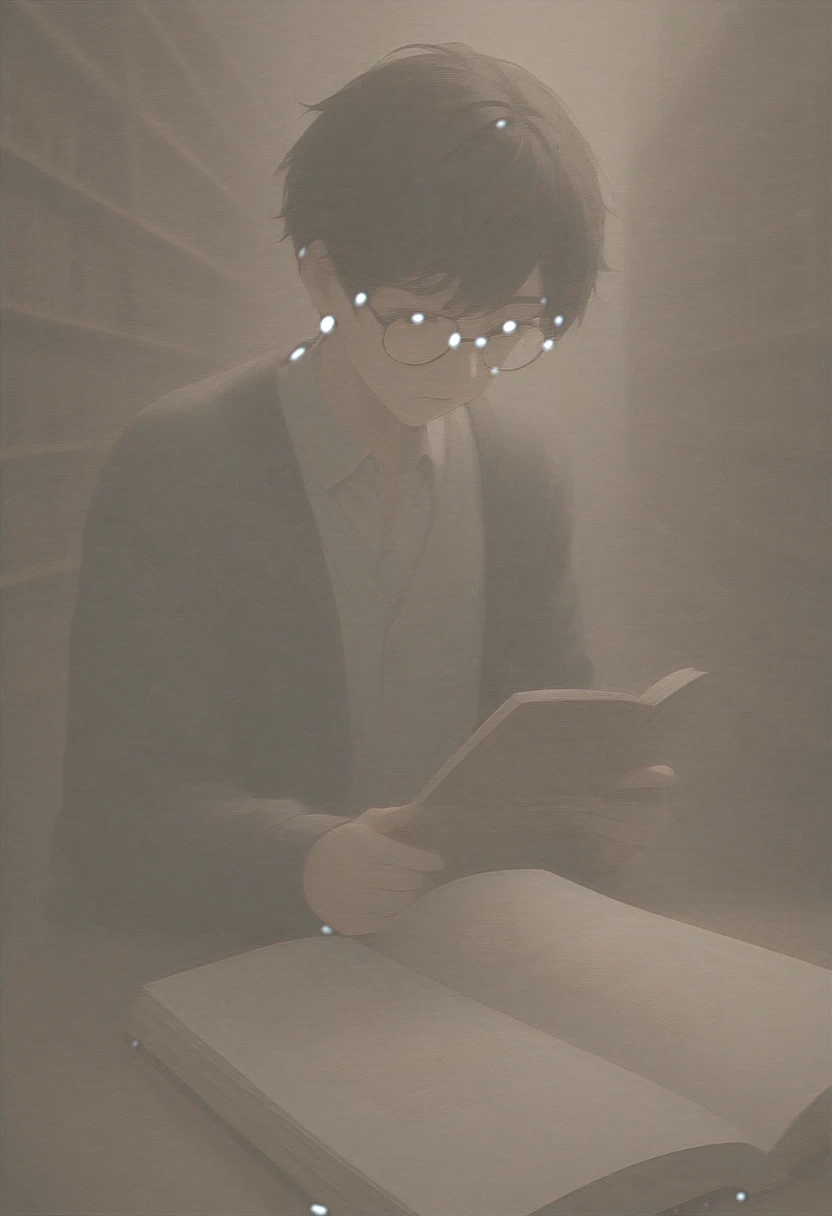
AnimeXL-xuebiMIX v6.0 (LCM), masterpiece, best quality, very aesthetic, absurdres, 1boy, glasses, cardigan, library, reading
Try this prompt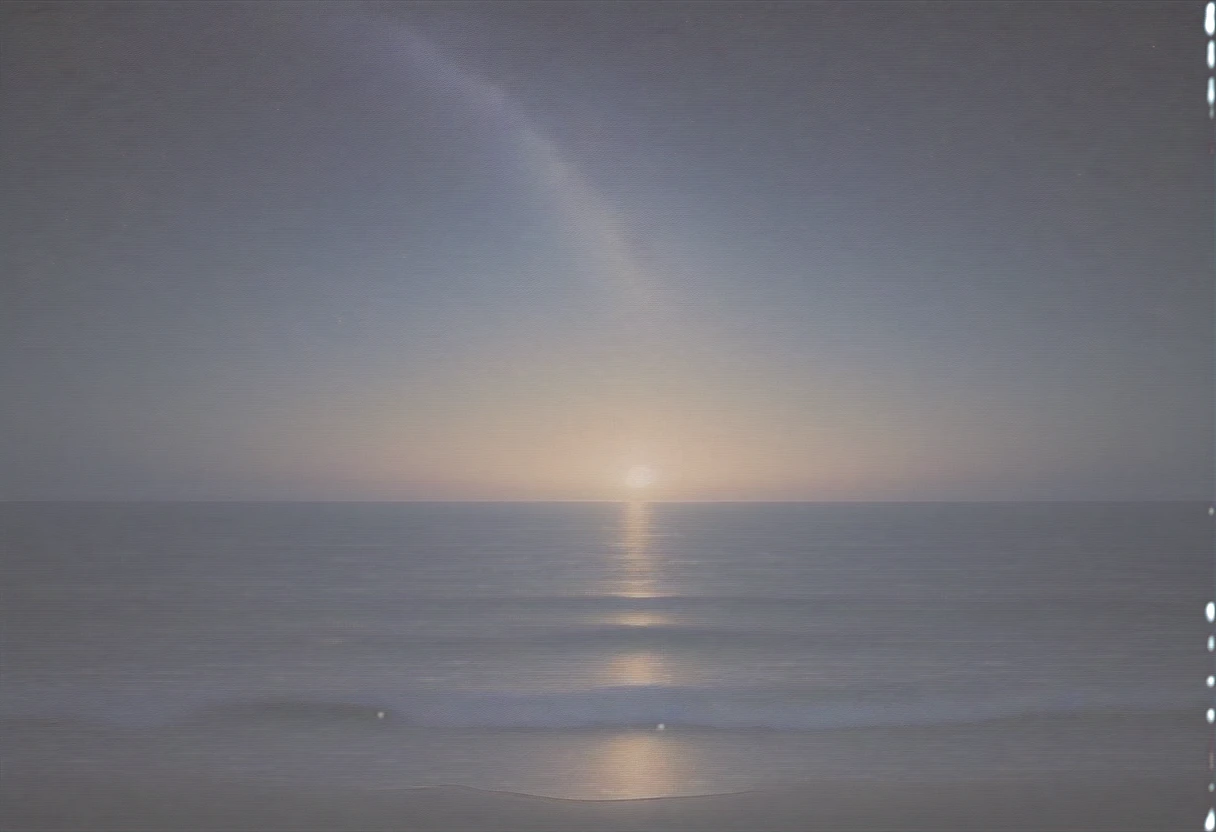
AnimeXL-xuebiMIX v6.0 (LCM), masterpiece, best quality, very aesthetic, absurdres, starry sky, ocean horizon, no people, atmospheric
Try this promptKey features
v6 LCM path
A modern xuebiMIX LCM option when you need current-line improvements with the same quality tag stack.
Speed vs. final-grade contrast
Like v5.1 LCM, v6.0 LCM is built for quick passes. It usually will not match the non-LCM AnimeXL-xuebiMIX for deep blacks, haze-free skies, and crisp edges at equal prompts.
xuebi color story
Palette direction stays in the xuebi family, but the “glossy, contrasty” finish many users want for posters still leans to the full-step, non-LCM xuebiMIX in practice.
Festival and seasonal Japanese prompts
Yukata, rooftop, and lantern scenes test whether your palette survives low-step LCM; upgrade to the full xuebiMIX for client delivery.
8-step habit on Anifusion
Document the same 8 step / low CFG pair in your team wiki so v6.0 LCM and v5.1 LCM results stay comparable in reviews.
Step up to non-LCM xuebiMIX for finals
When LCM softness gets in the way of a hero render, switch to the non-LCM AnimeXL-xuebiMIX checkpoint to keep the xuebi color language but recover the contrast.
Prompting guide
Learn how to get the best results from AnimeXL-xuebiMIX v6.0 (LCM)
LCM-typical CFG
Start near guidance 1.5 with 8 steps. Large CFG jumps are rarely the fix for LCM softness. Refine the prompt first.
Foggy or flat output
A washed, grey, or foggy cast is a known LCM tradeoff. Clarify light and materials in the prompt; for publication-grade depth, re-render on the non-LCM AnimeXL-xuebiMIX.
Recommended settings
masterpiece, best quality, very aesthetic, absurdresbad anatomy, bad hands, missing fingers, extra digit, fewer digits, low quality, worst quality, blurry, watermark, signatureRecommended tags
Frequently asked questions
Why do LCM images look hazy or low-contrast compared with standard xuebiMIX?
LCM runs with very few steps and low guidance. That prioritizes speed over the deep contrast and clean blacks that a full 25-30 step run on the non-LCM AnimeXL-xuebiMIX can deliver. The fix for “hero” or print-grade results is usually the standard checkpoint, not a hidden setting bug.
v5.1 LCM or v6.0 LCM?
Try both for your palette. v6.0 may differ in local contrast and background handling. Your preferred look wins.
Related models
Explore other anime AI models
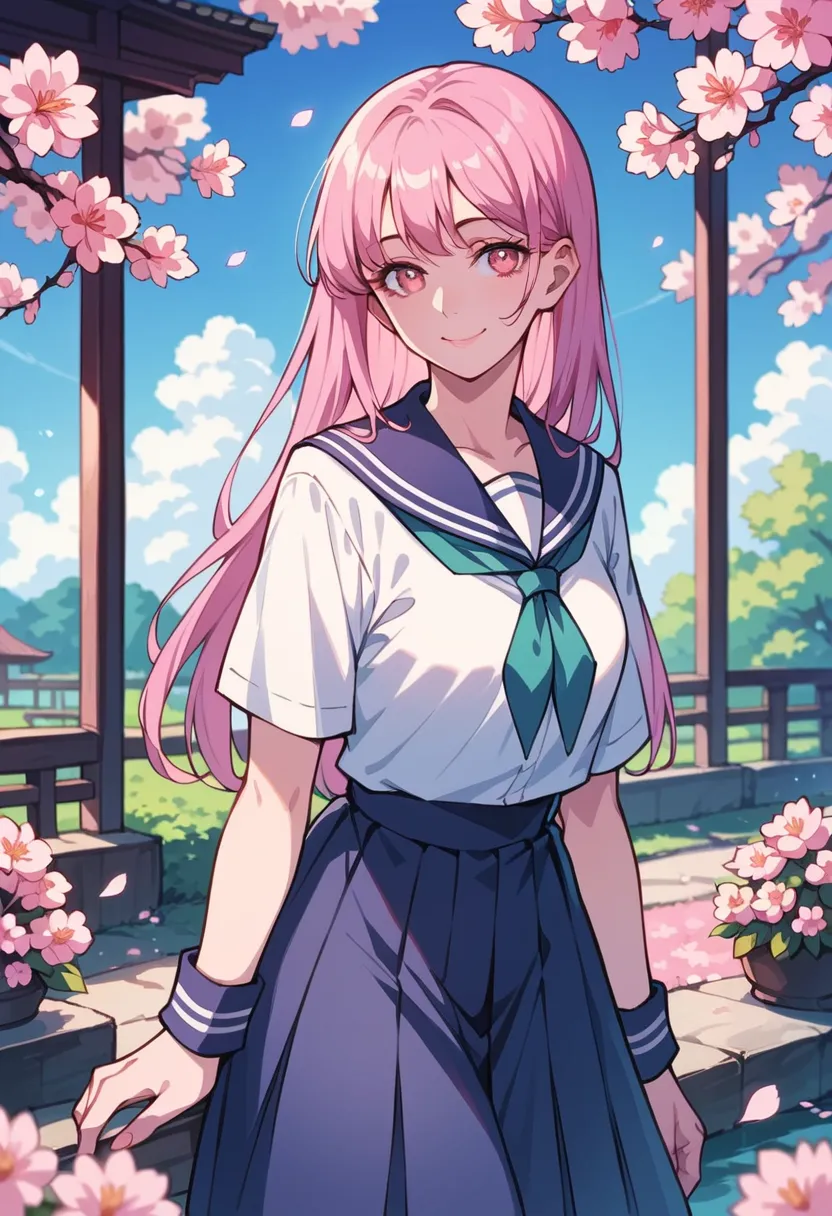
Mistoon Anime
Mistoon Anime is a unique Pony SDXL-based model that combines the charm of Western cartoon aesthetics with Japanese anime style. Known for its distinctive stylization and vibrant character output.
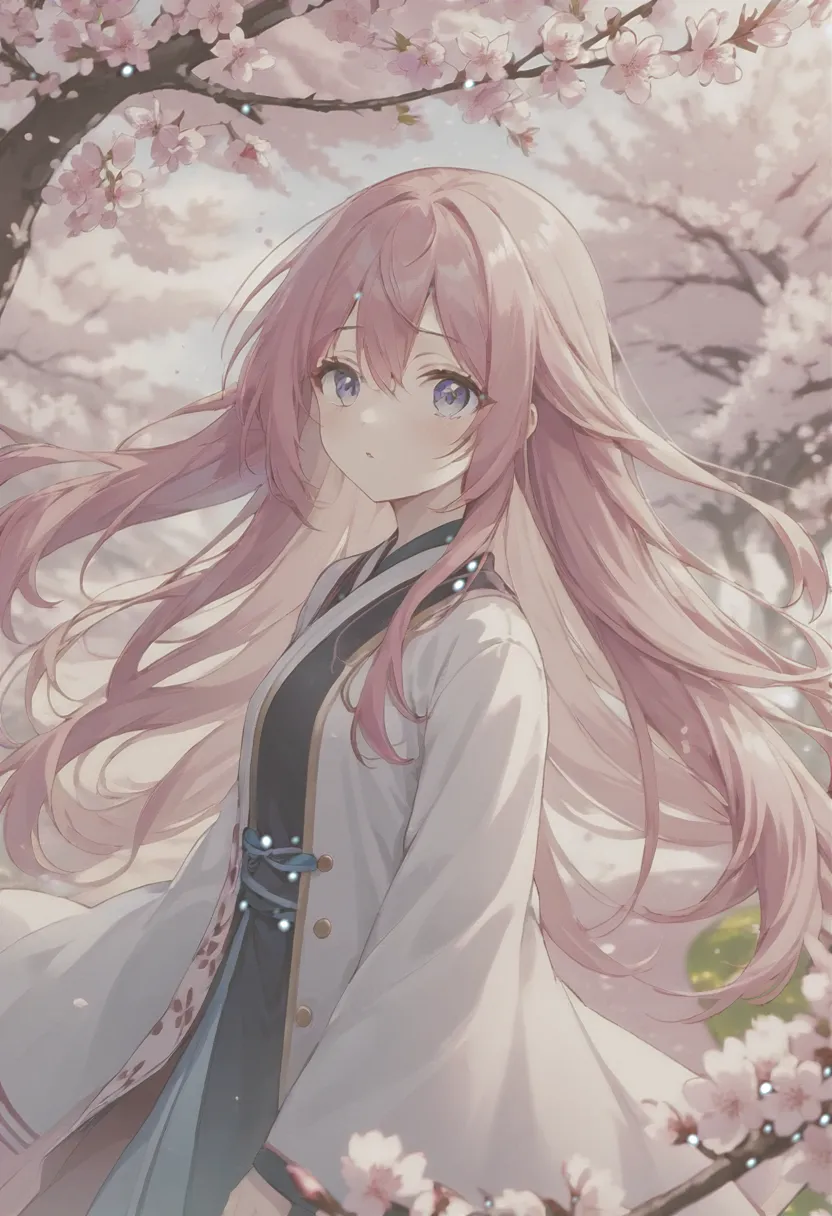
AnimeXL-xuebiMIX
AnimeXL-xuebiMIX is a popular Stable Diffusion XL checkpoint model designed specifically for generating high-quality anime-style images. Created by xuebi, it has garnered over 12,800 downloads and 1,100 ratings on CivitAI.
AnimeXL-xuebiMIX v5.1 (LCM)
AnimeXL-xuebiMIX v5.1 (LCM) is the speed-oriented branch of the xuebiMIX line: very few steps and low guidance, ideal for quick previews, batch thumbs, and concept passes. The tradeoff is real: many scenes will look softer, with mild haze, lifted shadows, and less “snap” than the non-LCM AnimeXL-xuebiMIX at full steps. Keep the standard quality block in prompts, and switch to the regular xuebiMIX checkpoint for hero art or when you need maximum edge clarity.
Start creating with AnimeXL-xuebiMIX v6.0 (LCM)
Join 130,000+ creators and bring your anime art to life with 100 free credits.