Prefect Pony v5: iteration on color separation
For teams already using v3/v4, v5 is a “same family, new curve” test: portraits, outfit studies, and multi-character scenes with clearer plane separation in many prompts.
Names are descriptive only, not a license, sponsorship, endorsement, or affiliation. We are not the publisher of third-party model weights, except files we host. You are responsible for your use, per the model's license and our terms. As-is, no warranty of non-infringement (not legal advice). For DMCA, copyright, or trademark issues, use our Contact page.
About Prefect Pony XL v5
Prefect Pony XL v5 is a later Civitai build in the Prefect Pony series. It keeps the “Prefect + Pony” design goal: 2D-forward artwork with a controlled illustrative surface. Expect subtle shifts in hair strand detail, speculars on eyes, and how backgrounds compress compared to v4 for the same prompt stack.
Prefect Pony XL v5 is a later-generation Civitai build in the Prefect Pony series, a family designed for showcase-ready two-dimensional anime artwork. It keeps the controlled illustrative surface, the clean edges, and the photorealism-suppressing default negatives that the line is known for, while updating the way highlights stack on skin and how clothing folds resolve.
For teams already using v3 or v4, v5 is the natural next-generation comparison. Eyes tend to carry slightly more pop, fabric folds read a touch cleaner, and plane separation in busier compositions can feel more deliberate. That makes v5 a strong candidate for costume-heavy character art, school and slice-of-life key visuals, and light-novel style covers where layered outfits and soft daylight need to land cleanly. Like the rest of the Prefect line, v5 speaks fluent Pony, with score gates at the top of the prompt and source_anime as the style lane selector.
For commercial deliverables and print-size exports, expect to apply a small finishing pass in your editor, typically a touch of global contrast and light micro-sharpening. The base render is intentionally restrained on contrast so it holds up across both screen and print without crushing midtones in either medium.
Example generations
See what Prefect Pony XL v5 can create with the right prompts
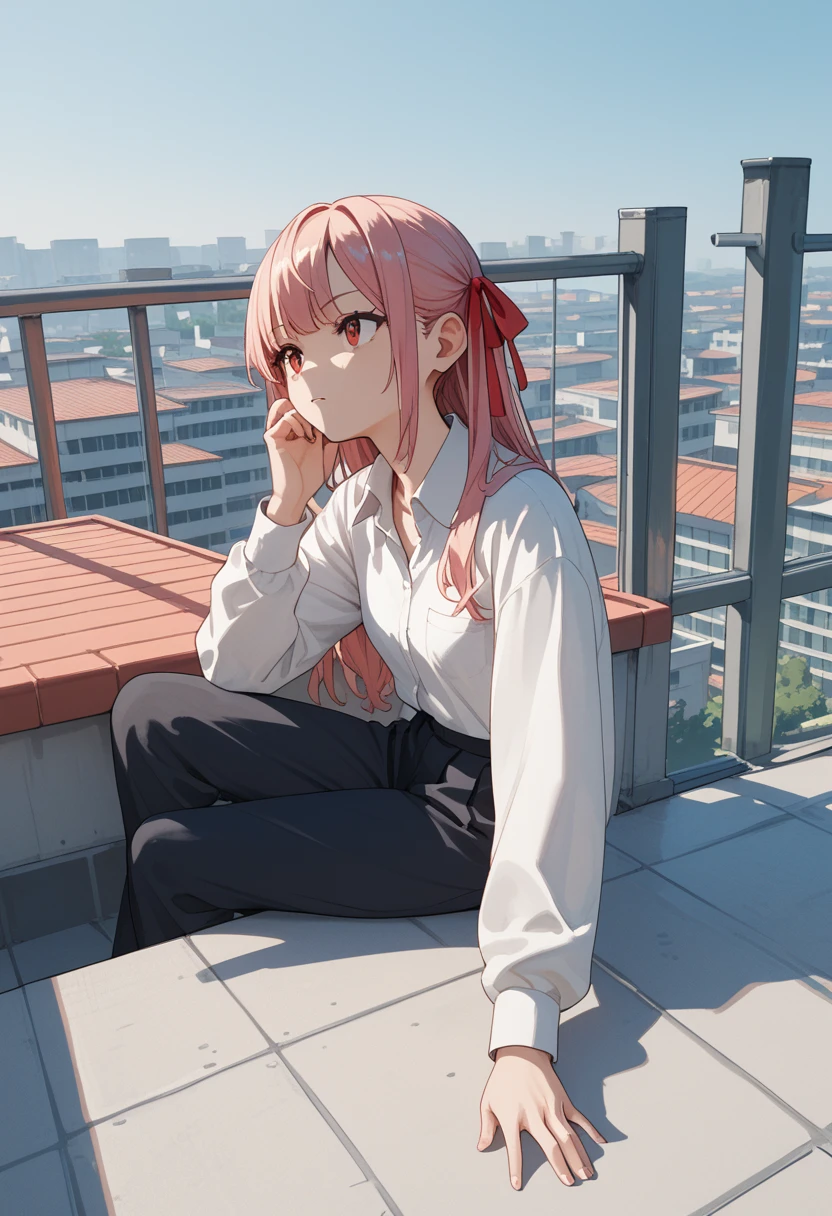
Prefect Pony XL v5, score_9, score_8_up, score_7_up, score_6_up, source_anime, 1girl, polished anime render, hair ribbon, school rooftop
Try this prompt
Prefect Pony XL v5, score_9, score_8_up, score_7_up, score_6_up, source_anime, 1girl, maid dress, tea set, window light, cozy room
Try this prompt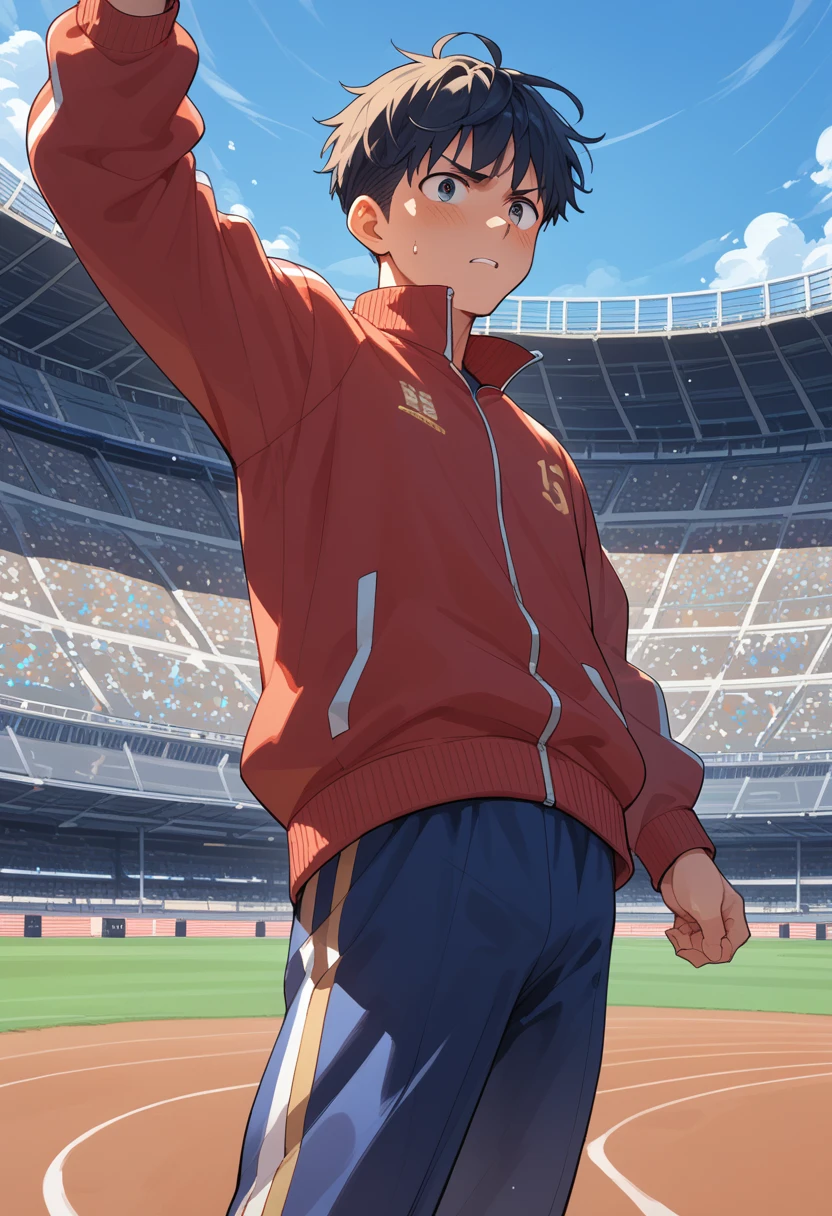
Prefect Pony XL v5, score_9, score_8_up, score_7_up, score_6_up, source_anime, 1boy, track jacket, stadium, blue sky, motion blur background
Try this prompt
Prefect Pony XL v5, score_9, score_8_up, score_7_up, score_6_up, source_anime, harbor at golden hour, ships, gulls, no people
Try this promptKey features
v5 in the line-up
Compare against v3/v4 when an illustration needs a touch more “pop” in clothing folds or eyes.
DPM++ 2M workflow
Pair with 28-32 steps. If you see moire/aliasing, prefer scheduler tweaks over doubling steps.
Eyes and fabric pop
Compared with earlier line siblings, v5 is the pick when you want a touch more specular in eyes and a cleaner fold read on costuming without noisy backgrounds.
Costume-first anime prompts
Lean on v5 when your brief calls for layered outfits, frills, and ribbons, keywords that also map well to e-commerce and figure mockups.
School and slice-of-life scenes
Rooftop, classroom, and soft daylight prompts pair with v5 for social-safe anime key art and light novel style covers.
Search cues: score_9, source_anime
Pages and prompts that name the full score ladder and source_anime help users discover a repeatable Prefect workflow in search and internal navigation.
Prompting guide
Learn how to get the best results from Prefect Pony XL v5
Vary score before steps
If micro-detail explodes, drop one positive score tier before you raise inference steps or switch samplers.
One knob per experiment
When comparing versions, keep seed and tags fixed while you change one setting, or keep settings fixed while you change one tag family.
Recommended settings
score_9, score_8_up, score_7_up, score_6_up, source_animerealistic, artist name, signature, watermark, worst quality, low quality, bad hands, bad anatomyRecommended tags
Frequently asked questions
Should I migrate from v4 to v5?
Re-evaluate a handful of your hero prompts. If v5 wins for your most common art direction, migrate; if not, keep v4 in rotation.
What scheduler and size defaults work for v5 on Anifusion?
Euler A with about 30 steps and guidance around 7 is a strong default. Use 1024 square or the supported SDXL portrait and landscape sizes on this model’s card.
Related models
Explore other anime AI models

Prefect Pony XL v3
Prefect Pony XL v3 is a highly acclaimed anime-focused image generation model based on Pony Diffusion XL. With over 6,800 five-star reviews and 21 million downloads, it stands as one of the most trusted models for anime art generation.

Prefect Pony XL v4
Prefect Pony XL v4 is a Civitai-sourced “Prefect” family checkpoint: tuned for a cleaner illustrative read than some heavier merges, with strong edges where you want them, and negatives that explicitly steer away from photorealism and on-image signatures. It speaks fluent Pony: score_9 and related tags for quality gating, source_anime for style lane selection.
Prefect Pony XL v6
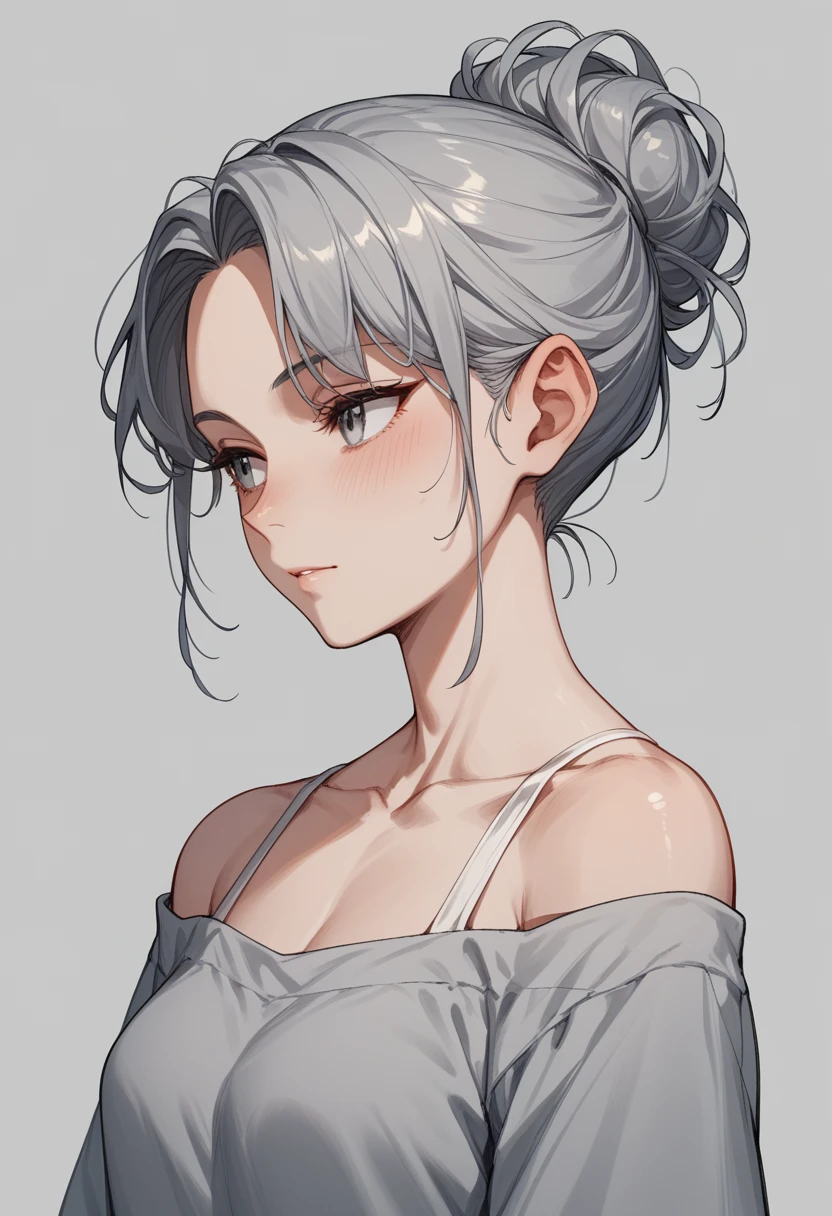
Prefect Pony XL v6 is the current-generation Civitai build of the Prefect Pony series. The family continues to target showcase illustration: high legibility, controlled painterly surface, and explicit negatives against photorealistic drift. Community expectations for “latest” can vary, so always validate a handful of your real production prompts, not a single test image.
Start creating with Prefect Pony XL v5
Join 130,000+ creators and bring your anime art to life with 100 free credits.